Undo send (up to 1 minute, 5 minutes with Plus)
Hold every outgoing email for 5 seconds to 1 minute so you can take it back, or 5 minutes with Plus. How to set the period and what the Undo toast does.
With a send cancellation period set, clicking Send does not deliver the message straight away. The server holds it for the number of seconds you chose and shows you an Undo button for that long. Click it and the message comes back as a draft, unsent. Nothing has left the server in the meantime — not to Private.Ki recipients, not to outside addresses.
Choose the period
- Open Settings and choose General.
1General2Send cancellation periodWeb & desktop 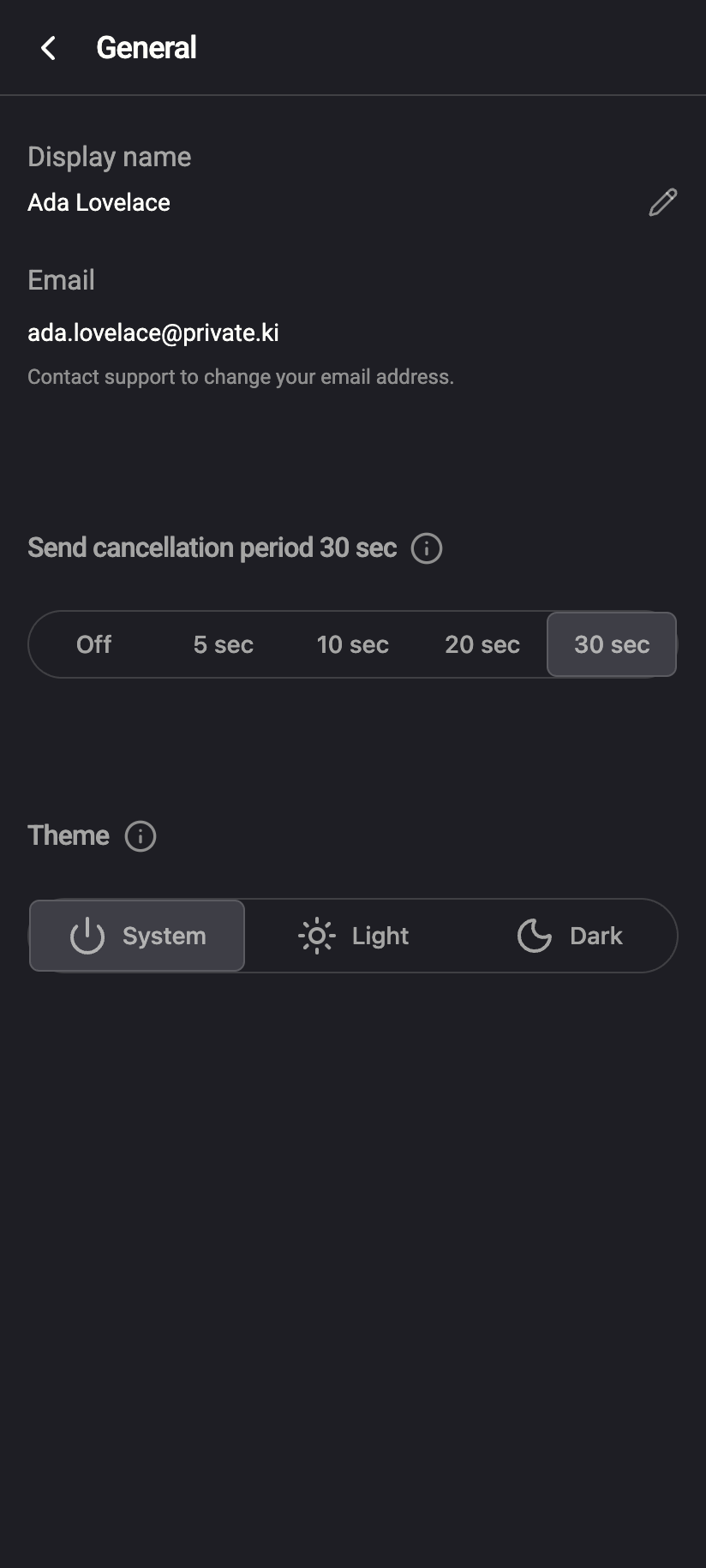 1
11Send cancellation periodiPhone 11Send cancellation periodAndroid - Under Send cancellation period, pick Off, 5 sec, 10 sec, 20 sec, 30 sec, 1 min, 2 min or 5 min. The heading shows the current value.
1Send cancellation period · 30 sec2Segmented control330 secWeb & desktop 1231Send cancellation period · 30 sec2Segmented control330 seciPhone 1231Send cancellation period · 30 sec2Segmented control330 secAndroid - The choice is saved as soon as you click it and applies to every message you send from any device.
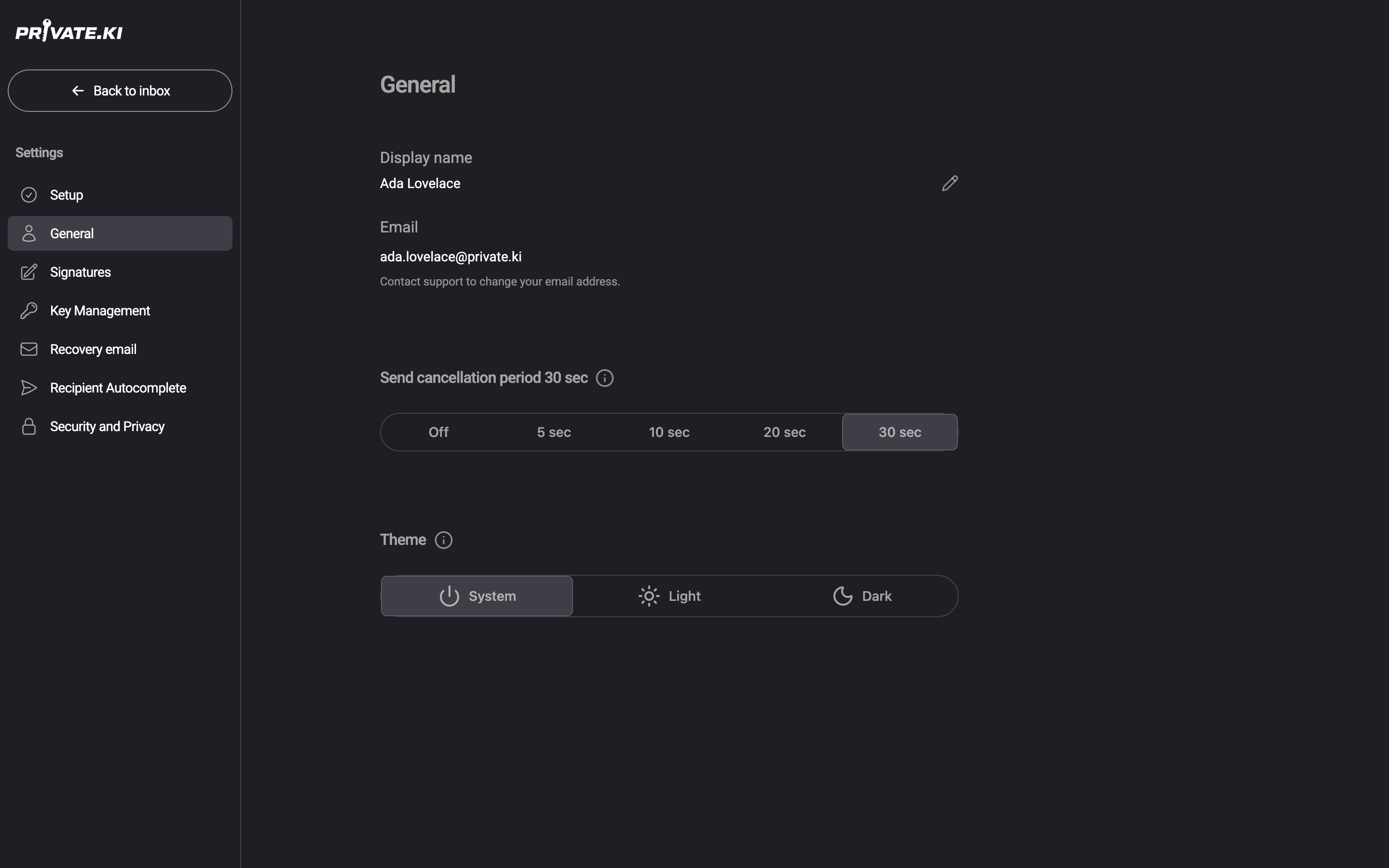
A new account starts with 10 sec. With Off, messages are sent immediately and the toast reads Message has been successfully sent!
The longest period on the free plan is 1 min; 2 min and 5 min need a Plus subscription. They are listed either way, and on the free plan pressing one opens the Plus panel instead of setting the period. Plus also adds Send later, which is a different thing: a time you choose up to 30 days ahead, rather than a few seconds' grace.
Settings › General on the phone has the same Send cancellation period control. Tap the value you want.
Take a message back
- Click Send. The composer closes and a toast appears: Message sent — You have 30 seconds to undo sending. with an Undo button and a countdown.
1You have 30 seconds to undo sending.2UndoWeb & desktop 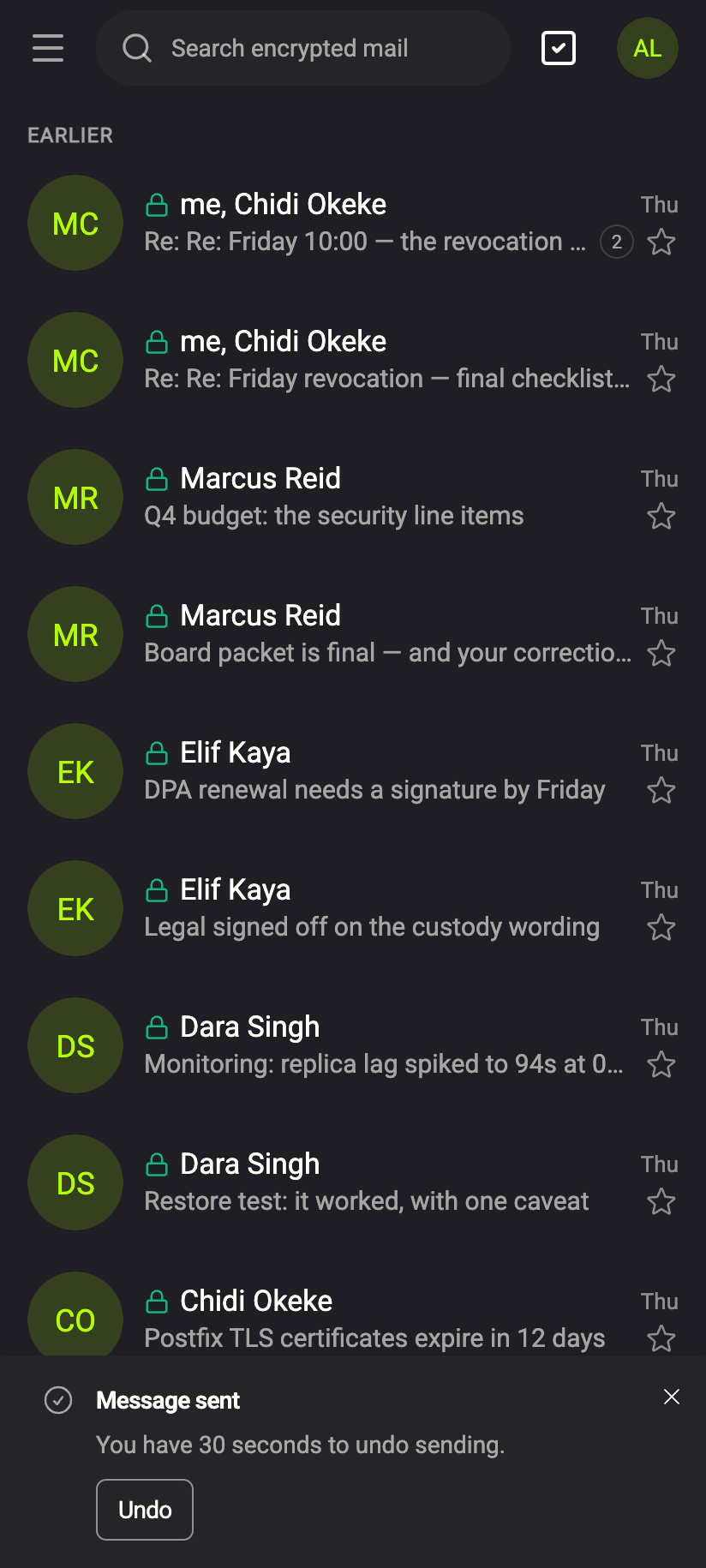 123
1231Message sent2You have 30 seconds to undo sending.3UndoiPhone 1231Message sent2You have 30 seconds to undo sending.3UndoAndroid - Click Undo before the toast disappears.
- The composer reopens with the message as a draft, exactly as it was — recipients, text, attachments — so you can fix it and send again, or delete it.
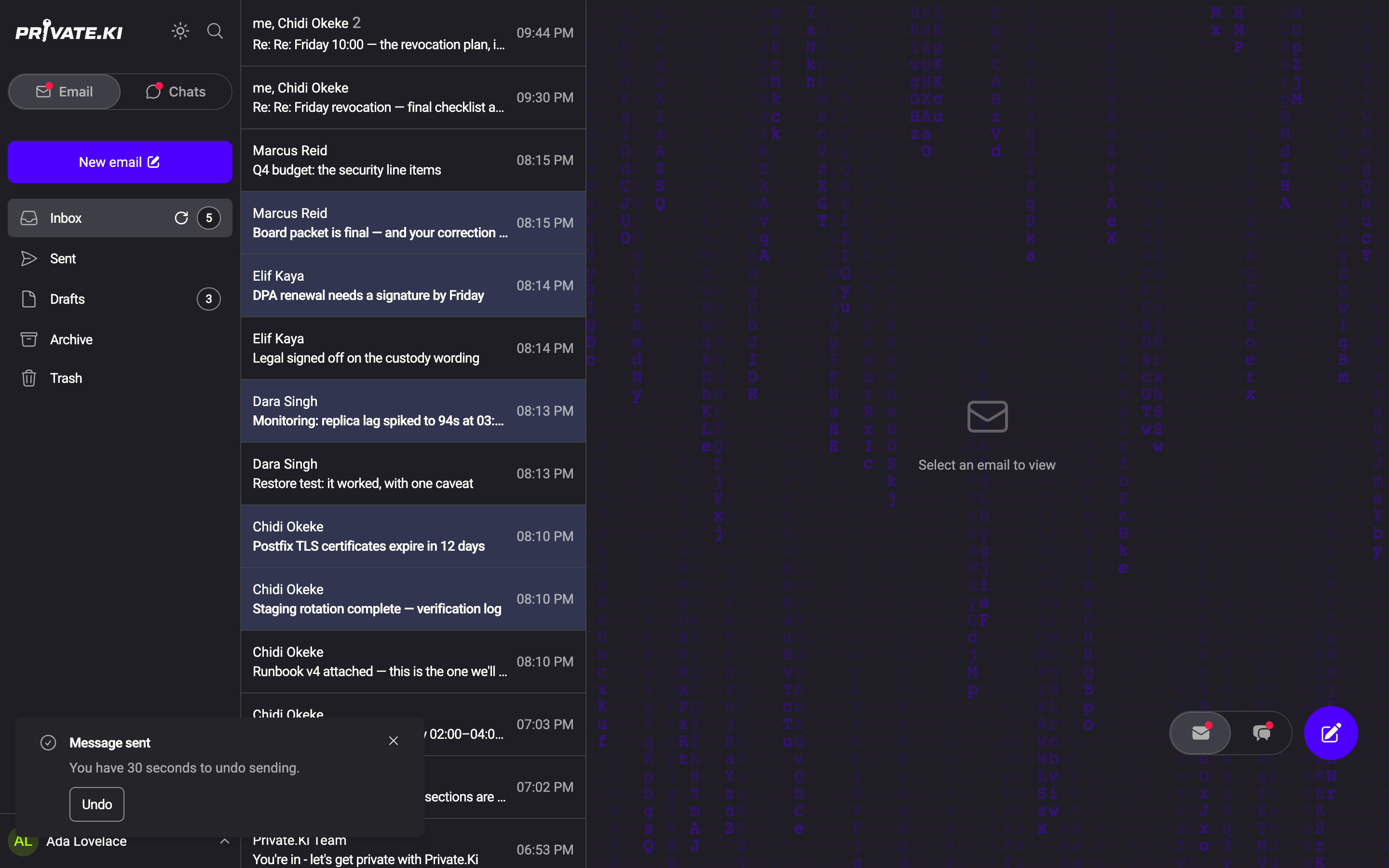
If you do nothing, the toast fades when the period ends and the message is delivered.
On the web the toast sits at the bottom left. Its ✕ closes the toast and sends the message at once — it is the "I'm sure" button, not a way to hide the countdown. To keep the window, use Undo or let the countdown run out.
The toast at the bottom of the screen reads Message sent with an Undo 30 button counting down. Tap it before it reaches zero.
What happens on the server
When you send with a period set, the server records the message as sent, schedules delivery for now + period, and returns. Only when that moment arrives does it deliver: encrypted copies to Private.Ki recipients and, if there are outside addresses, one message through the mail relay. Undo deletes the scheduled delivery and turns the message back into a draft.
Two consequences follow:
- The message sits in Sent during the window. If you undo, it disappears from there and reappears in Drafts.
- Once the period has elapsed and delivery has started, undo is refused (The message cannot be cancelled). The recipient's copy is theirs at that point, as with any email.
Common questions
I don't see the setting.
The control appears only when scheduled sending is enabled on your server. If Settings › General shows no Send cancellation period, ask your administrator.
Does the delay also apply to replies and forwards?
Yes. Every message sent from the composer is held for the same period.
Can I recall a message after the window?
No. Email has no recall; once delivered, the copy belongs to the recipient. Pick the longest period you can live with if you often catch mistakes late.
I undid a message and the composer did not reopen.
The draft is still there: open Drafts and click it.