Contact support
How to reach a person, what to put in your message, and what support can and cannot see or do — we cannot read your mail, and we cannot reset a passphrase.
If this Help Center did not answer your question, write to us at [email protected].
How to reach us
The address is [email protected]. The contact page shows it together with the public key and its fingerprint.
- From a Private.Ki account — sign up, then send an encrypted message or start a chat with
[email protected]. The message is encrypted to our key before it leaves your device. This is the way to write to us: we can read it, and nobody in between can. - From any other mail app — write to
[email protected]. It arrives as ordinary email unless you encrypt it. - With our PGP key — the public key is on the contact page. Any PGP program can seal a message to it. The fingerprint is
4CDD F868 8672 B218 D278 E0BD 3C24 6007 7BCB 0CA2.
The Contact support button at the bottom of every Help Center page brings you here. To report spam, phishing or another account misusing Private.Ki, use Report abuse or spam instead.
 12341234
What to include
The more of this you give us up front, the faster the answer:
- Your username (the part before
@privateki.net). Not your password, not your passphrase — ever. - What you were doing, what you expected, what happened instead. One or two sentences each.
- The exact wording of any error — for example Too many requests, Connection lost, That code has expired.
- Where you were — web (which browser and operating system) or the iPhone or Android app, and whether you were on Wi-Fi, mobile data, a VPN or Tor.
- When it happened, with your time zone.
- A screenshot, if it shows the problem. Check it does not show a message body you would rather we did not see; we cannot read your mail otherwise, and a screenshot is the one way you can give it to us.
Never send your password, passphrase, recovery code or two-factor code. Support will never ask for them. A message asking for them is not from us.
What support can see
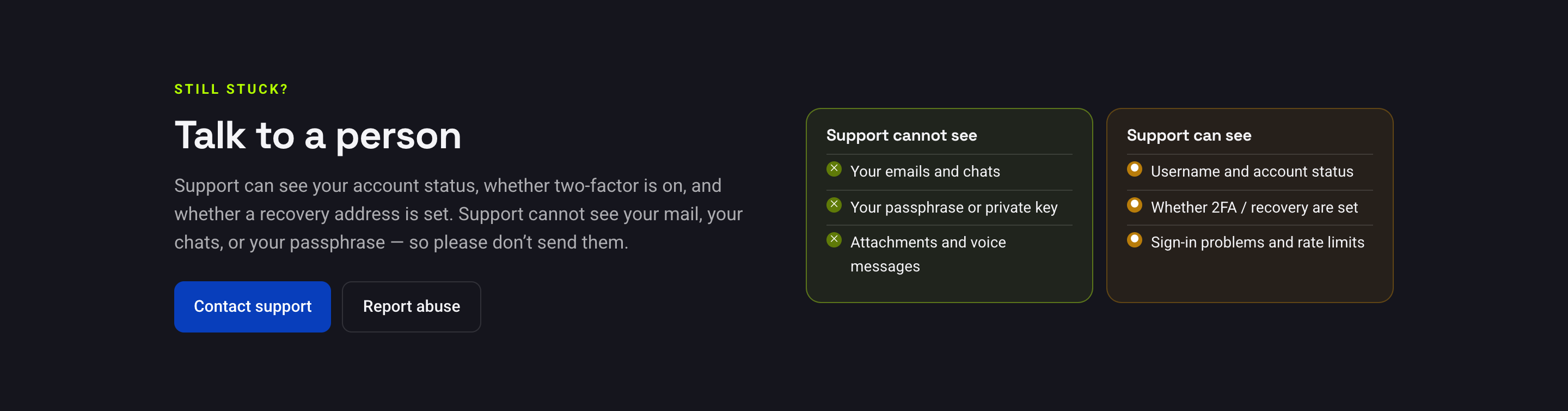
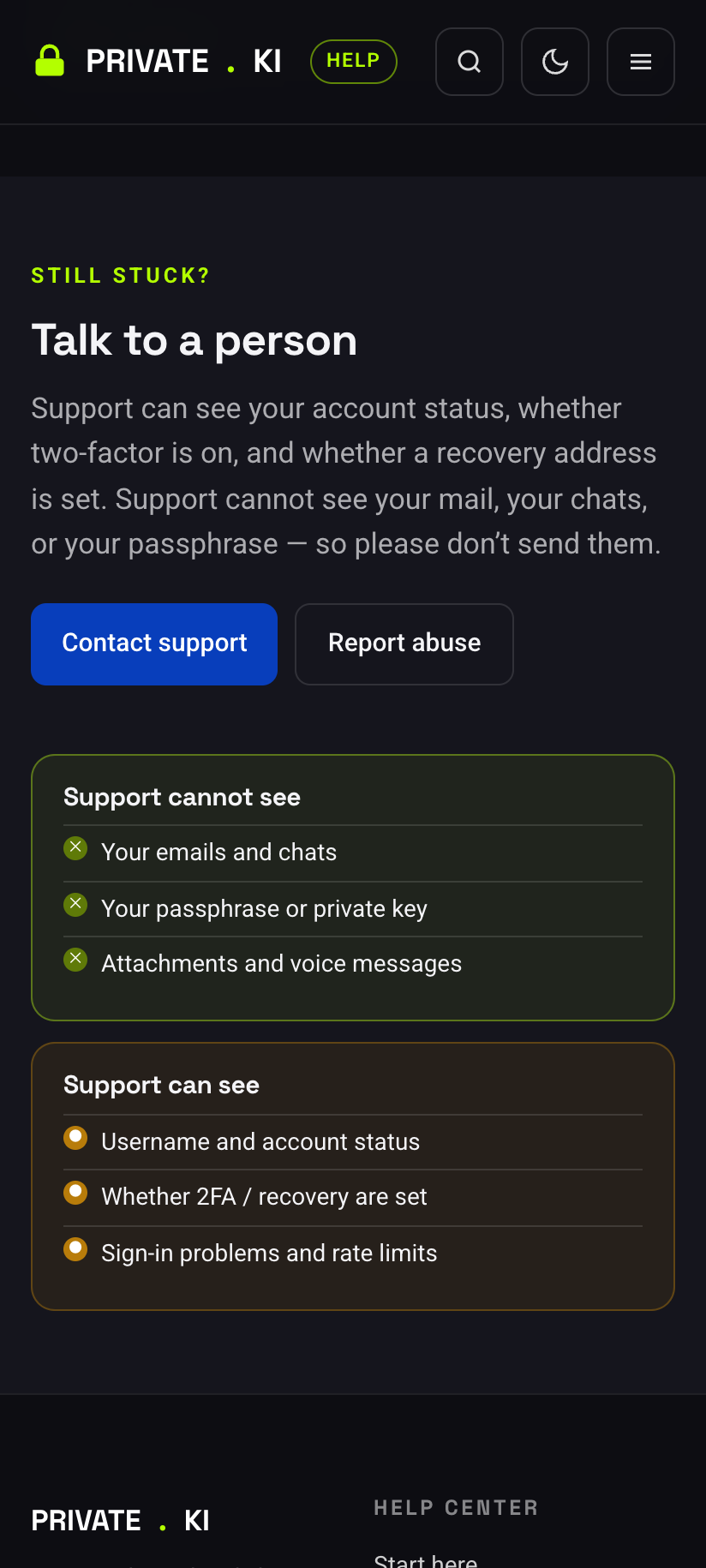
Support has a console that shows account-level facts. It does not have, and cannot get, the content of your account.
Cannot see
- The text or subject of any email or chat, attachments, voice messages
- Your password, your passphrase or your private key
- Your recovery address — the server holds only a hash of it
- Who you write to
Can see
- Your username, display name, when the account was created and when it last signed in
- Whether the account is active, disabled or awaiting mandatory setup
- Which unlock method you chose (password-derived or passphrase) — not the secret itself
- Whether two-factor authentication is on, and whether a recovery address is set (yes/no only)
- Counts — how many messages, threads, drafts and signatures, and how much encrypted storage they use
- Which devices hold a quick-unlock session or a push-notification registration
- Whether your requests are being rate-limited
The complete picture is in What our server can and cannot see.
What support can and cannot do
Can:
- Sign you out of every device at once — for example after a phone is stolen. See Active sessions.
- Re-enable an account that was disabled, once we have established it is yours. See Account suspended.
- Tell you why a sign-in is failing — locked, suspended, rate-limited, wrong second factor — and what to do next. See Sign-in problems.
- Grant an additional username change. See Change your username.
- Clear a mandatory two-factor setup that is blocking you from finishing registration.
Cannot:
- Read, search, restore or forward your mail or chats. Permanently deleted messages are gone; there is no server-side copy we can reach.
- Reset your passphrase. Nobody can. See Your passphrase.
- Reset your password directly. The only route is password recovery through your recovery address.
- Turn off two-factor authentication on your say-so. If you still have a signed-in device, do it there. If you are signed out everywhere, we can try to verify that the account is yours through your recovery address — if you set one. See Turn off two-factor authentication.
- Tell you your recovery address. We do not have it in readable form.
- Delete your account from inside the app; self-service account deletion is not available.
Common questions
How long until I hear back?
We read [email protected] and reply from it. We do not publish a response time.
Is my message to support encrypted?
From a Private.Ki account, yes, end to end — mail and chat both. From another provider it is ordinary email unless you encrypt it yourself to the public key on the contact page.
Can support see that I contacted them?
Yes. You sent it to us, so we can read that one message — the address it came from and what you wrote. That is the one thing about your communication we can read.
Do you offer phone support?
No.