Can I change my username?
Normally no — your username is your email address and your key is bound to it. Change your display name instead, unless you joined via a chat invitation.
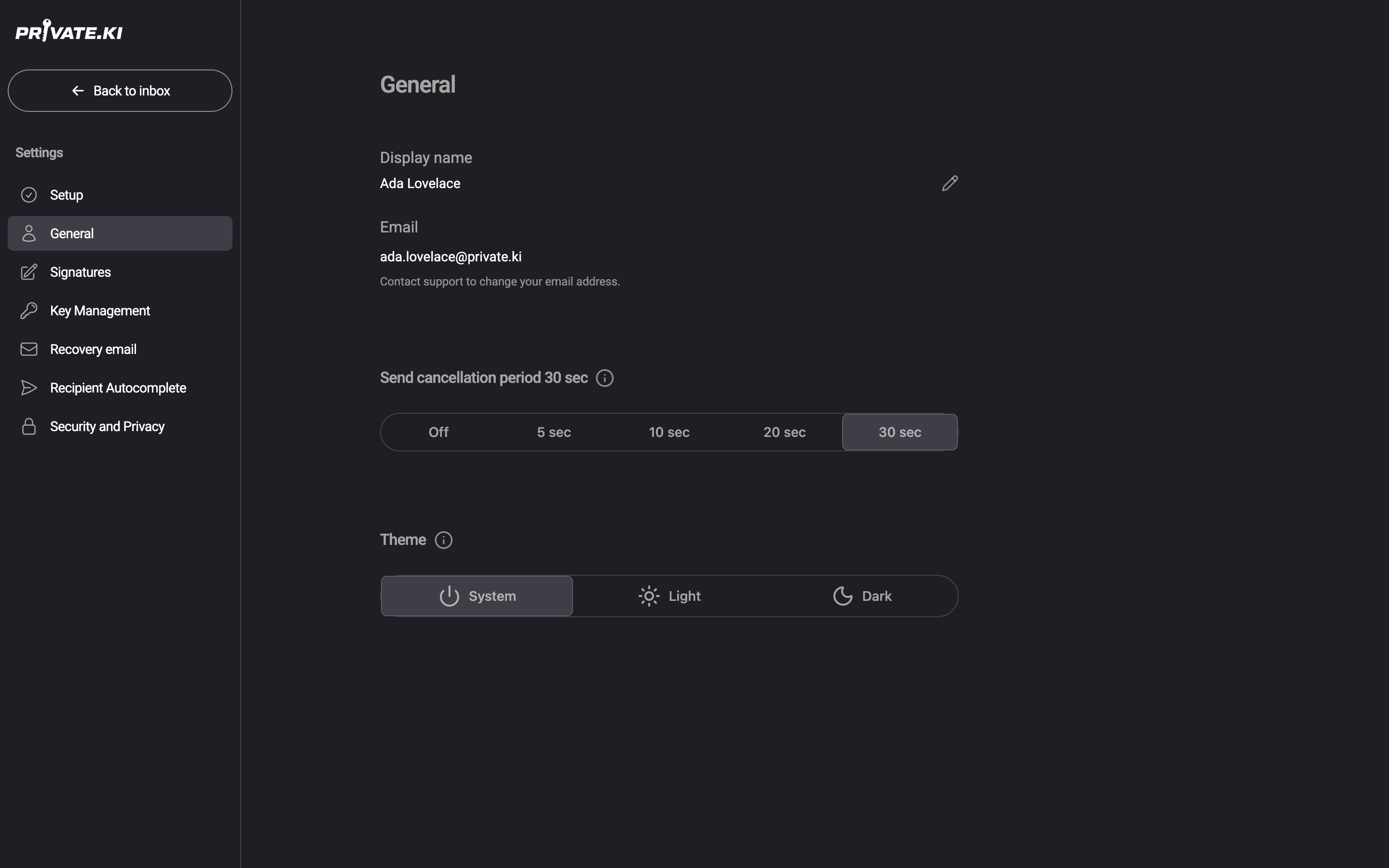
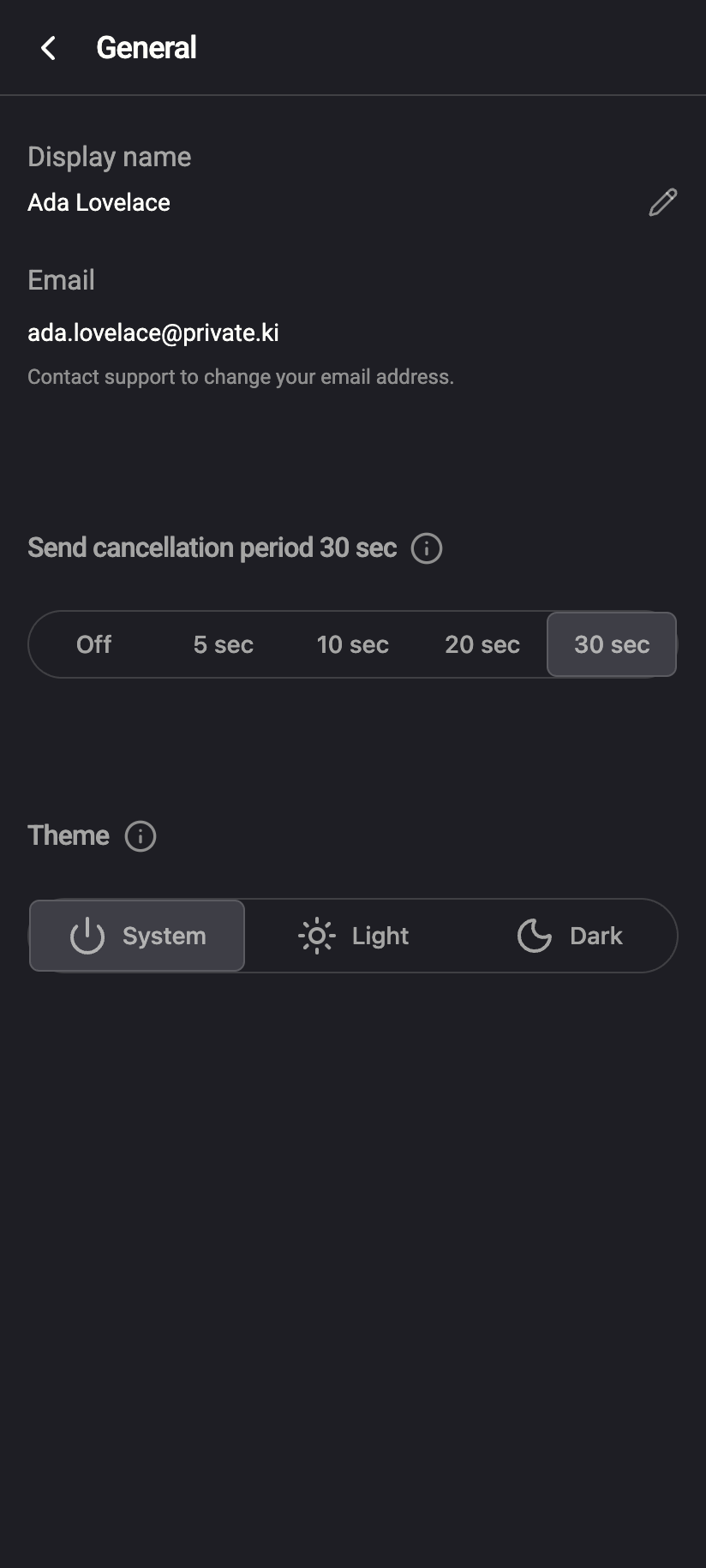
For an account you signed up for yourself: no. Your username is the part before @ in your address, and everything else about the account is built on it. In Settings › General the Email row is read-only and says Contact support to change your email address.
 1212
1212Why it cannot be changed
- It is your address. Everyone who has written to you, every thread in your mailbox and every chat you are in refers to
username@…. Renaming it would break every one of those. - Your key is bound to it. Your PGP key pair was generated for your address, and other people have imported your public key under that address. A new username needs a new key pair — and messages encrypted to the old key are not readable with a new one.
- Old names are retired, not recycled. A username that has been used is blocked from being taken by anyone else, so mail meant for you cannot go to a stranger later.
Because of the second point, the only way the app can implement a username change is as a complete reset — which is what happens in the one case where it is allowed.
The exception: accounts created from a chat invitation
If your account was created by opening someone's chat invitation link or QR code, you got an automatically generated username and one username change. Such an account has no password yet and unlocks by password rather than passphrase, and the Email row in Settings › General shows a pencil icon.
The dialog says it exactly: This will permanently delete all your messages, threads, and contacts. New encryption keys will be generated. Your old username will be blocked from future use. This action cannot be undone. Do it right after the account is created, before there is anything in it worth keeping.
- In Settings › General, click the pencil next to Email.
- Type the new Username (6–30 characters, lower-case letters, digits and dots; at least one letter; no leading, trailing or double dots). The app checks availability as you type and shows Username is available or This username is not available.
- Click Change Username and confirm Change Username? in the dialog.
- Your device generates a fresh key pair for the new address and the app signs you back in. A toast shows Username changed successfully — Your new email is ….
After this the change is used up and the row becomes read-only like everyone else's. The option also disappears as soon as you set a password or switch to passphrase unlock — the app shows Username change is not supported for accounts with a password or passphrase.
What to do instead
- Change how your name appears. Your display name is what people see in the From line and in chats, and you can change it any time.
- Start a new account. If you need a different address — say, a professional one — create a new account and tell your contacts. There is no forwarding between Private.Ki accounts and no way to move encrypted mail from one to the other; you can keep the old account signed in on a device for as long as you need to read old messages.
What our server sees
Cannot see
- Your messages — the reset in the exception case deletes them; it does not read them
Can see
- Your current username, and any retired usernames (kept only to block reuse)
- How many username changes your account has left (0 for normal accounts)
Common questions
Can support change it for me?
The read-only row says to contact support, and support can grant an account a username change — but the app then only offers it to accounts that have no password and do not use a passphrase, and it still wipes the mailbox and generates new keys. In practice, for an account with mail in it, a new account is the better path. Contact support if you think your case is different.
Is the username case-sensitive?
No. Usernames are one namespace regardless of case and are always stored in lower case. Ada.Lovelace@ and ada.lovelace@ are the same mailbox.
Someone already has the username I want.
Usernames are unique and retired names are never reused. Pick another.