My account is locked
A locked account can mean you locked the app yourself, a code limit is cooling down, or we disabled the account. How to tell which, and what to do.
There is no single "locked account" state in Private.Ki. If the app will not let you in, you are in one of three situations, and each has a different fix.
1. You locked it yourself (most common)
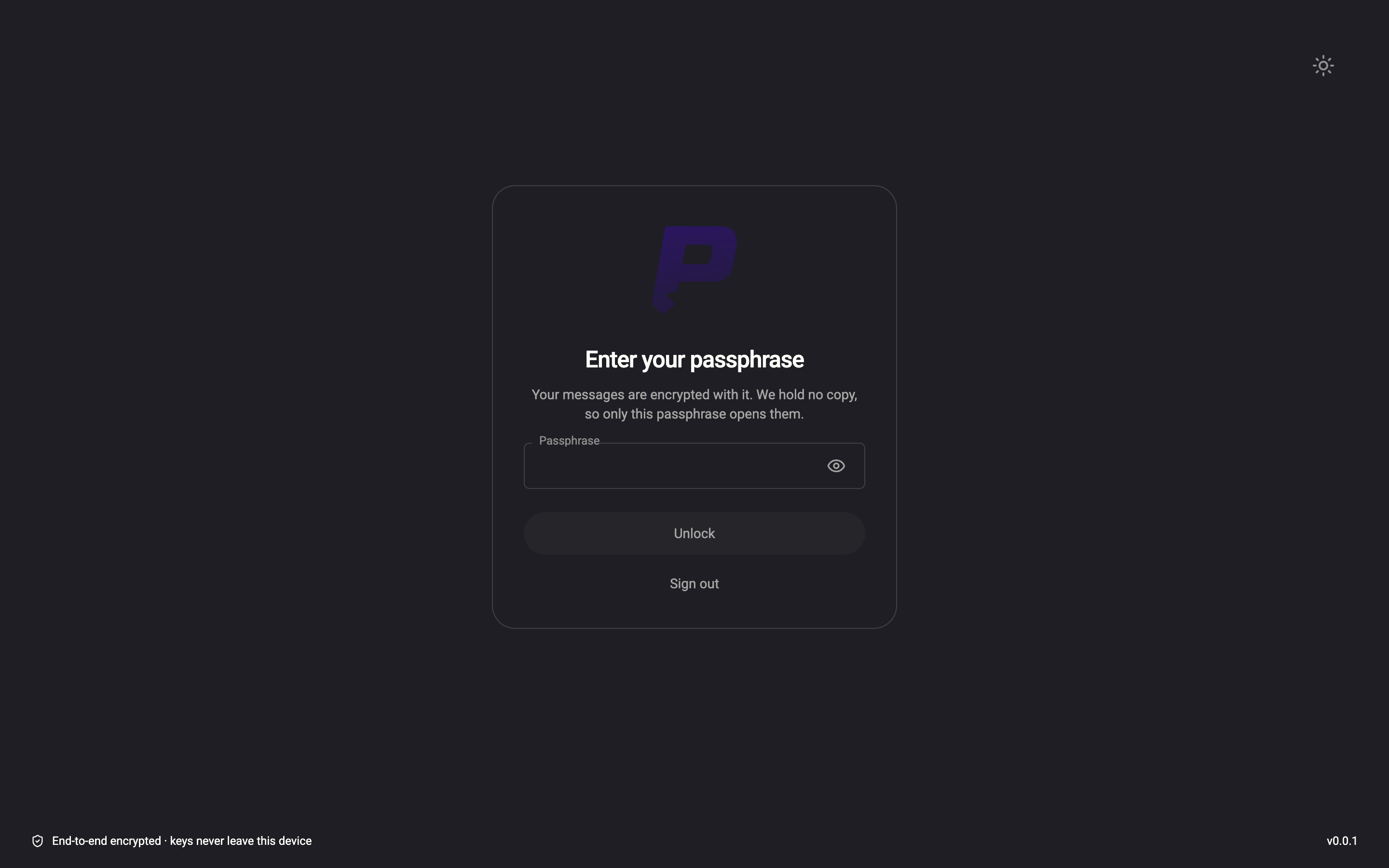
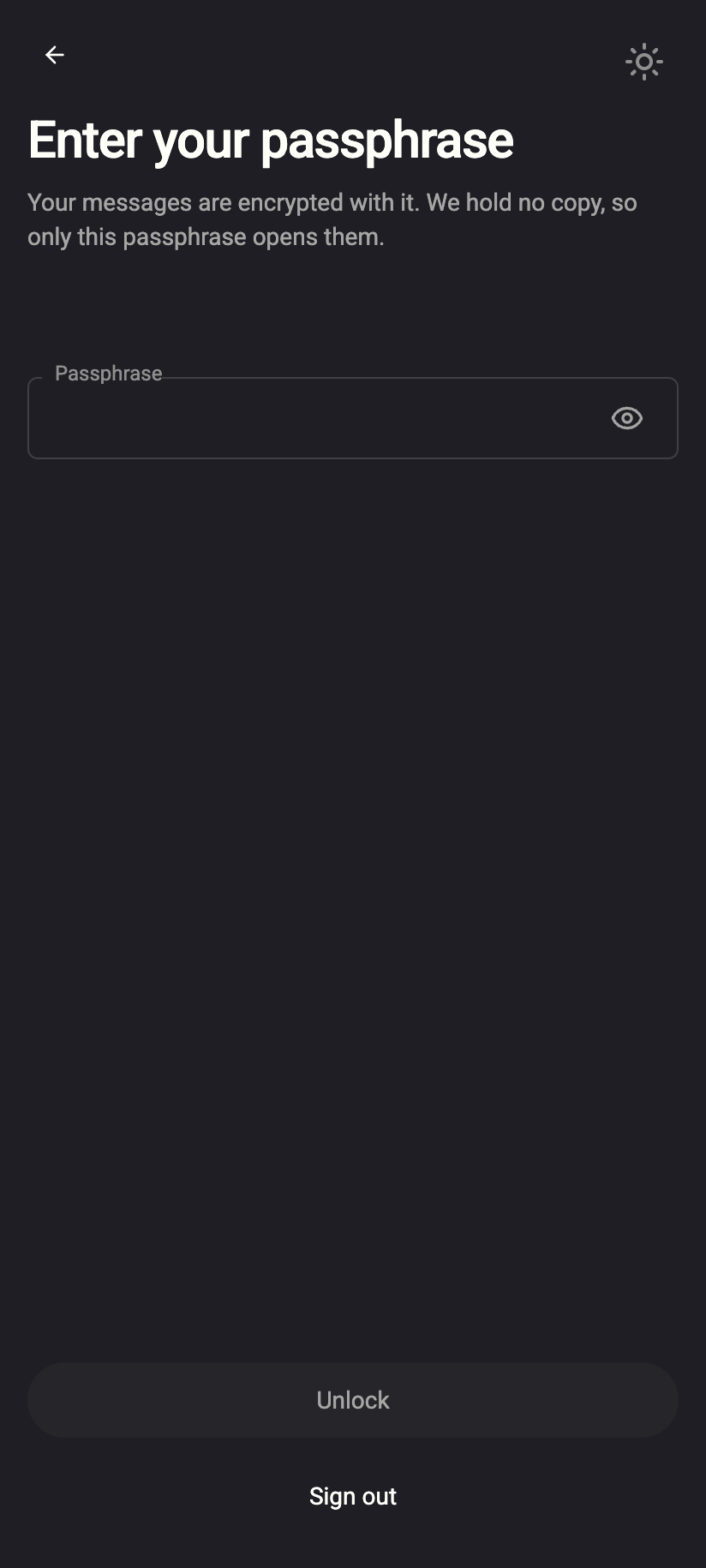
The app has a Lock account action: it closes your keys but keeps you signed in, so the next person at the screen sees a lock screen instead of your mail. It happens when you:
- choose Lock account from the account menu (your name at the bottom-left; on the phone, the account row in the drawer ☰),
- press Esc twice on the web, or
- stay offline for about 30 minutes — the app locks on its own.
 123123
To unlock: enter your passphrase, or — on password-unlock accounts — click Unlock. On the phone, enter your PIN or use Face ID / fingerprint. Nothing has happened to your account; see Lock and log out.
If you get Error decrypting private key: Incorrect key passphrase repeatedly, you are typing a different passphrase than the one your key was created with. A passphrase cannot be reset — see Your passphrase.
2. A code limit is cooling down
Some inputs have a strict guess budget, and hitting it looks like a lock:
| What you were entering | Limit | What you see | What to do |
|---|---|---|---|
| Two-factor code (sign-in or disabling 2FA) | 5 wrong codes → 15 minutes blocked, per account | Too many incorrect codes. Try again later. | Wait 15 minutes. Check your phone's clock is automatic. |
| Recovery email code (add, remove, reset password) | 5 wrong codes destroy the code; codes expire after 15 minutes | Invalid or expired verification code | Request a new code and use the newest one. |
| Email-code sign-in | 5 code requests per minute per connection; 5 wrong codes per code; codes expire after 5 minutes | Invalid code. N attempts remaining. then Too many failed attempts. Please request a new code. | Wait a minute, request one code, enter it once. |
A wrong password does not lock your account — there is no counter on password attempts. Every attempt costs your device a small proof-of-work, which is what slows a guessing attack down. If you keep seeing We couldn't log you in, the username or password is wrong; see Sign-in problems and Reset a forgotten password.
Other per-connection budgets (sign-up, username checks, device pairing) are listed in Why am I rate-limited?.
3. We disabled the account
If we disable an account — for abuse, spam, or a legal reason — you are signed out on every device and can no longer sign in. Deliberately, the sign-in screen does not tell you this: a disabled account fails exactly like a wrong password (We couldn't log you in. Something you entered was incorrect, but we can't say what), so that the form cannot be used to find out which accounts exist or which we have acted on. Email-code sign-in answers User not found.
So if your password is definitely right, two-factor is not the problem, and you were signed out everywhere at once, read My account is suspended and contact support.
Can you unlock it for me?
- Situation 1: only you can — the lock is on your device and the passphrase is yours.
- Situation 2: no need; wait for the window to pass. Support cannot shorten it.
- Situation 3: support can look at the account. We will not unlock accounts disabled for violations of the anti-spam policy or our terms.
What our server sees
Cannot see
- When you lock the app yourself — the lock is entirely on your device
- Your passphrase or your keys, locked or unlocked
Can see
- Wrong two-factor and verification-code attempts, counted per account for the lock-out window
- Whether the account is enabled or disabled
Common questions
The app locked while I was using it.
Your device was offline for about 30 minutes, or the app went to the background long enough on the phone. Unlock as usual. This is protection against a device left unattended, not a sign of a problem with your account.
I did not set a recovery email. Does that matter for a lock?
Not for situations 1 and 2. For situation 3 a recovery address is how support can verify that you are the owner when you write to us, so it helps.
I am locked out of two-factor on a lost phone.
That is not a lock — it is a missing second factor. See Turn off two-factor authentication for what to do.