A messenger that behaves like one — and is always encrypted
Every single message is fully encrypted — text, reaction, voice note or attachment — on your device, before it leaves. There is no way to send an unencrypted one, and no one can read it, including us.* How the encryption works →
Around that: reactions, emoji, stickers, delivery ticks, typing — and all things ordinary messengers do not give you.

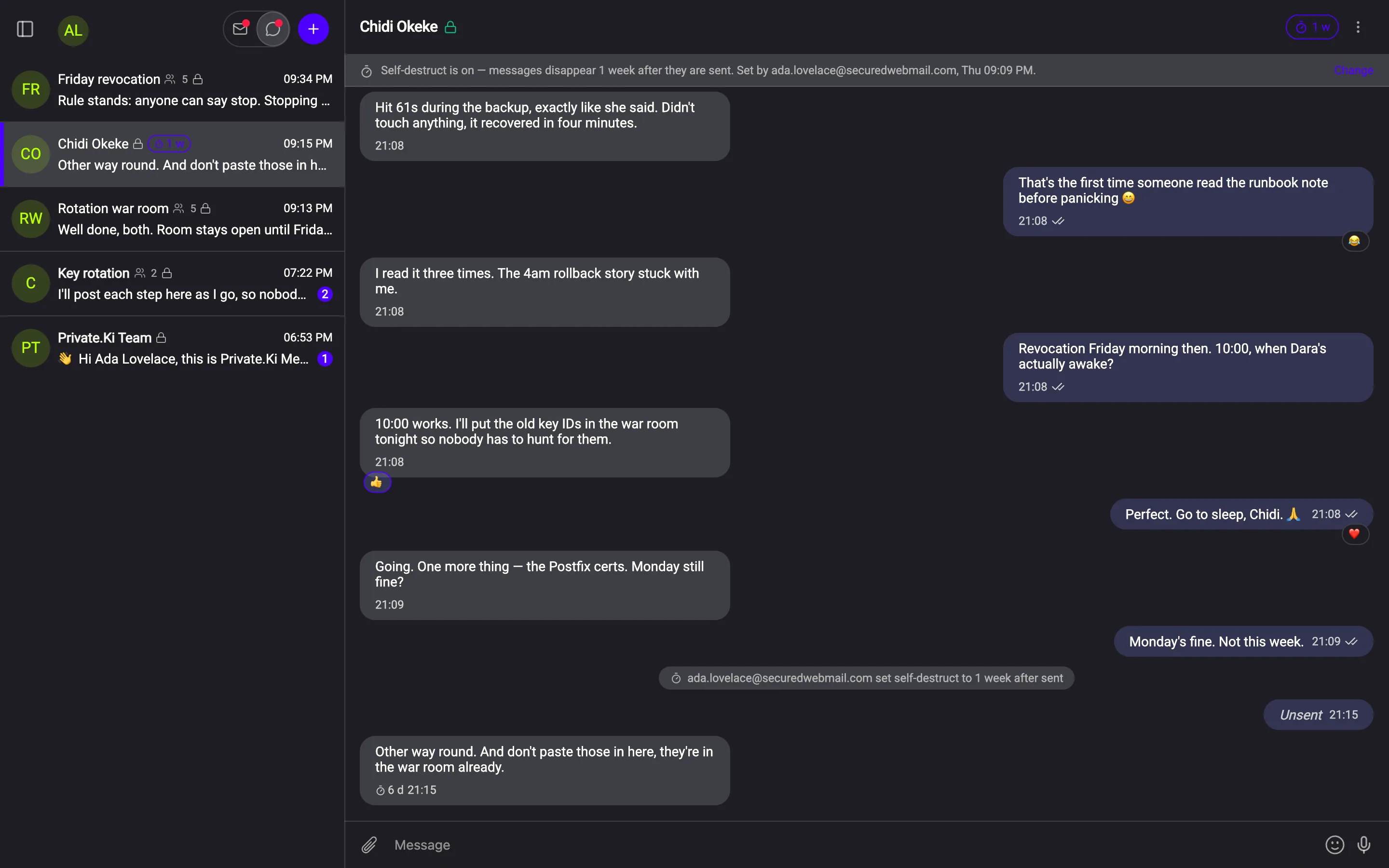
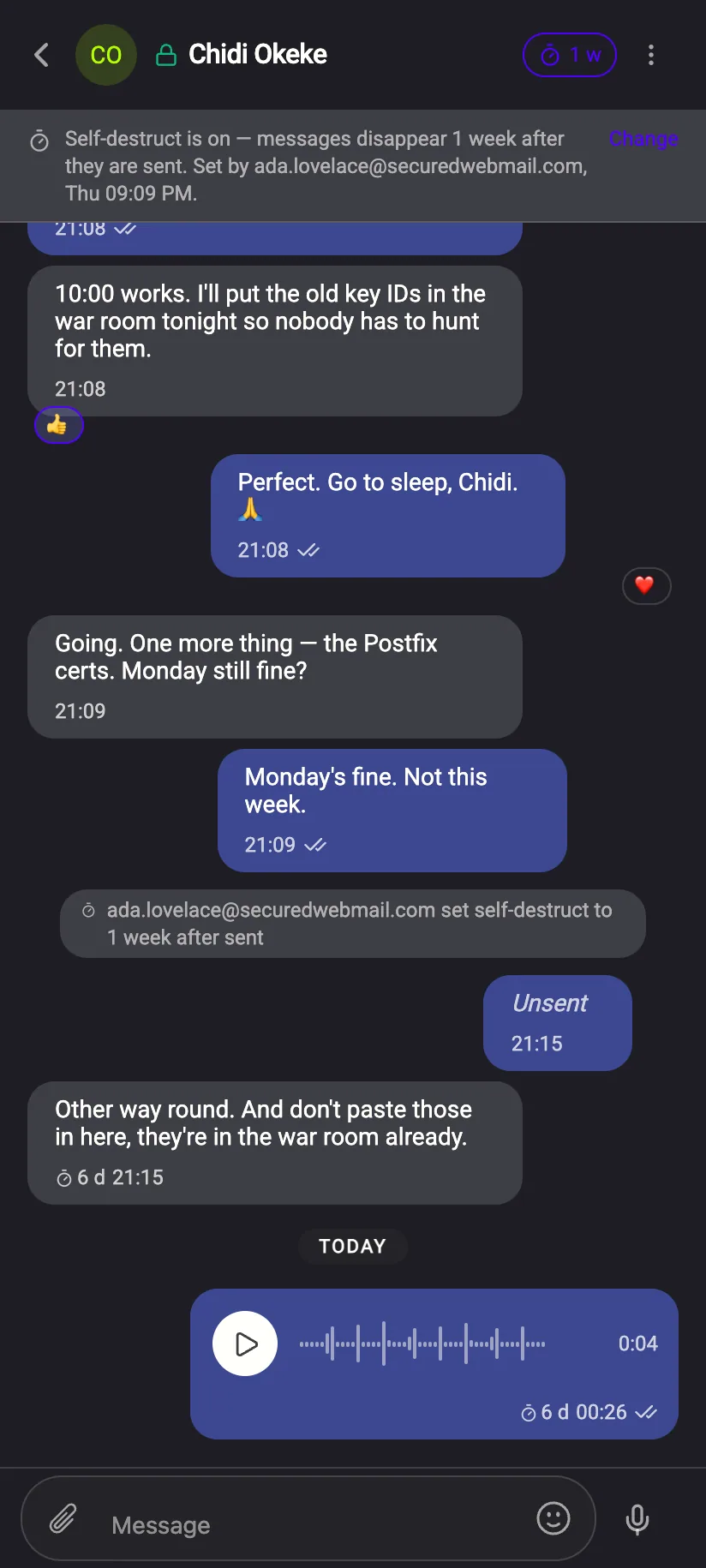
Three ways to take something back
All three are encrypted instructions to the other device — not something we do for you on a server.
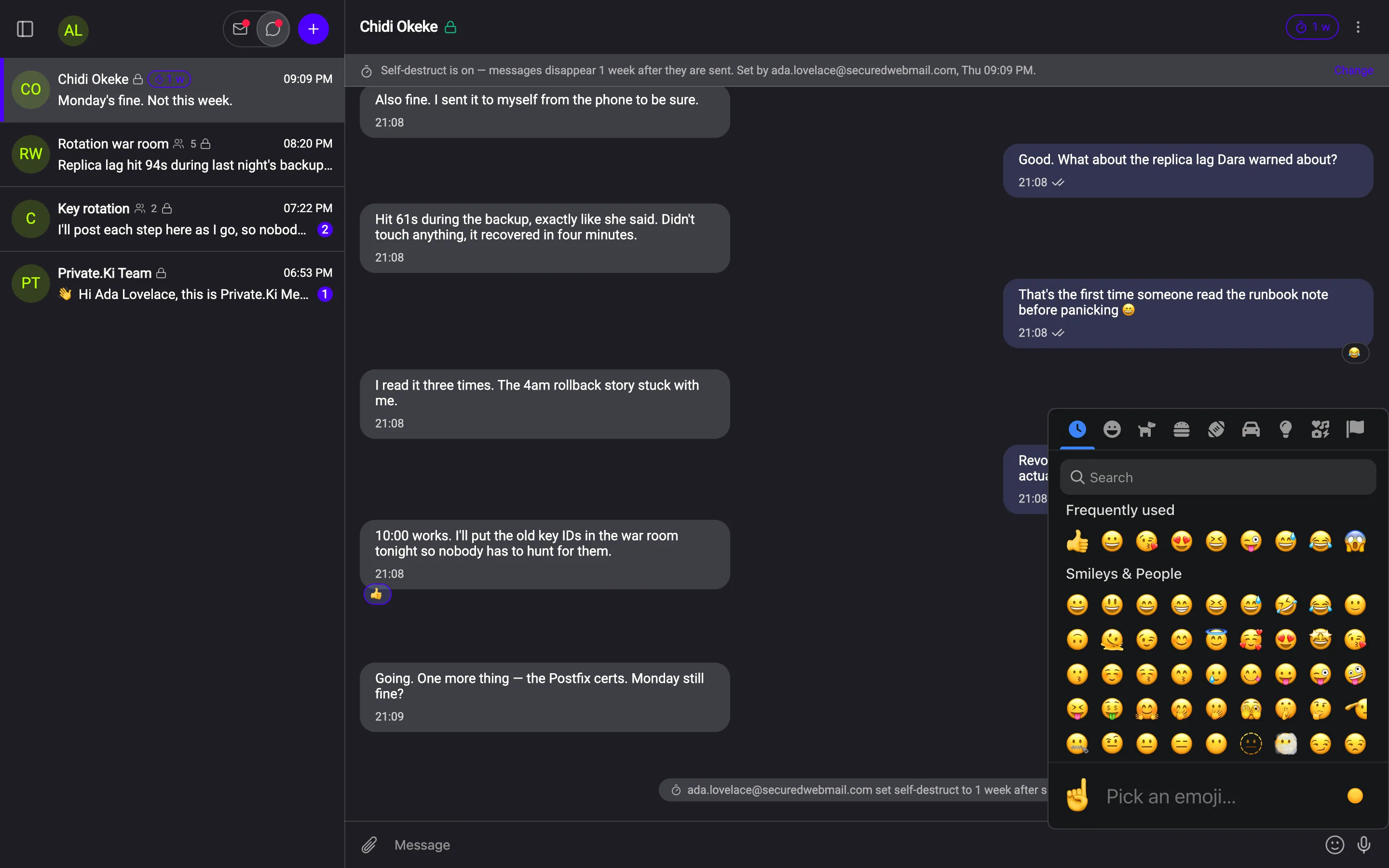
Emoji, voice, typing — encrypted like everything else
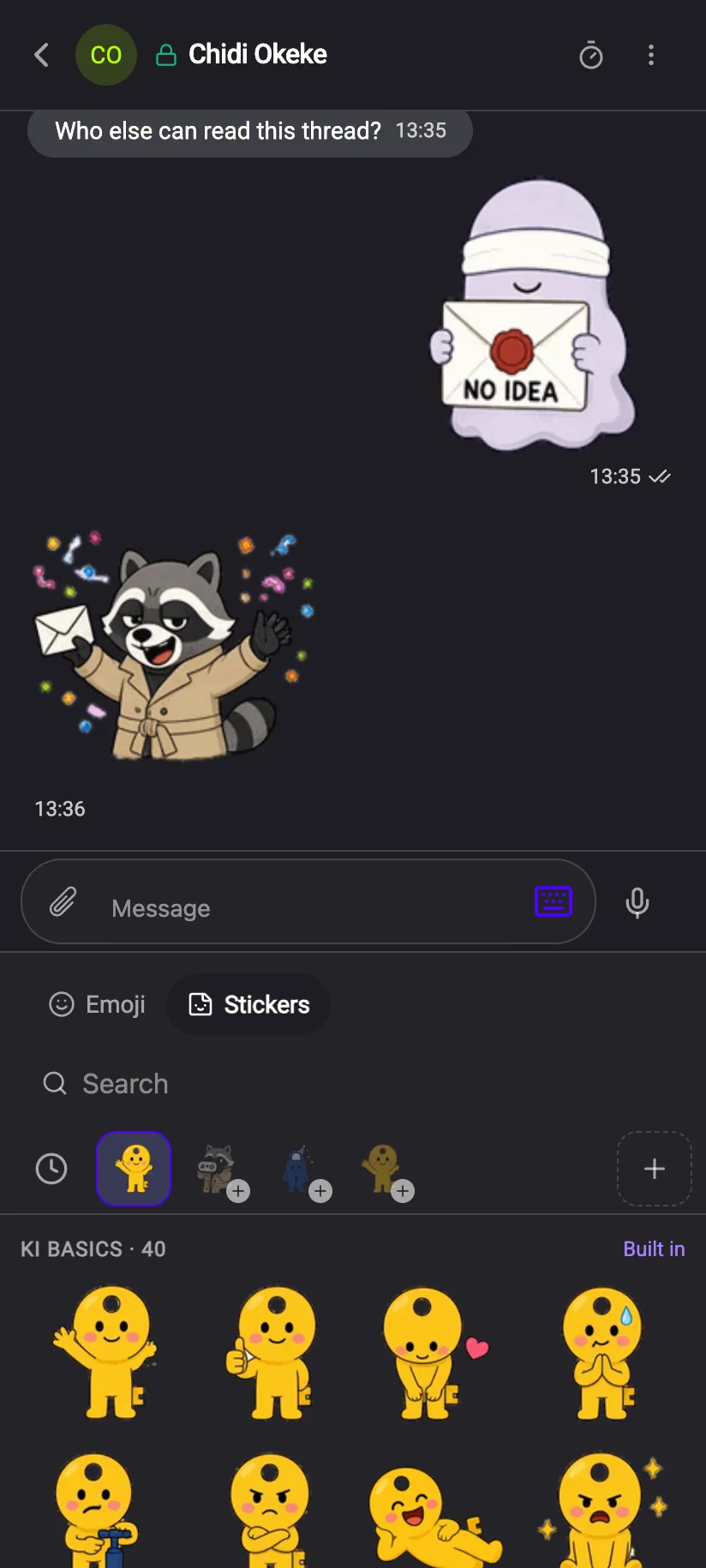
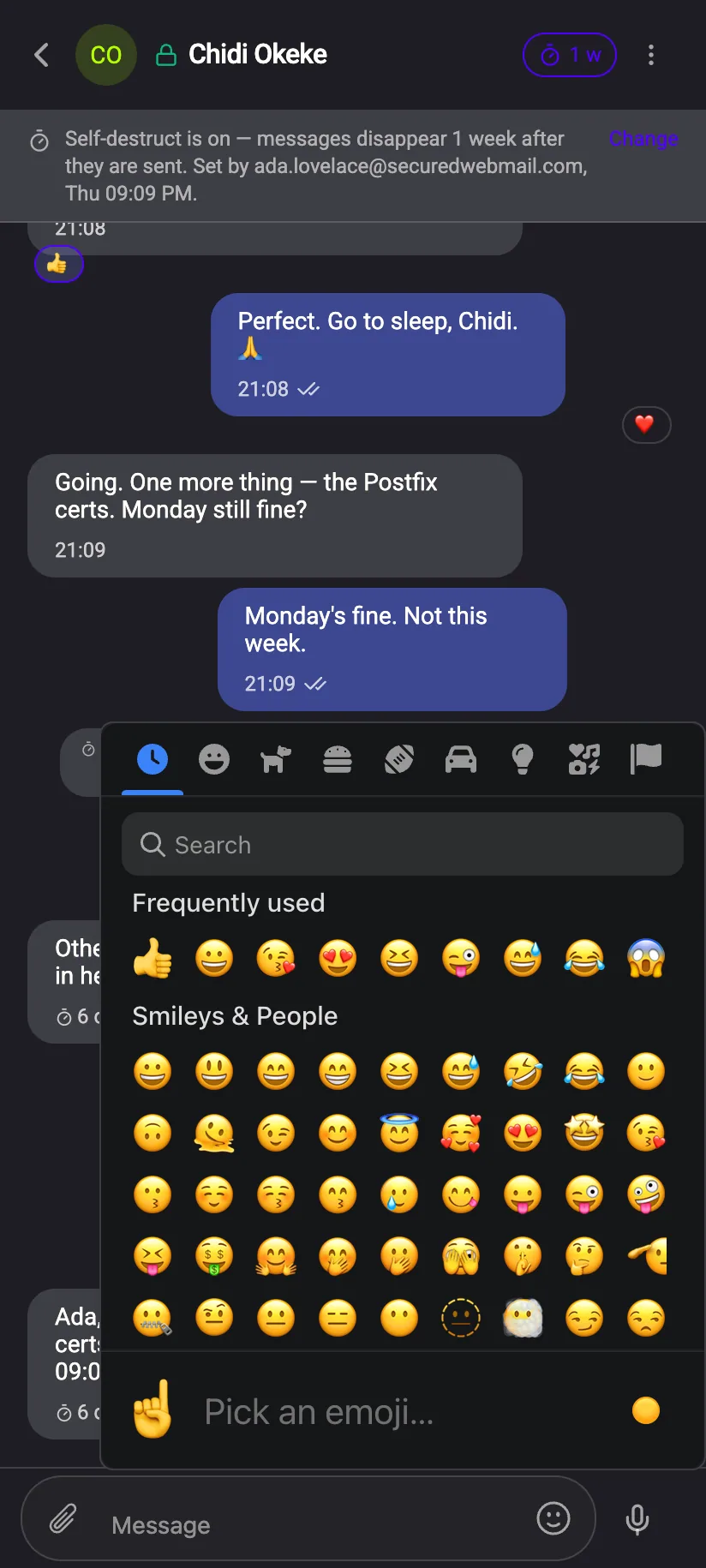
A full emoji picker with categories, search and your frequently used set — it shares one tray with the stickers. Voice notes recorded in the chat and sent as encrypted attachments. Typing indicators and delivery ticks in one‑to‑one chats.
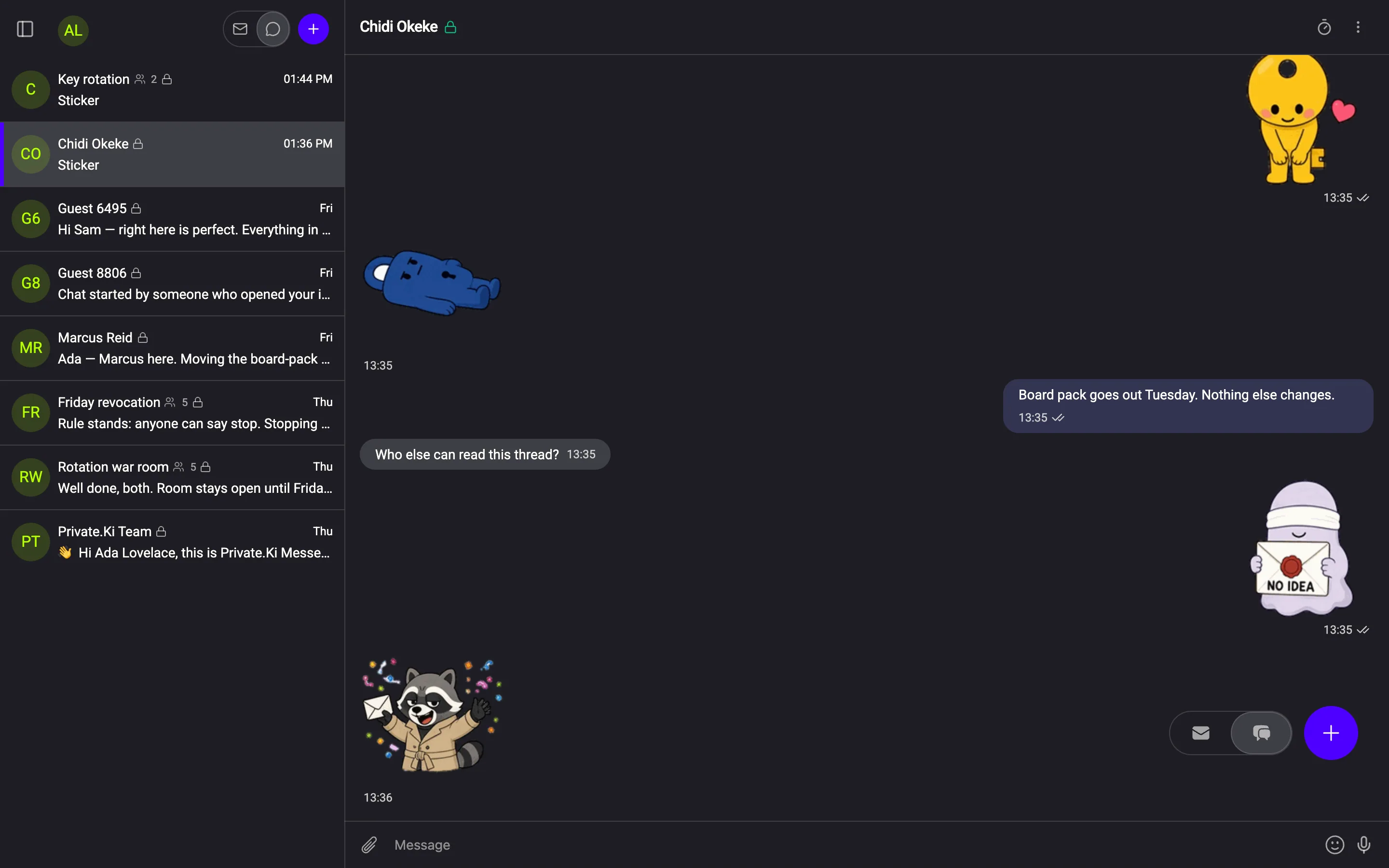
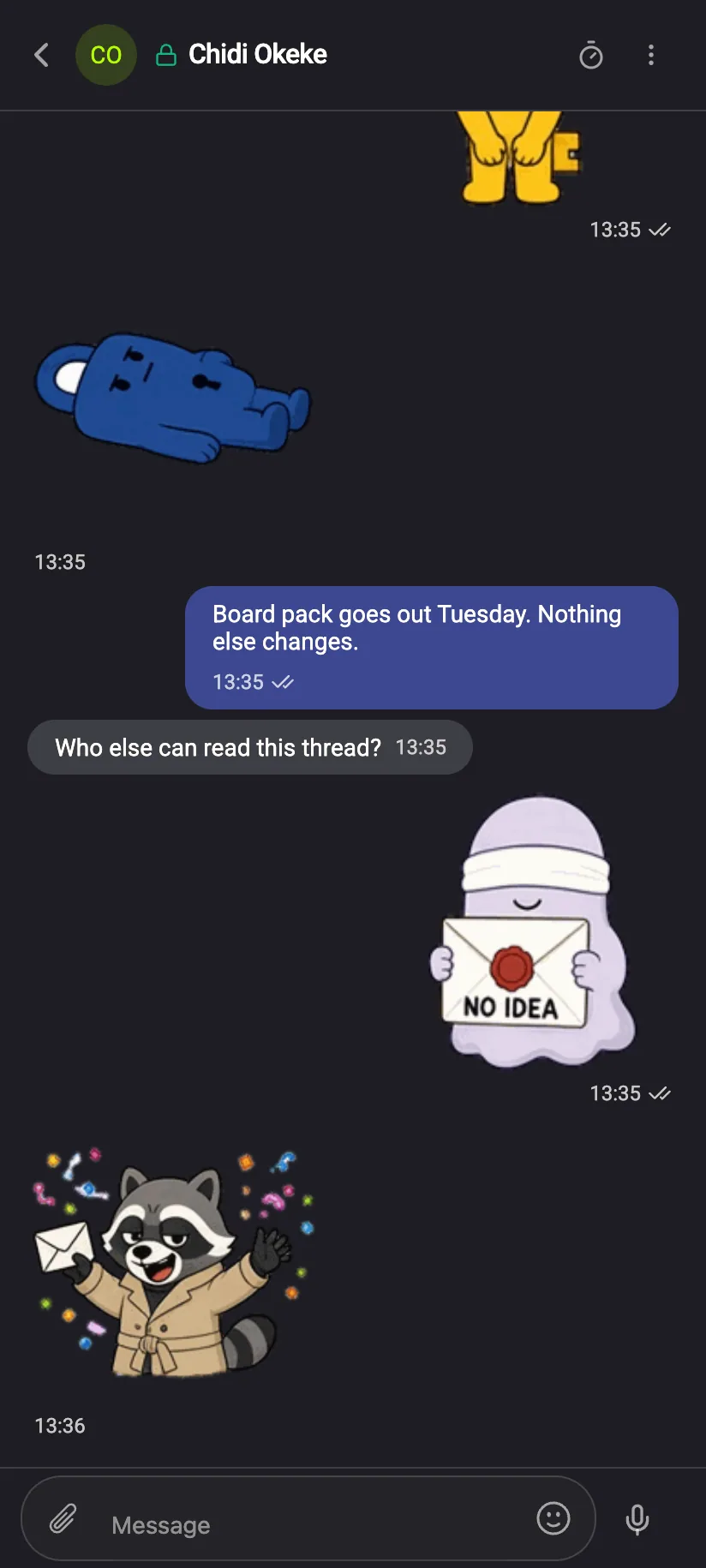
Stickers. Sent as a name, never as a picture.
Four packs of Ki Friends ship inside the app, one of them animated. When you send a sticker, the message carries only which one it is — pack, number, version — inside the same end‑to‑end encrypted message as your text. No image is uploaded, attached or stored for the send. The other device already has the art and draws it.
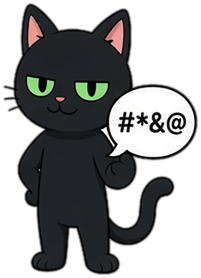
Seven Ki Friends. Four packs. Forty stickers each.
Every sticker is one of the Ki Friends. Five of them have their packs; Tinny and Cipher are drawn and waiting for theirs.






How it stays private
A sticker is a reference to art that is already on both devices. The reference travels inside the encrypted message, so it is protected exactly like your text: our server stores ciphertext, not which sticker you chose. Nothing is fetched from a server to show it, and adding a pack or choosing a favourite is recorded on your device only.
The technical detail
Inside the encrypted message the app writes one header, X-PKI-Sticker: <pack>/<number>/<version> — for example ki-basics/03/1 — and a one‑line body, [Sticker: Ki Basics – Thank you], which is what a reader without the art sees. There is no attachment and no image data. The receiving app reads the header and draws the sticker from its own bundle. The animated pack (Ki Basics Animated) is the same: the loop is already on the device, the message carries the same three tokens, and a device that cannot play it, or has motion reduced, shows the still.
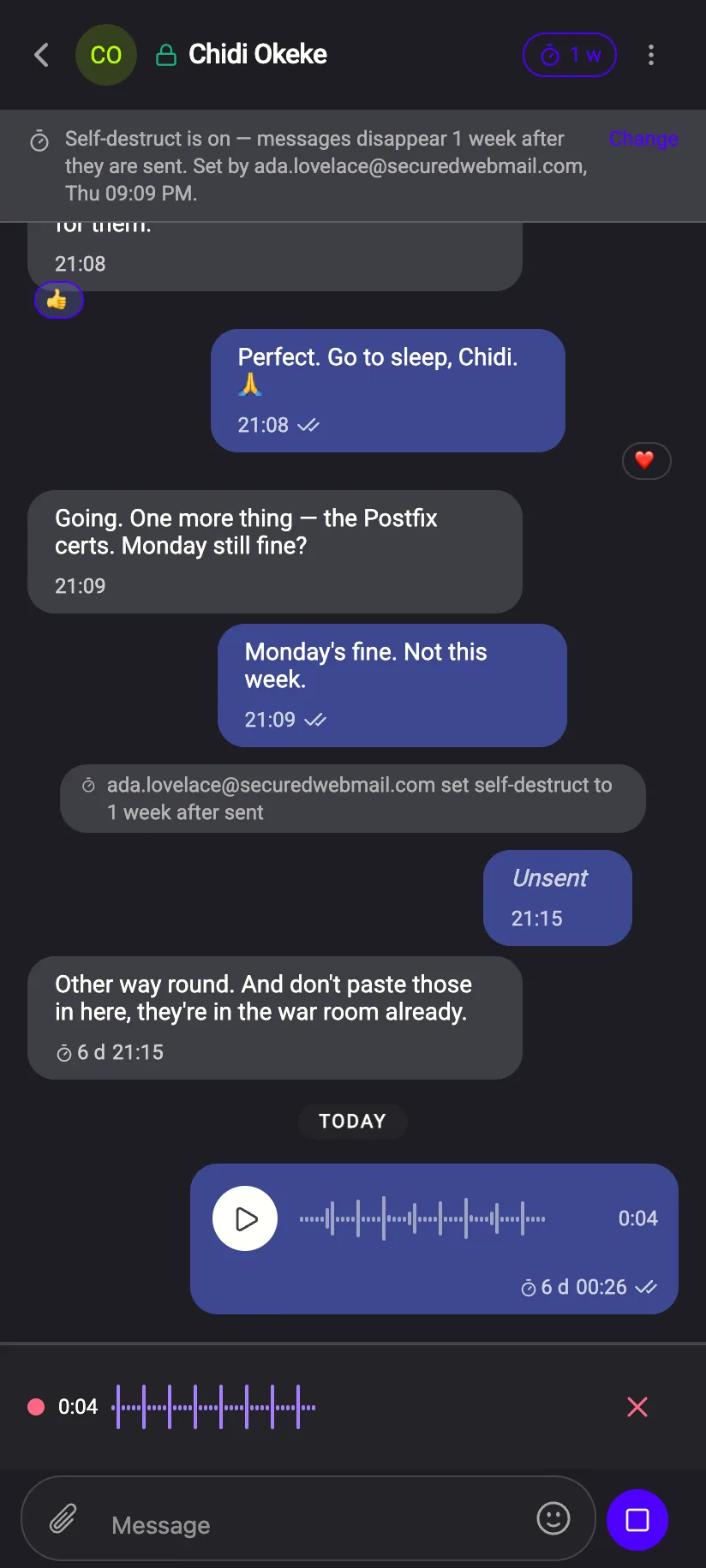
Hold, talk, listen back, send
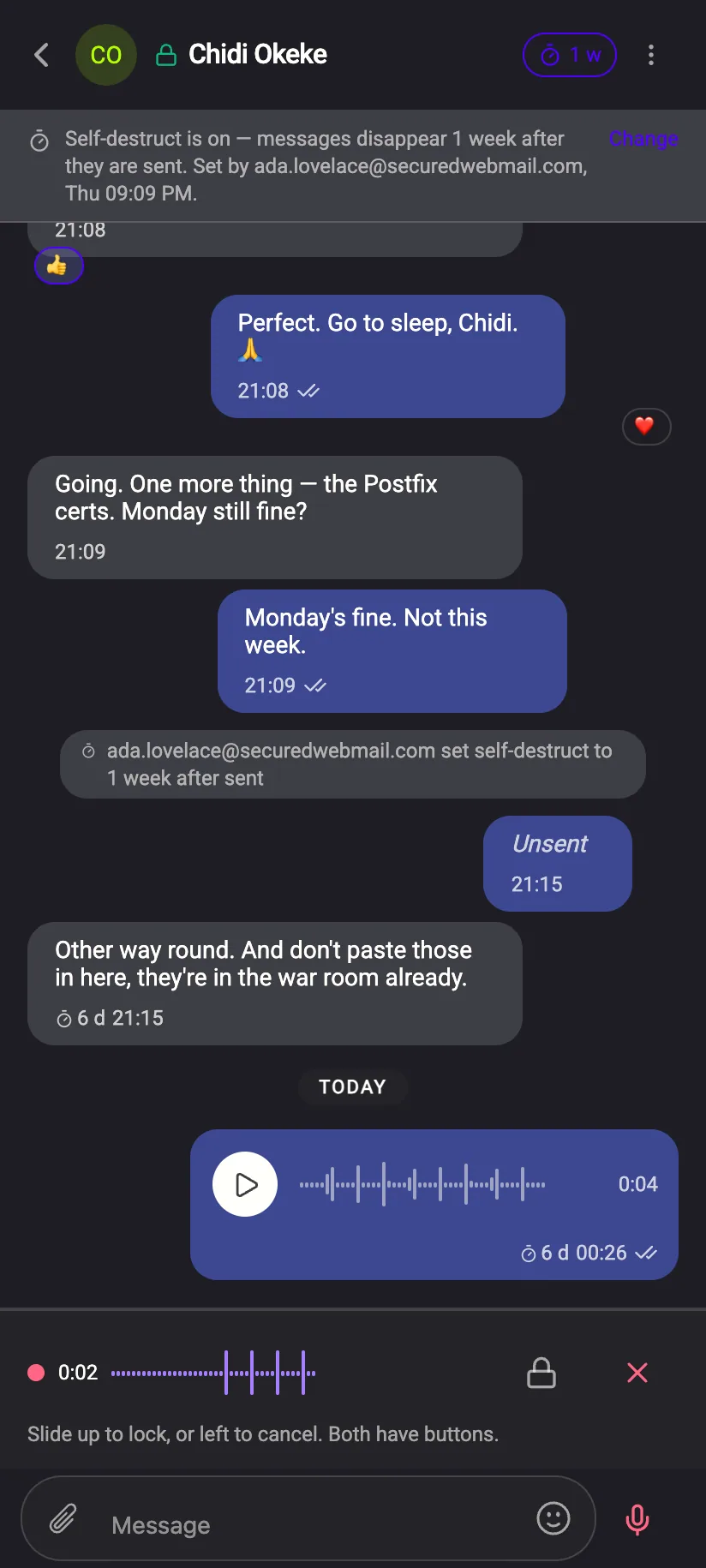
The microphone sits next to the text field. Hold it to record; release to review. Nothing is sent until you say so, and what is sent is an encrypted attachment — our server sees a size, not a sound.
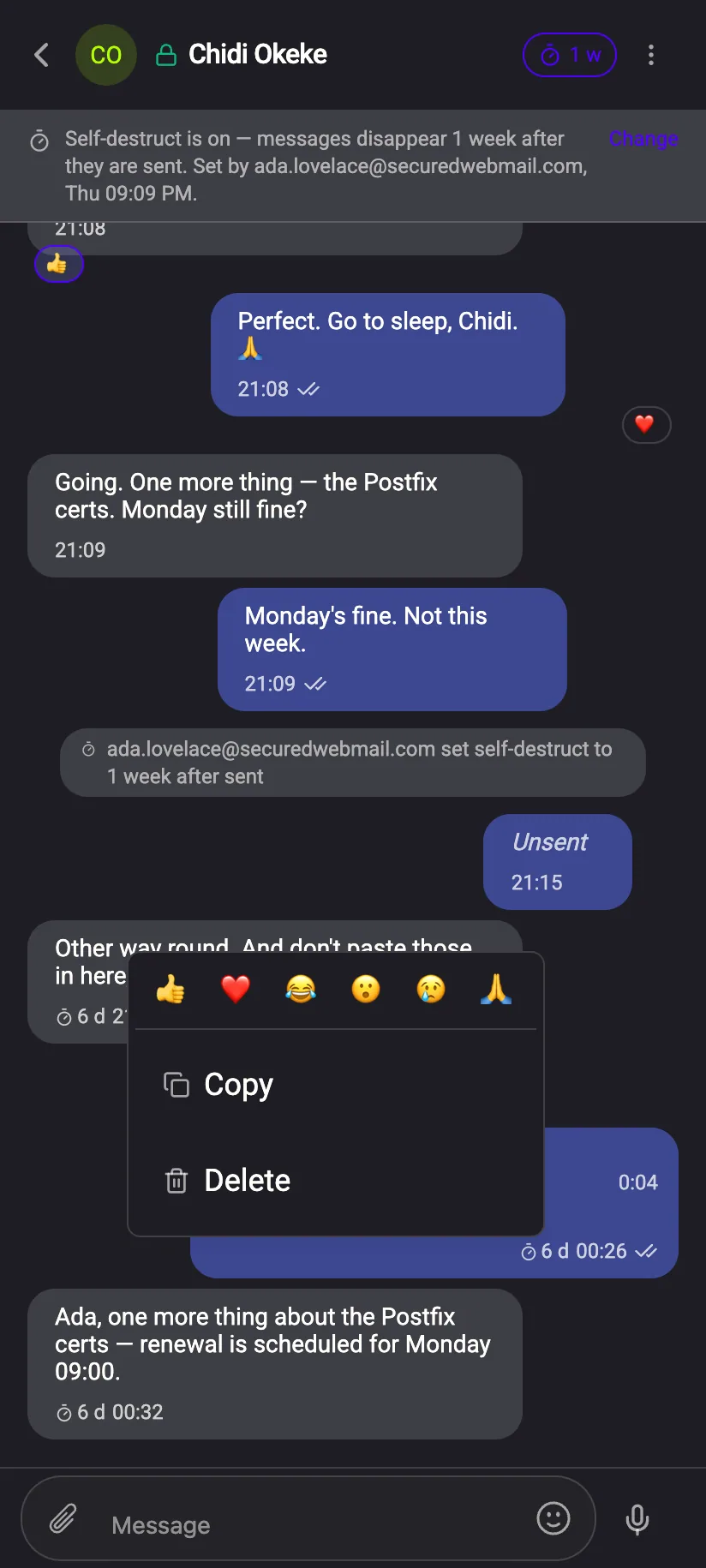
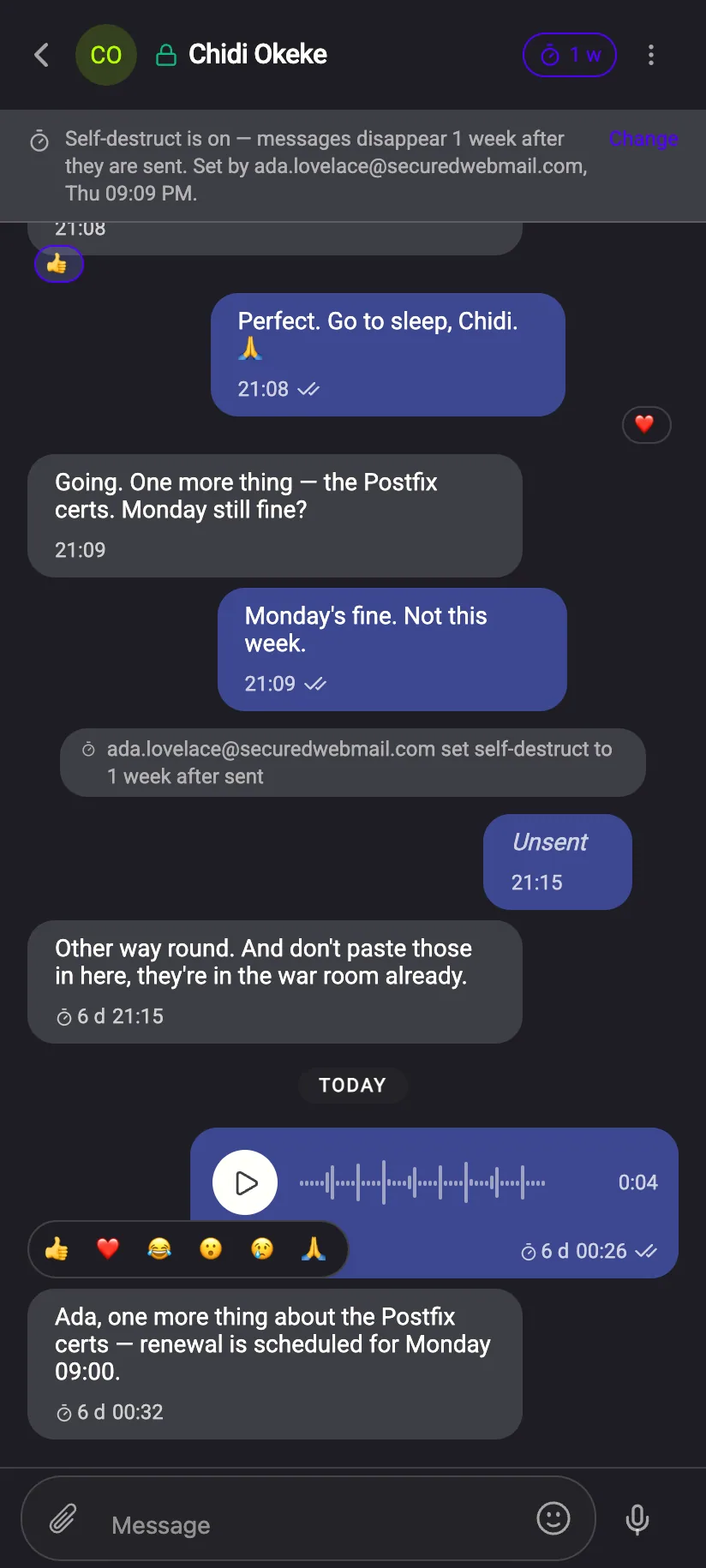
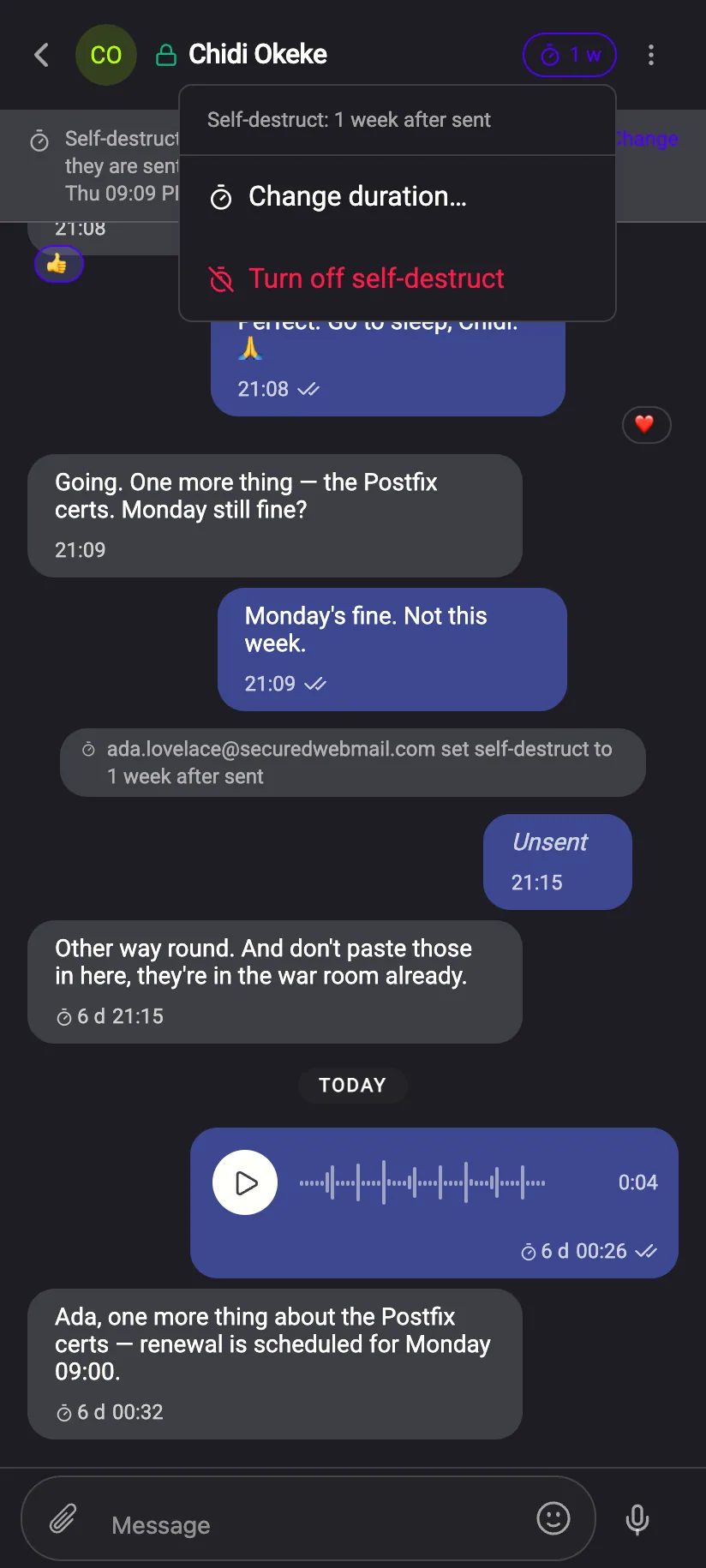
Long‑press a message. Reactions, Unsend, timer, emoji — one thumb.
The same controls as on the desktop, arranged for a hand. Unsend is there for your own messages within the hour; a message sent to you gets Destroy instead, which removes it on your side.
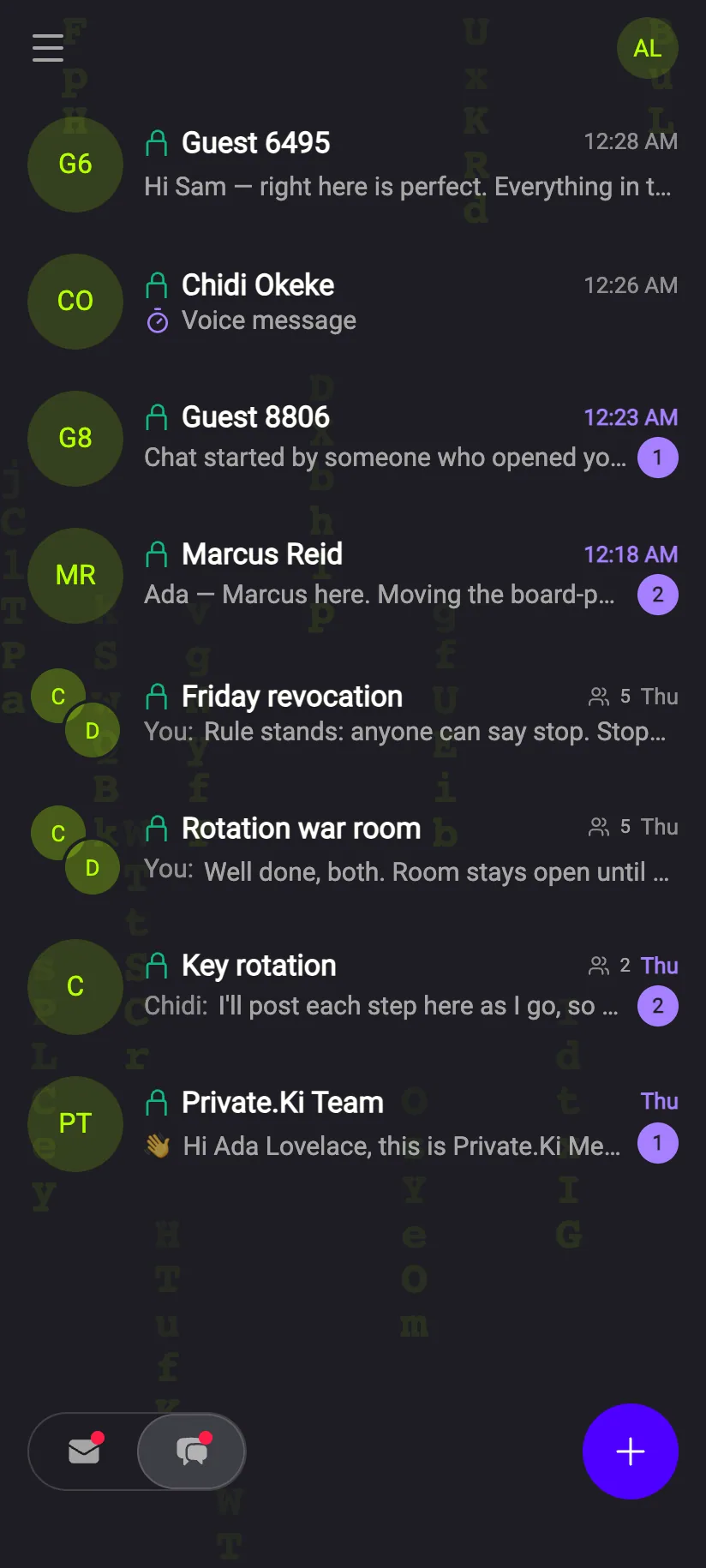
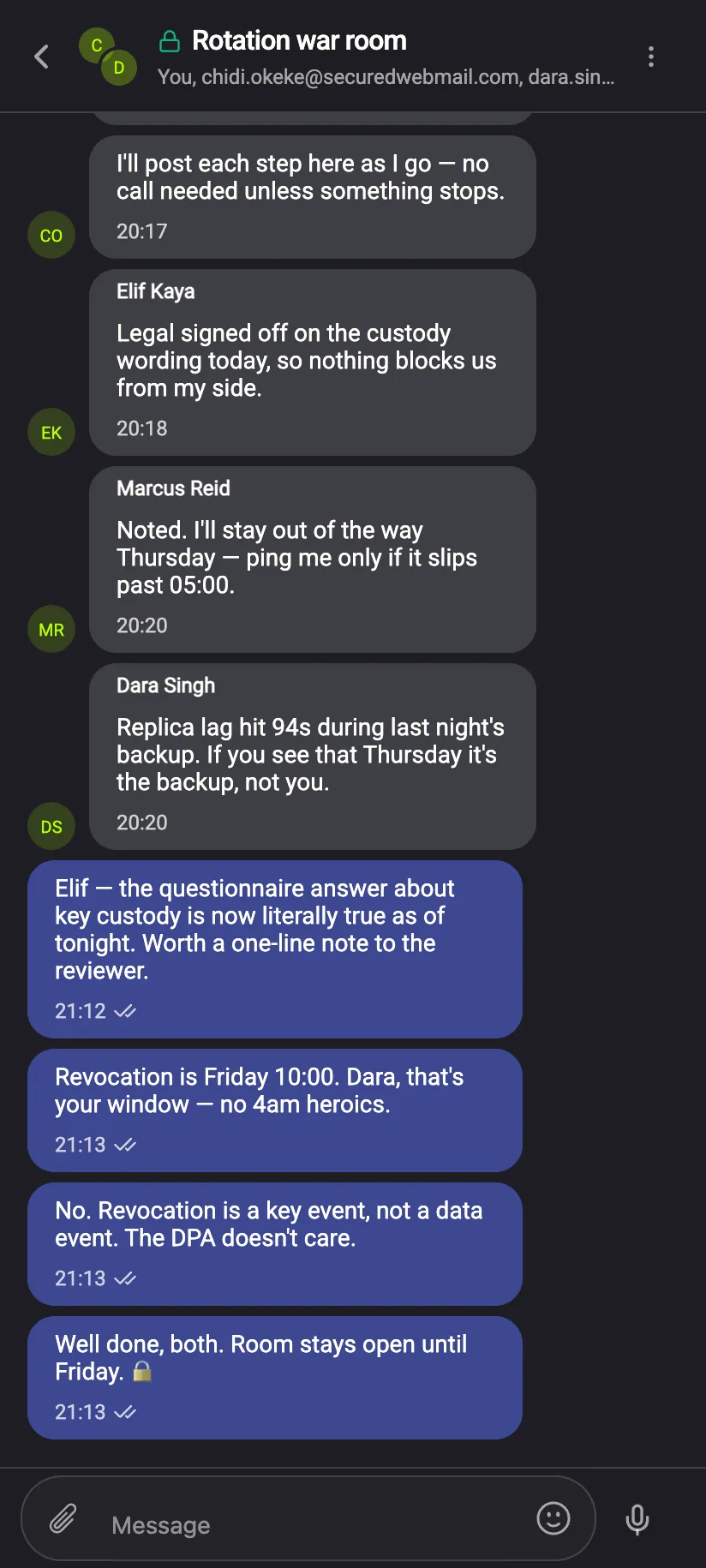
One sheet: an address you know, a new group, or an invitation
New chat offers the addresses you have written to, a new group, and “invite with a link or QR code” for someone who is not on Private.Ki yet. The guest gets their own account and key; the chat with them is encrypted like any other.
We deliver a payload. We do not know it was a 😂.
Reactions, unsend and destroy instructions, timers, voice notes, emoji and stickers all travel as encrypted messages. Our server sees that something went from one address to another, and how big it was. The full list is here.