Encrypted email and chat.
We cannot
read it.
One address for encrypted mail and messaging. Nobody can read your messages — not us, not anyone. Your keys are generated on your device and never leave it, so there is nothing on our side to hand over.
Free. No phone number. No invitation needed.
See exactly what our servers see

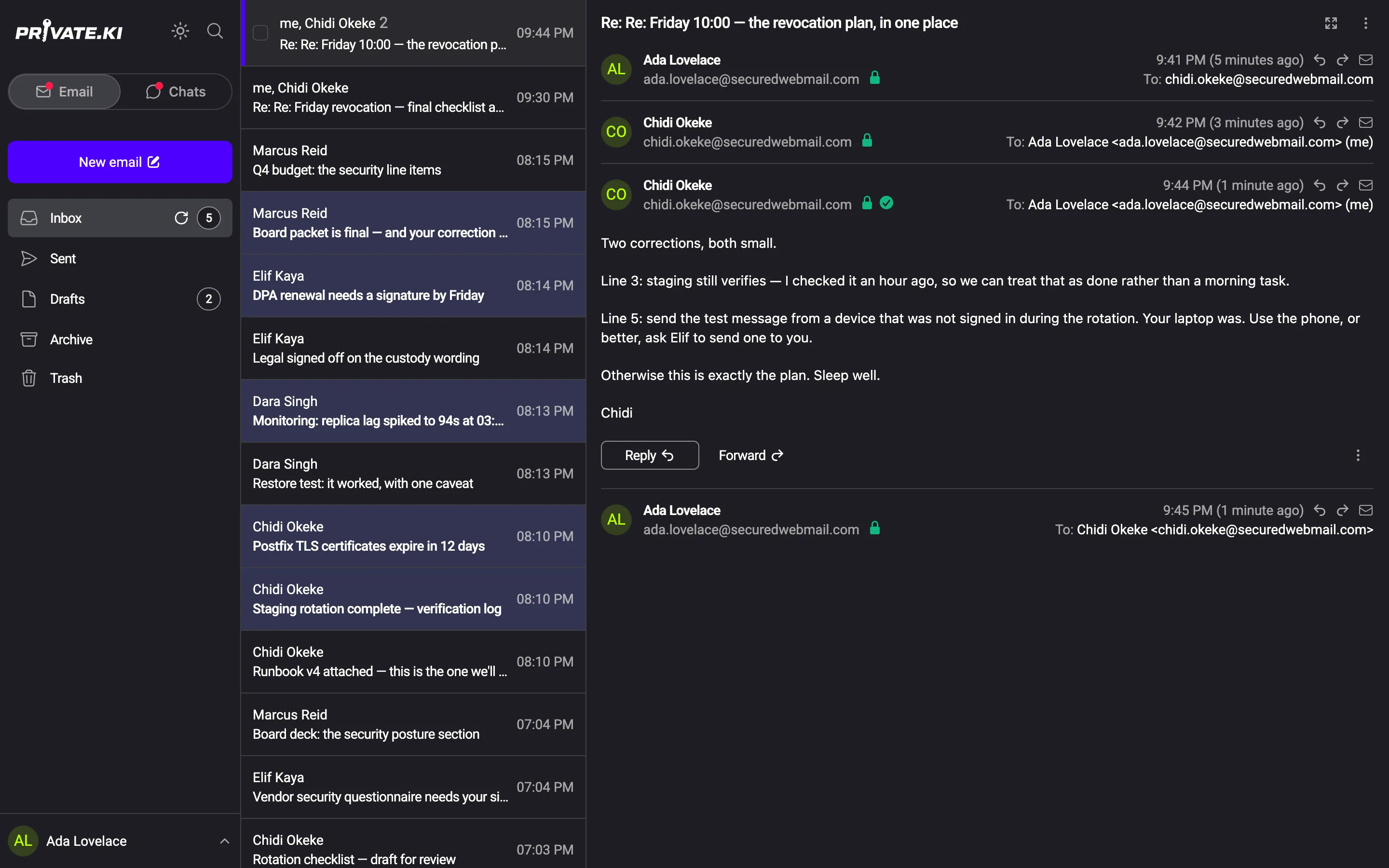
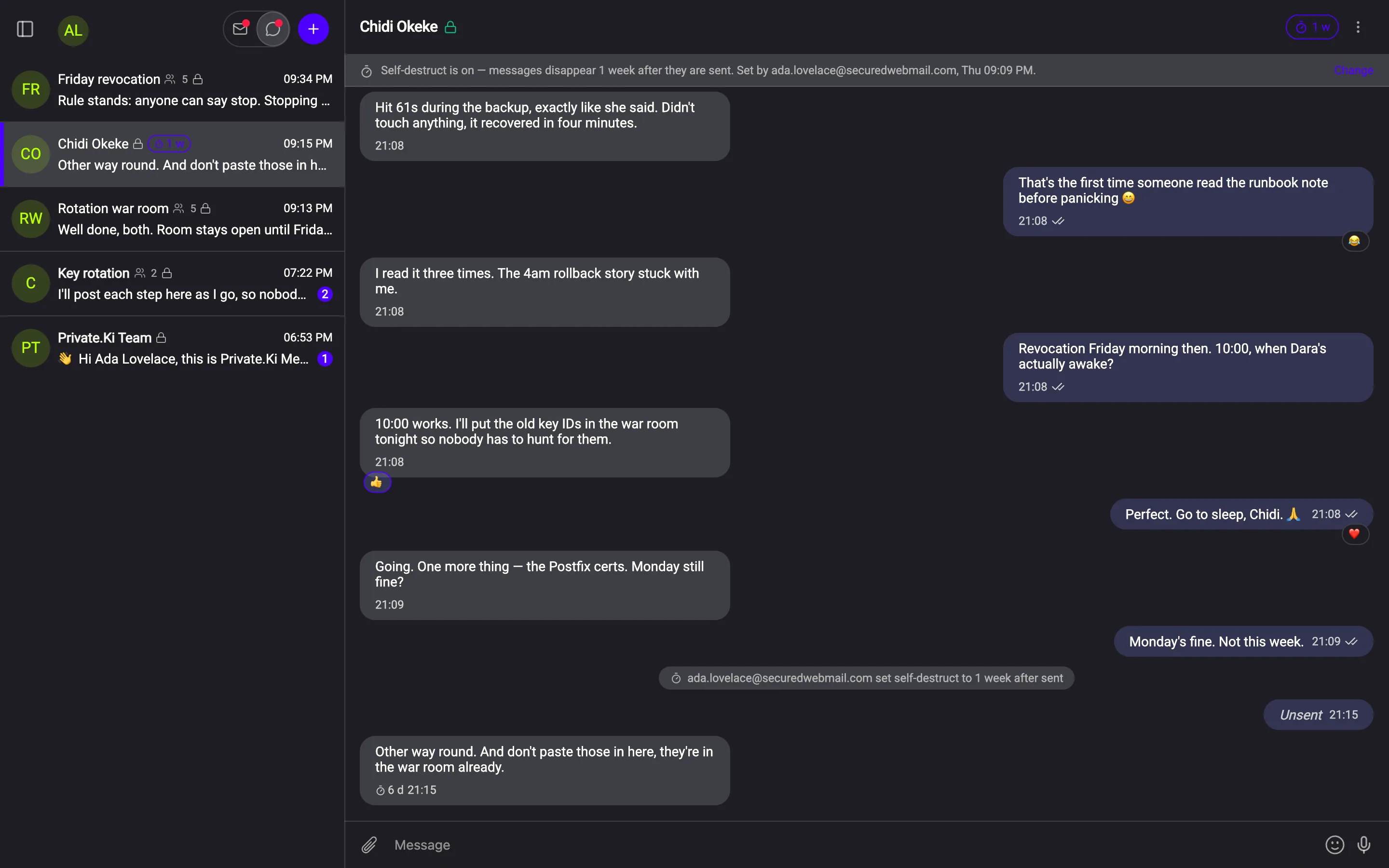
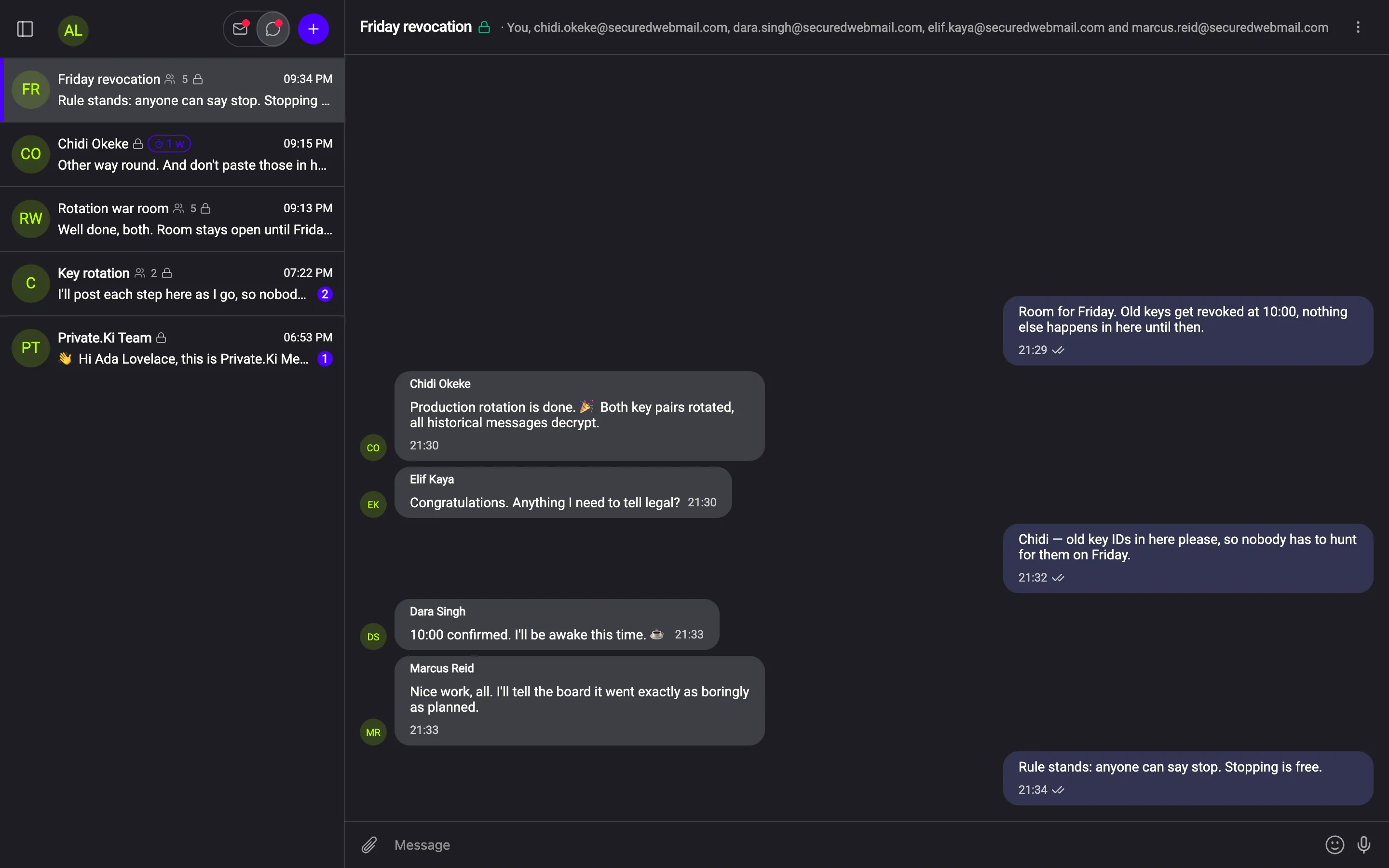
Nobody can read your messages. Not us. Not anyone.
Every mail, every chat and every group is encrypted before it leaves your device. The only people who can open a message are the ones it was written to.
Every message tells you whether to trust it
Not a padlock in the corner of the browser. A per‑message verdict on the message itself: was it encrypted to your key, and was the signature actually valid.
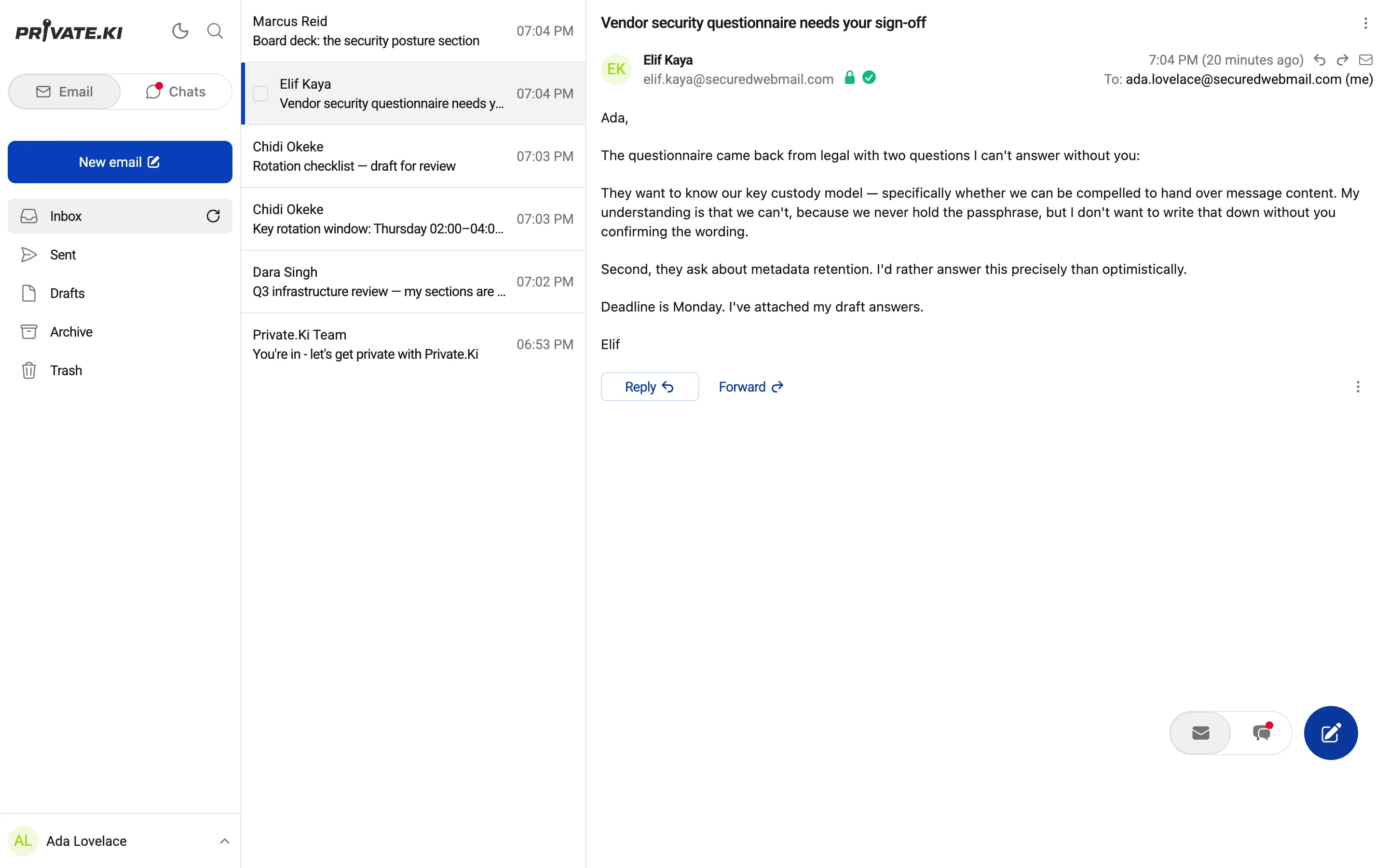
Encrypt and Sign are switches, not settings buried three menus deep
Both are on by default and visible while you type. When a recipient has no key, the padlock next to their address goes grey before you press send — not after.
“Encrypt ⓘ Sign ⓘ”
The entire encryption interface, sitting under the message body.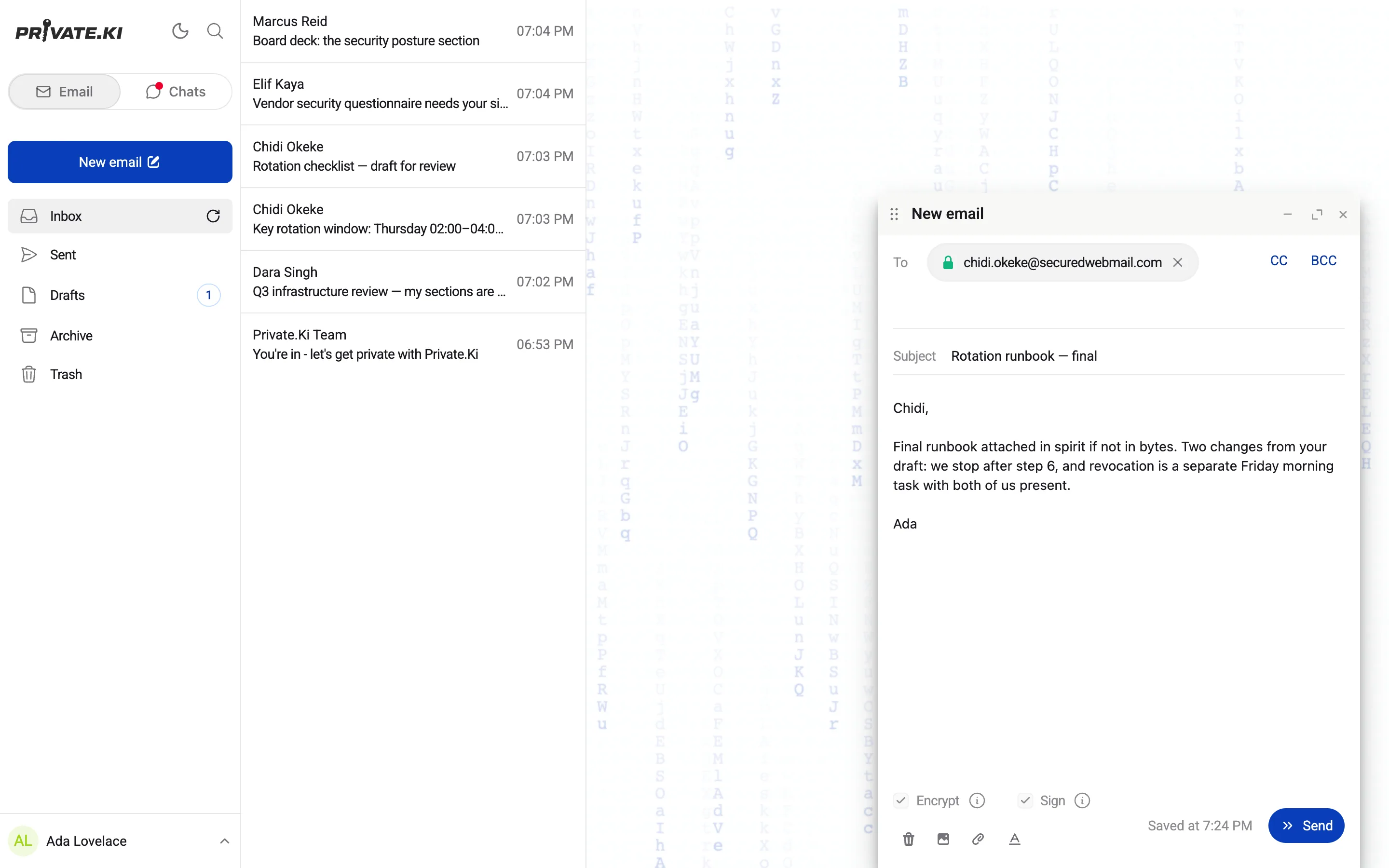
A messenger that behaves like one — and forgets on schedule
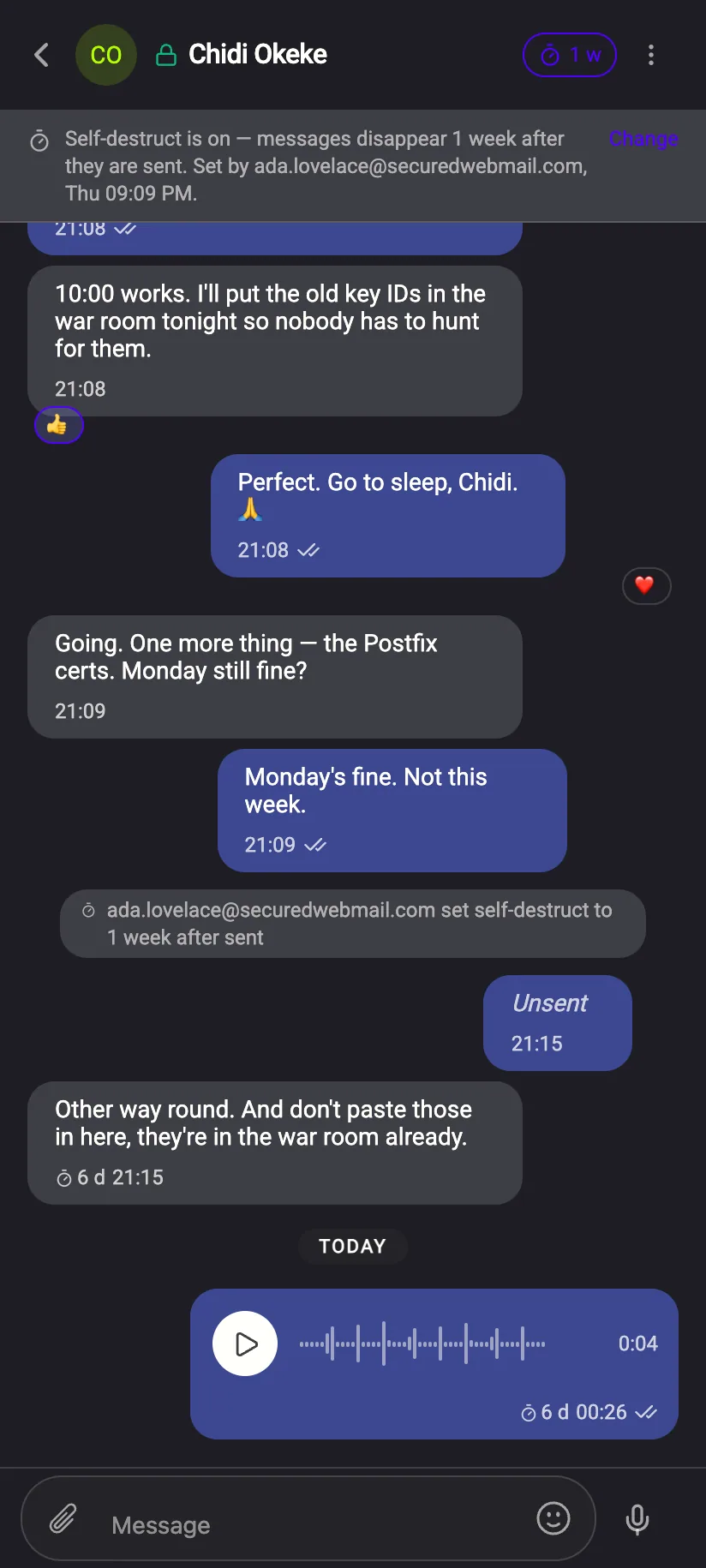
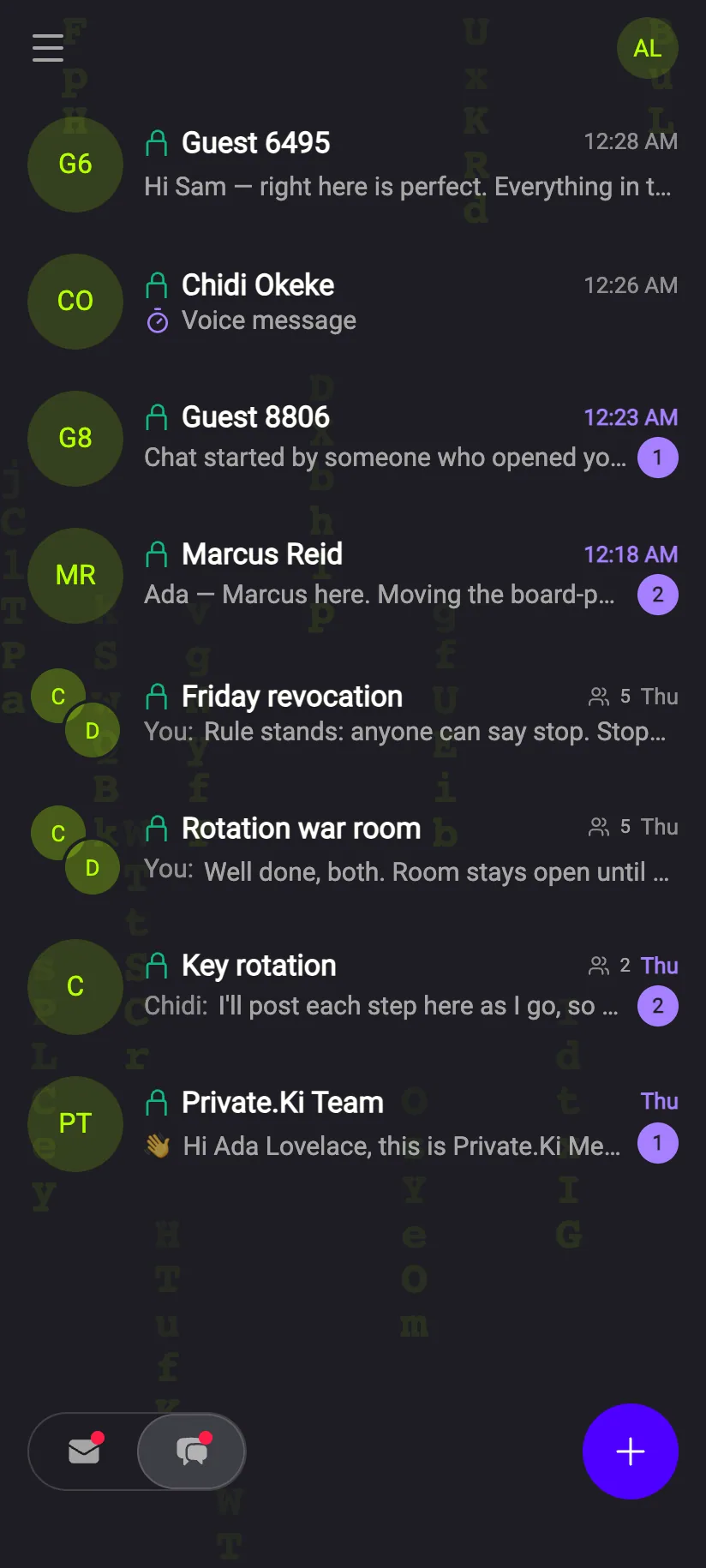
One thing that ordinary messengers do not give you: Full end-to-end encryption of every single message. And reactions, emoji, delivery ticks, a self-destruct time and unsending options.






Stickers, sent as a name — never as a picture
Seven Ki Friends. Four packs ship inside the app, 160 stickers, one pack animated. Sending one puts three short tokens inside the encrypted message: pack, number, version. No image is uploaded or stored; the other device draws the sticker from its own copy.
Three ways to take something back
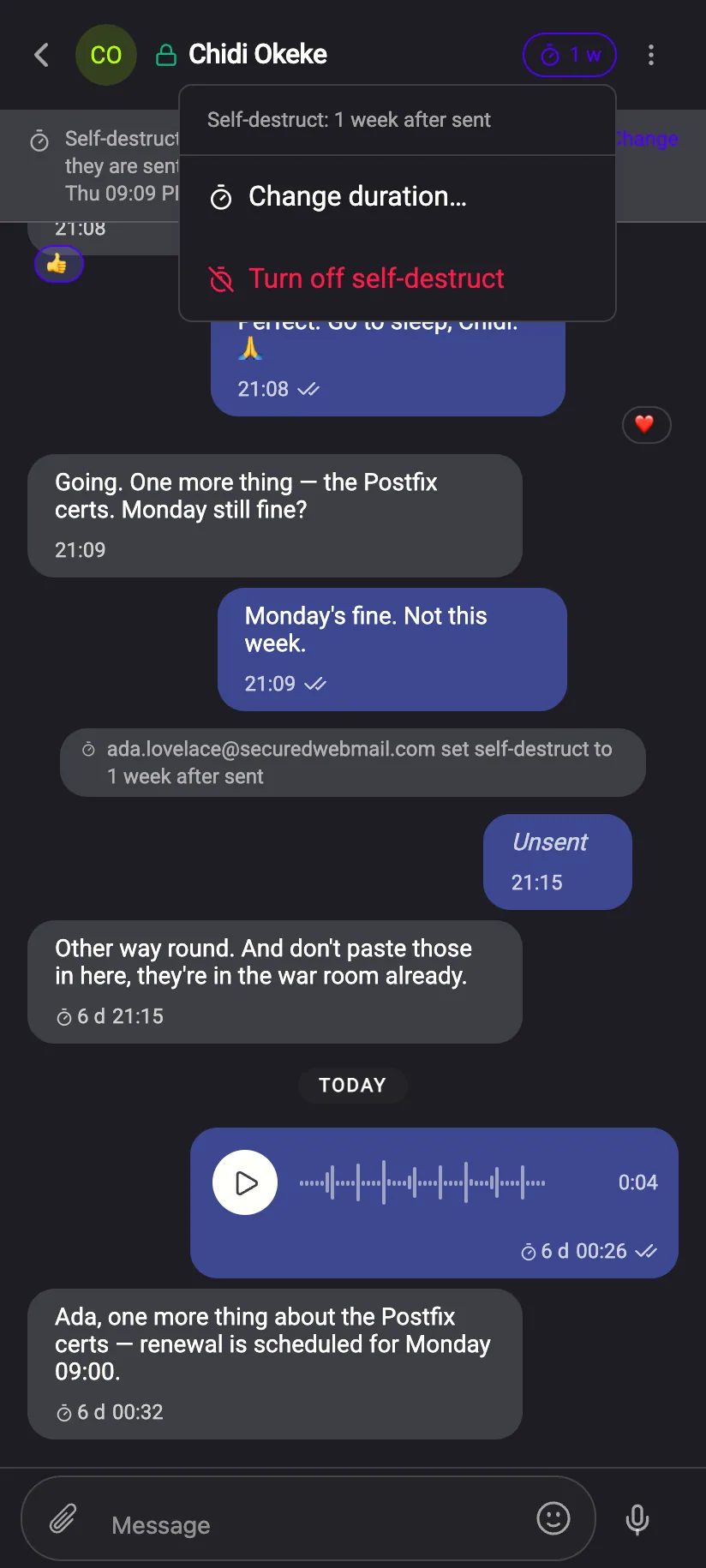
Set a timer for the whole conversation, unsend your own message, or destroy one that was sent to you. All three are encrypted instructions to the other device — none of them are something we do for you on a server.
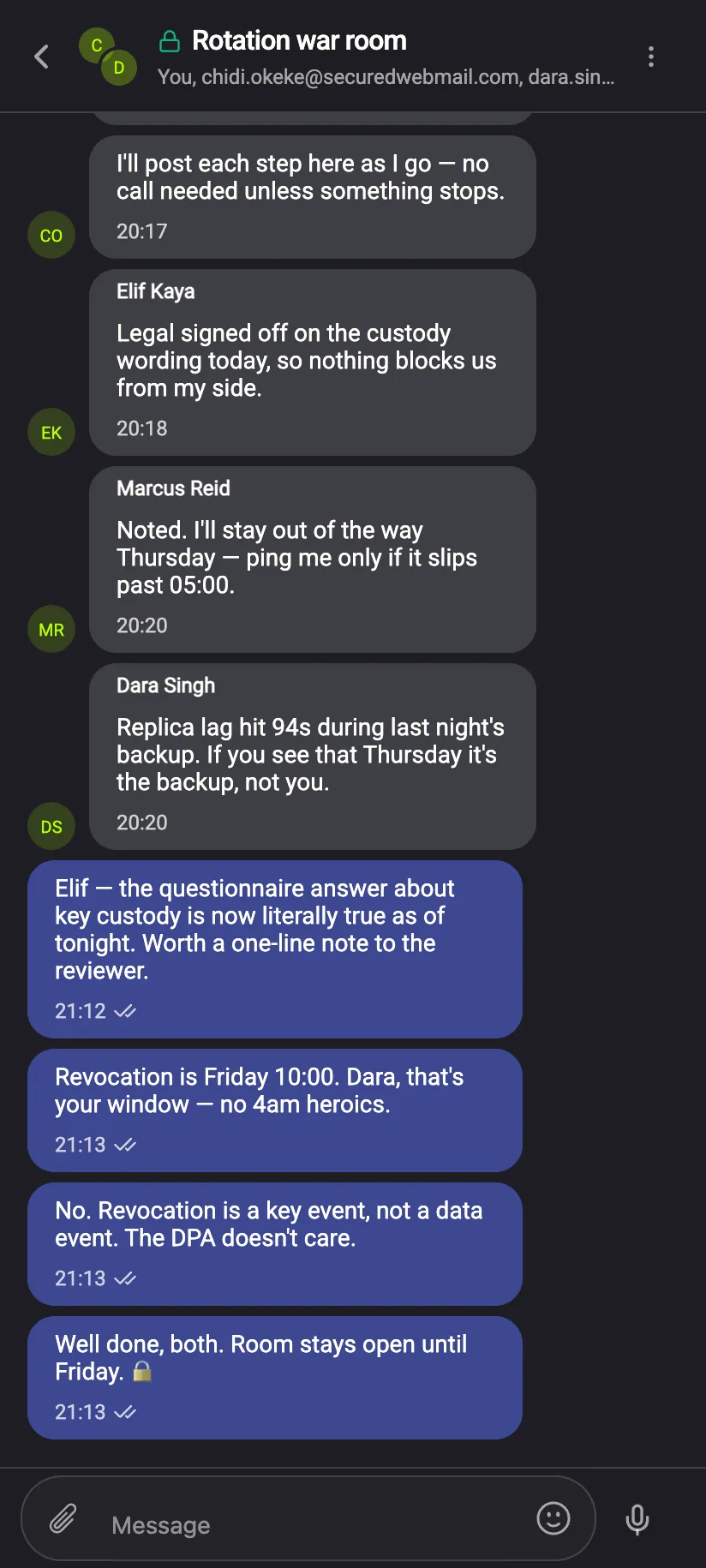
Every group chat is end‑to‑end encrypted. No exceptions.
All group chats are encrypted, always — there is no unencrypted kind. Nobody outside the group can read it, including us.* Someone not on Private.Ki yet joins with a single‑use link or QR code.
The group screen tells you exactly who holds the keys
“Encrypted for these 5 people.” The app counts the keys it encrypted to. Add someone and they see messages from then on, never before, because older messages were locked to the people who were there at the time.
“Older messages cannot be handed to someone new. They were locked to the people who were in the group at the time.”
From the group screen — a cryptographic constraint, in one sentence.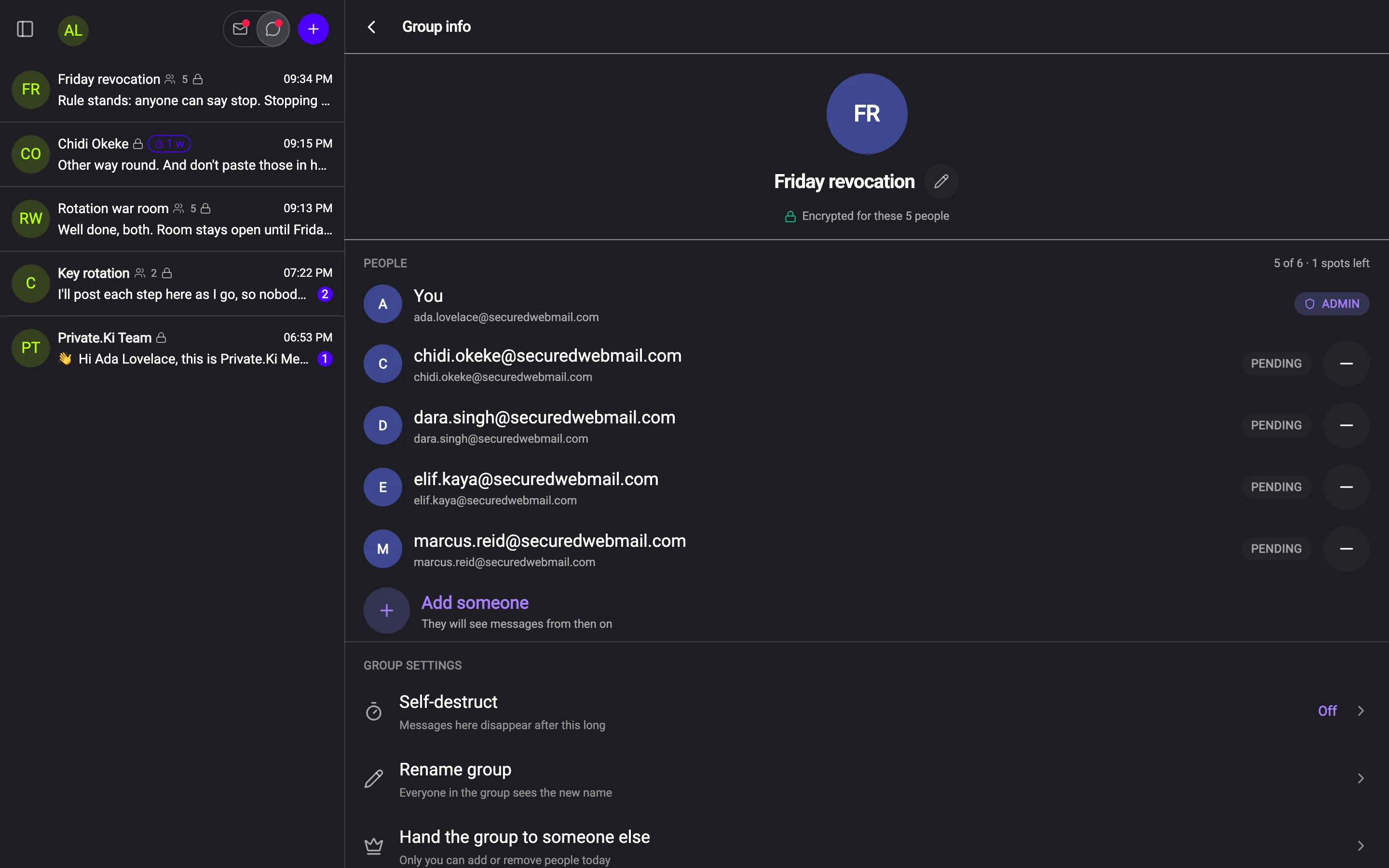
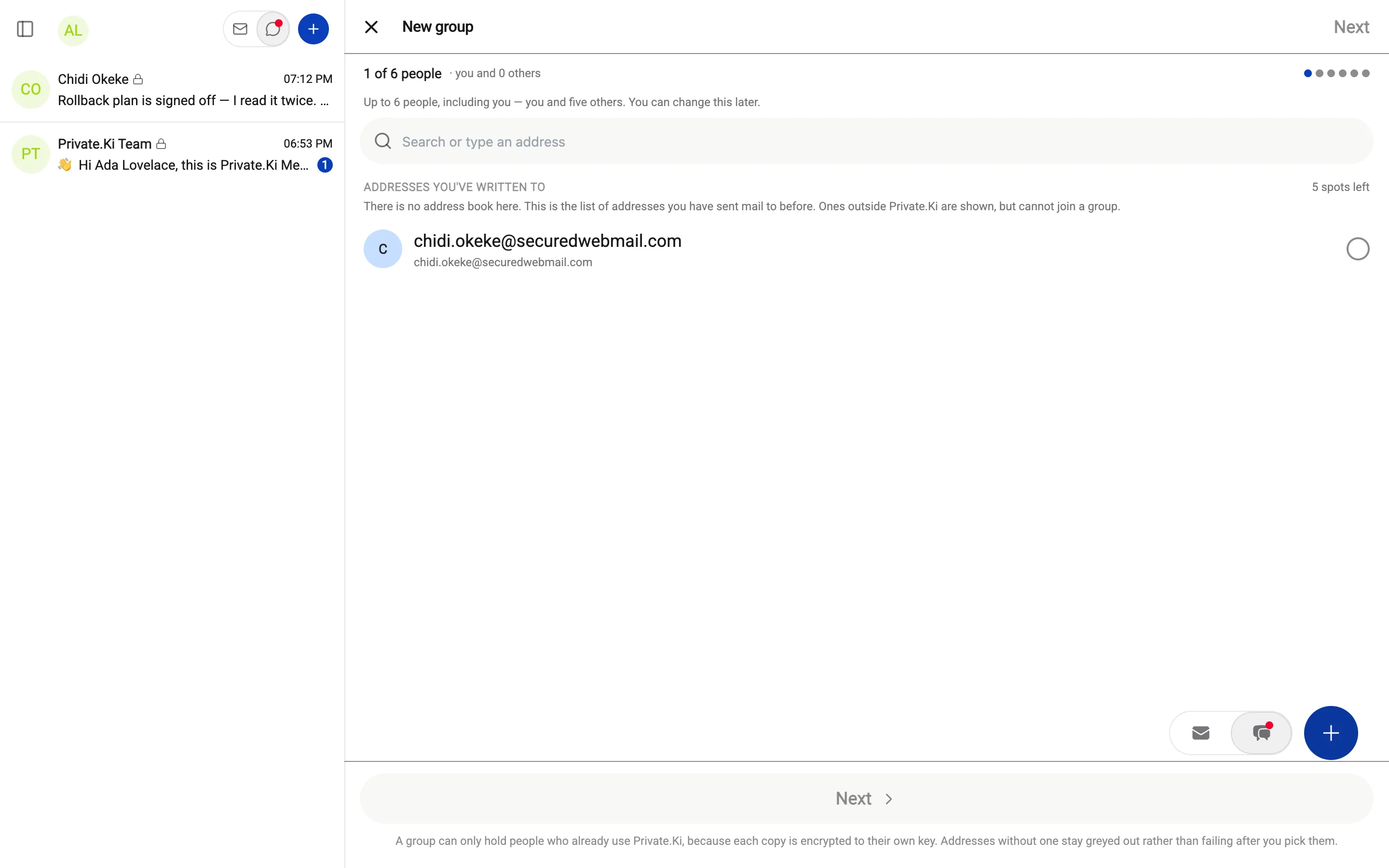
Invite anyone. Encrypt for those who have a key.
Someone not on Private.Ki yet gets a single‑use link or a QR code to scan.
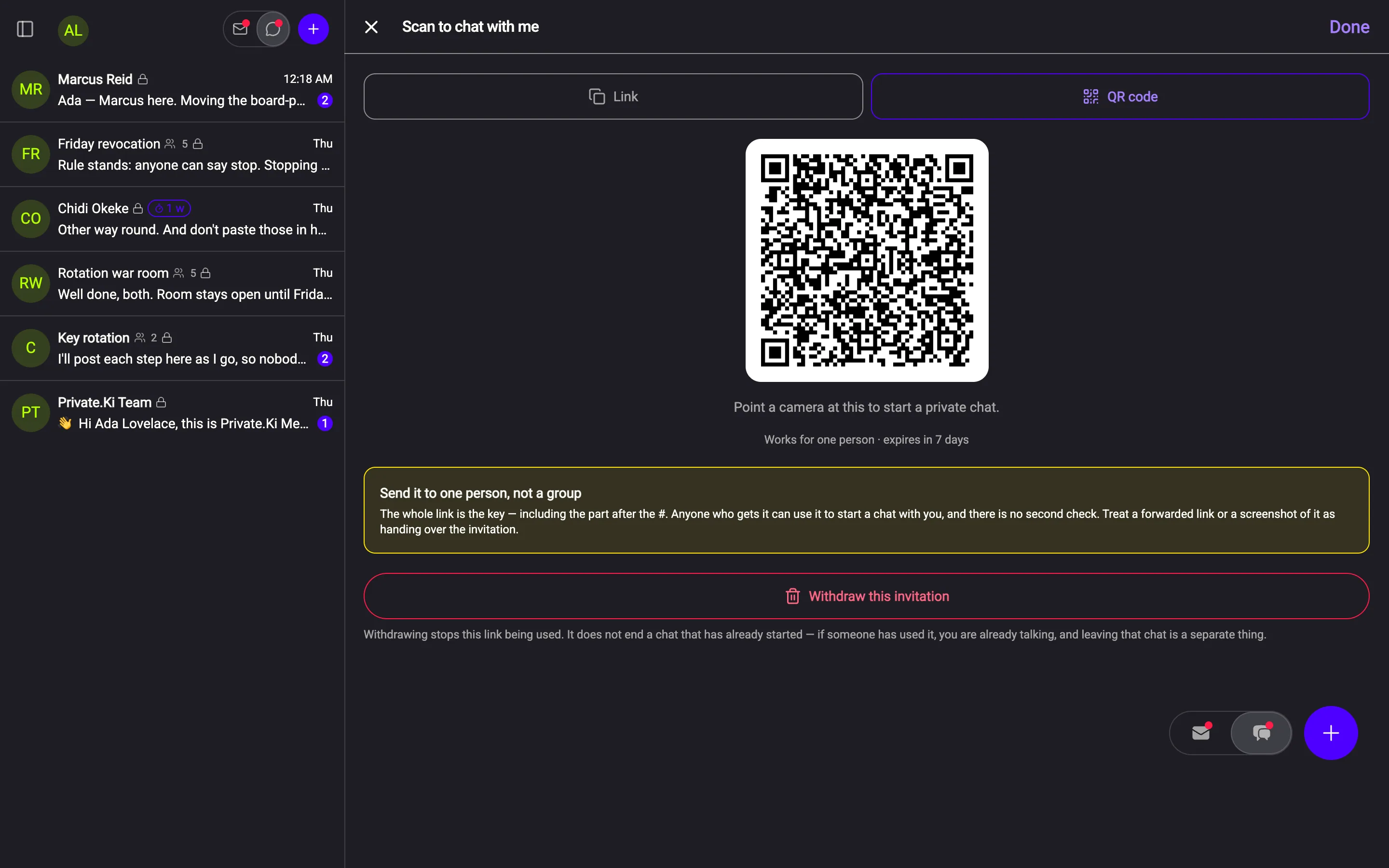
One account. All of this.
Hover or tap anything to see what it does.
Your password never reaches us. Your second factor is yours to choose.
Sign‑in uses OPAQUE, so the password itself is never transmitted. On top of that: a time‑based code from any authenticator app, a PIN or biometrics on iOS and Android, and QR pairing to bring a new device in from one that is already unlocked.
The ordinary parts of email, fully encrypted
Undo send with a window you choose. Signatures with a default. Attachments up to 25 MB, encrypted like the message. Archive and Trash that search respects.
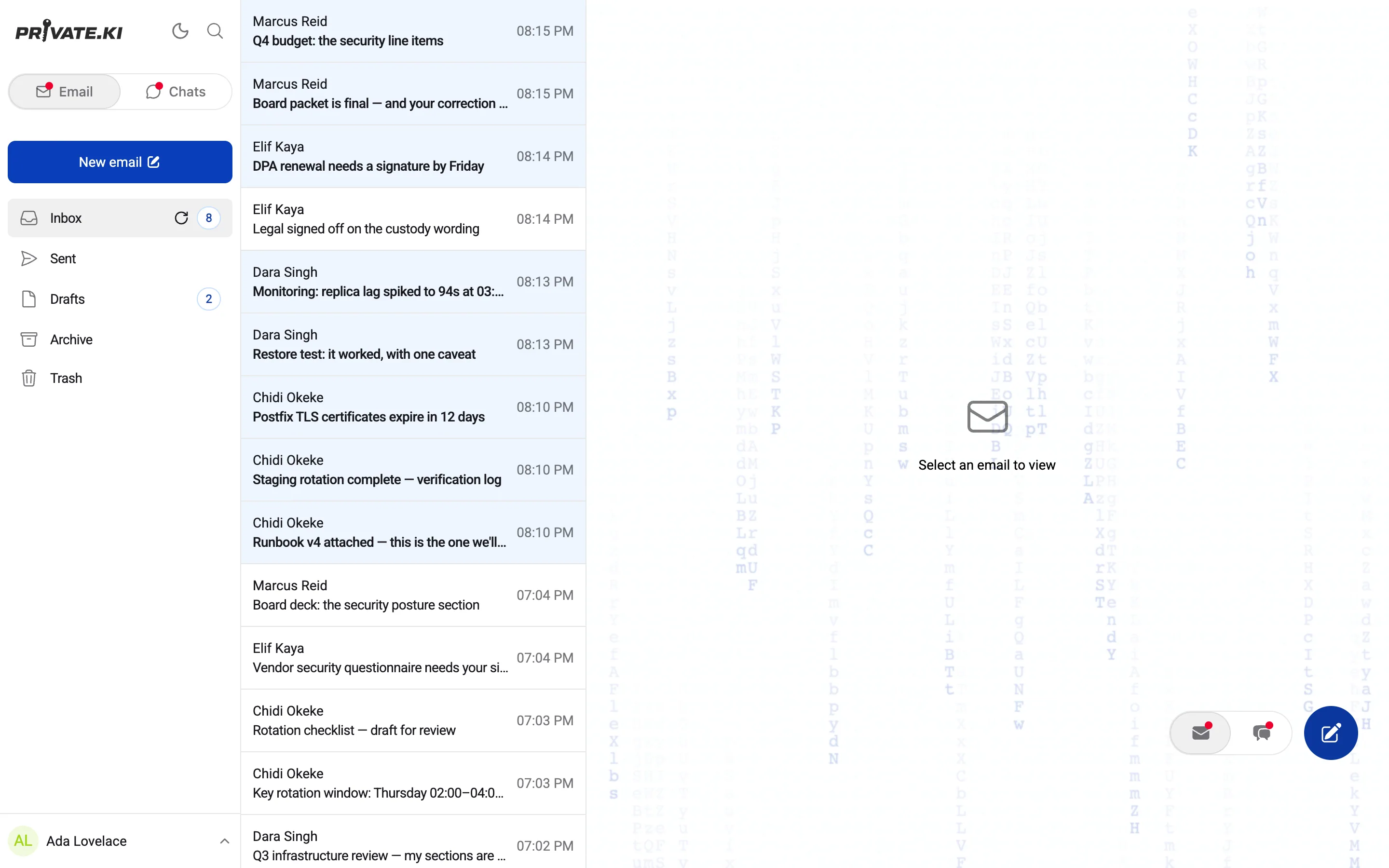
Record, listen back, send. It travels as an encrypted attachment.
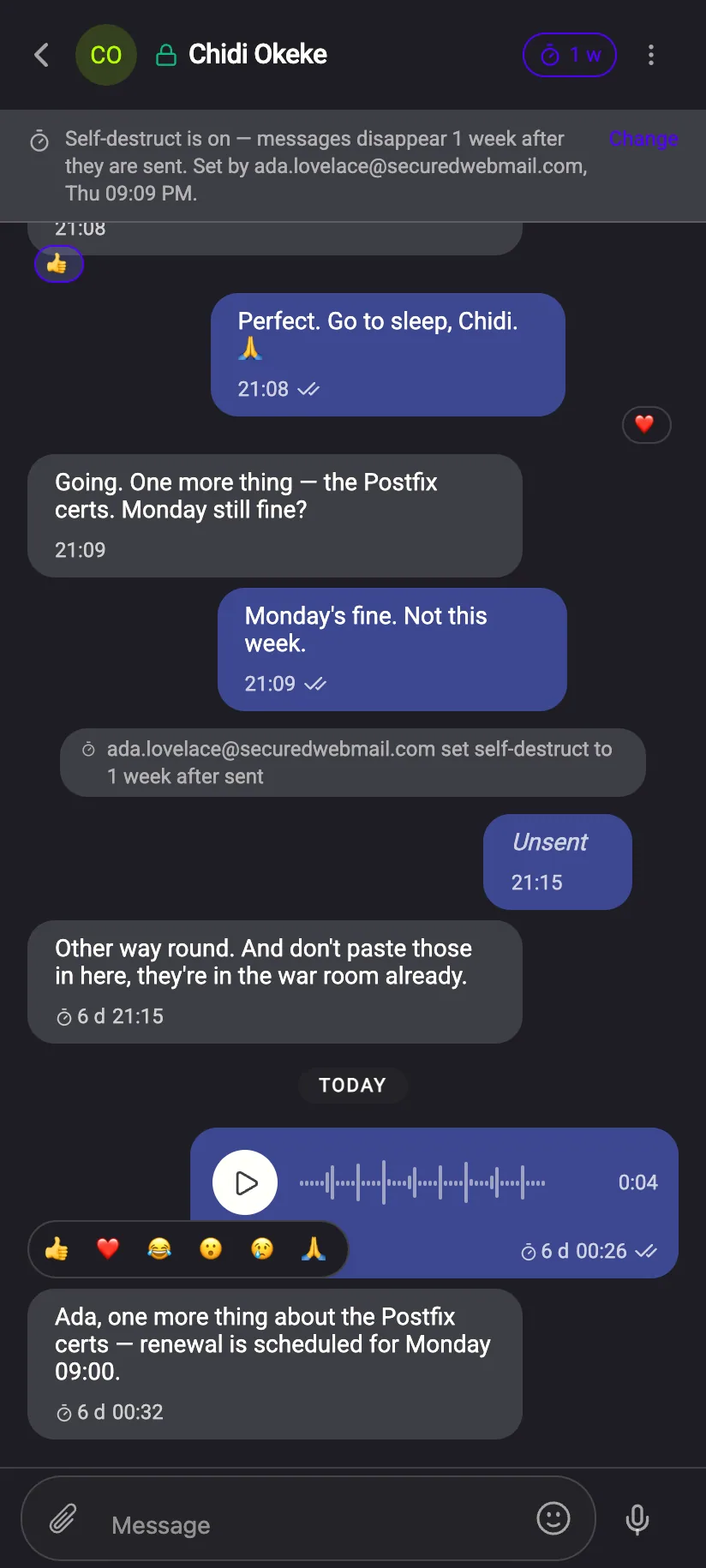
Hold the microphone in a chat and talk. Before sending you can play it back or throw it away. What leaves your device is ciphertext, the same as a file; the other side gets a waveform they can play.
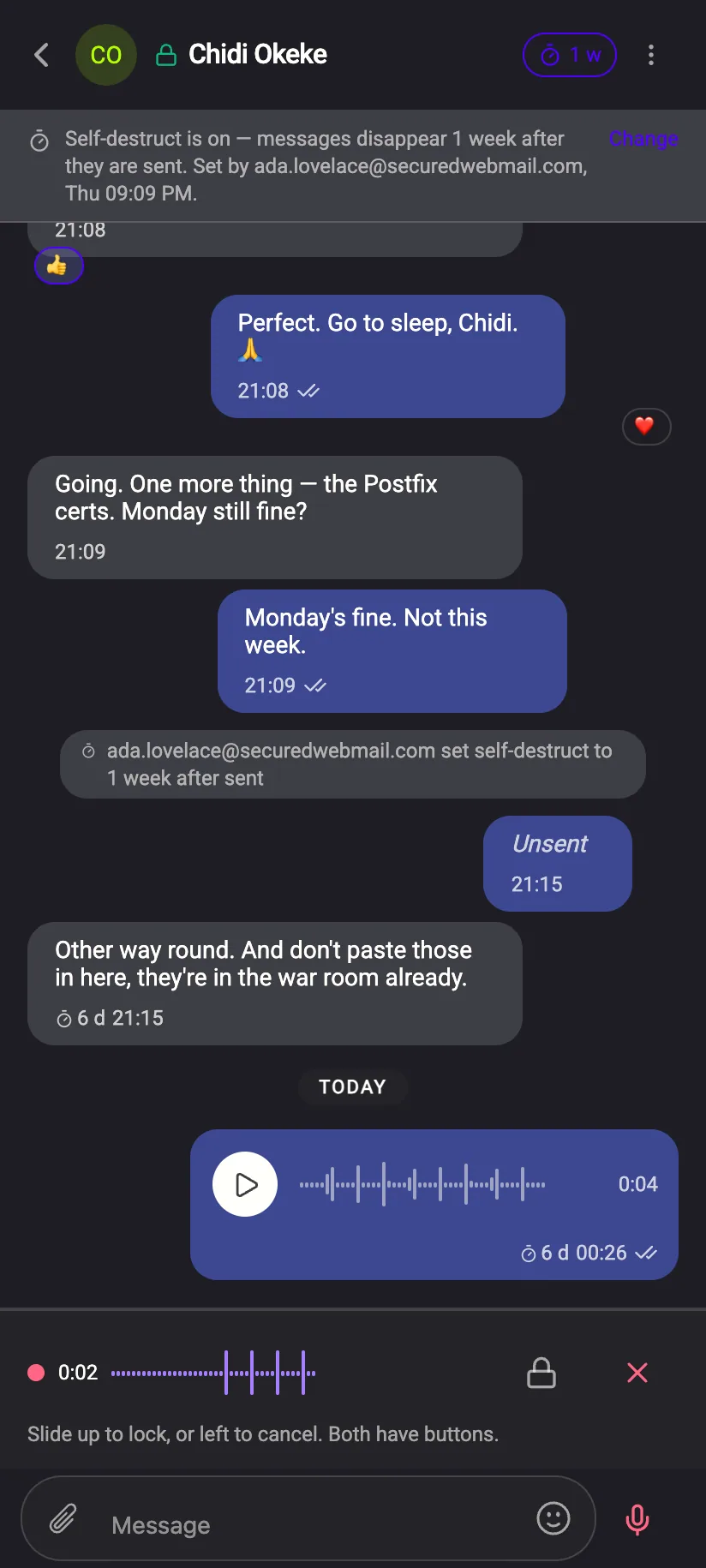
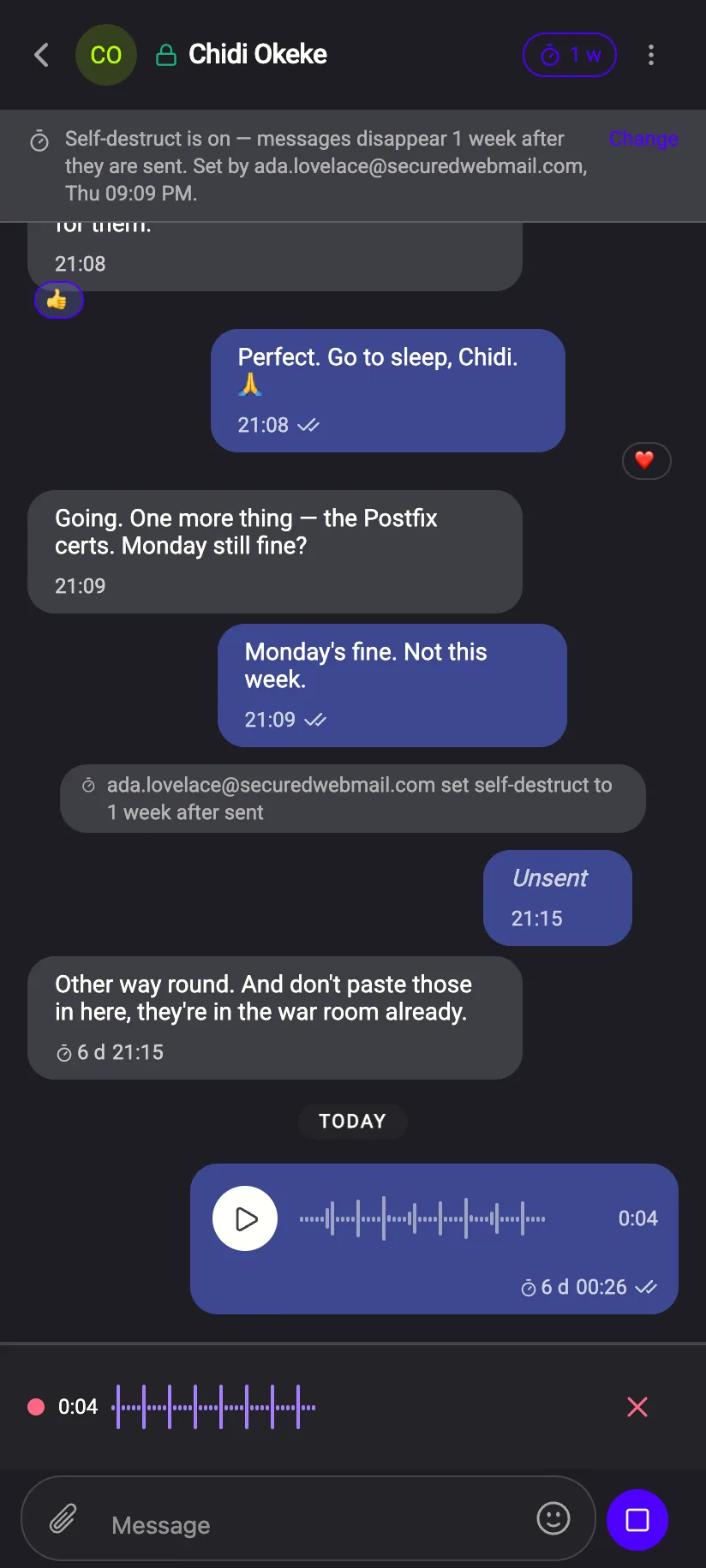
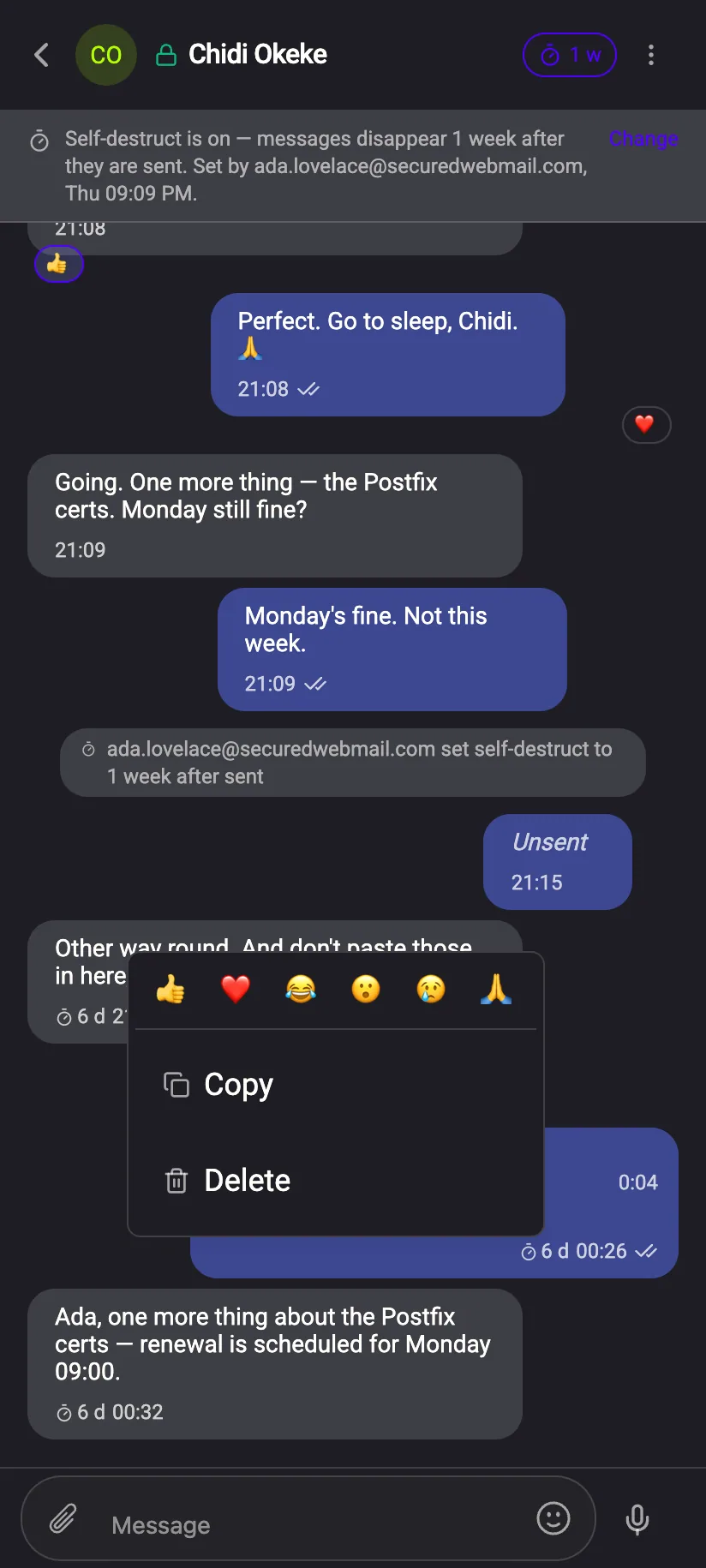
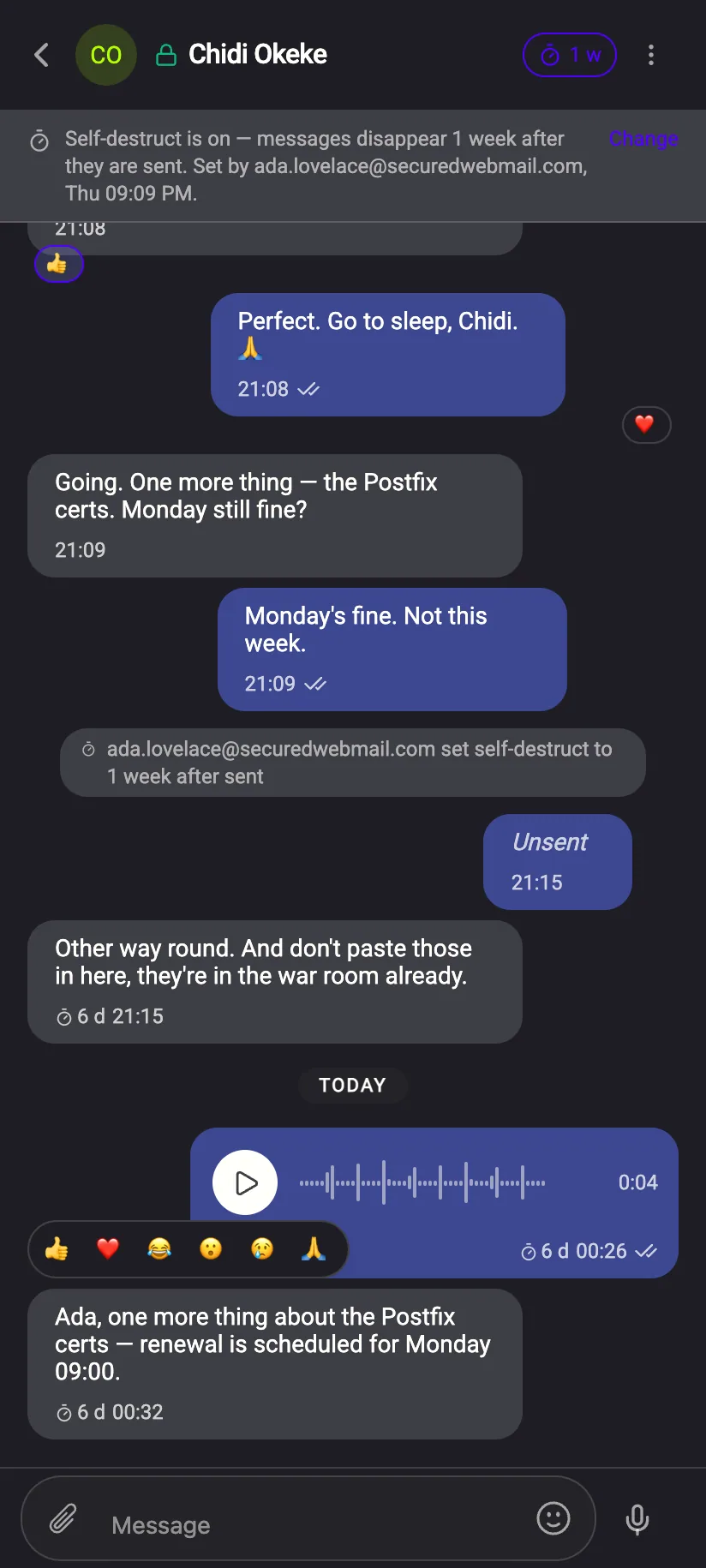
Long‑press a message. Everything is one thumb away.
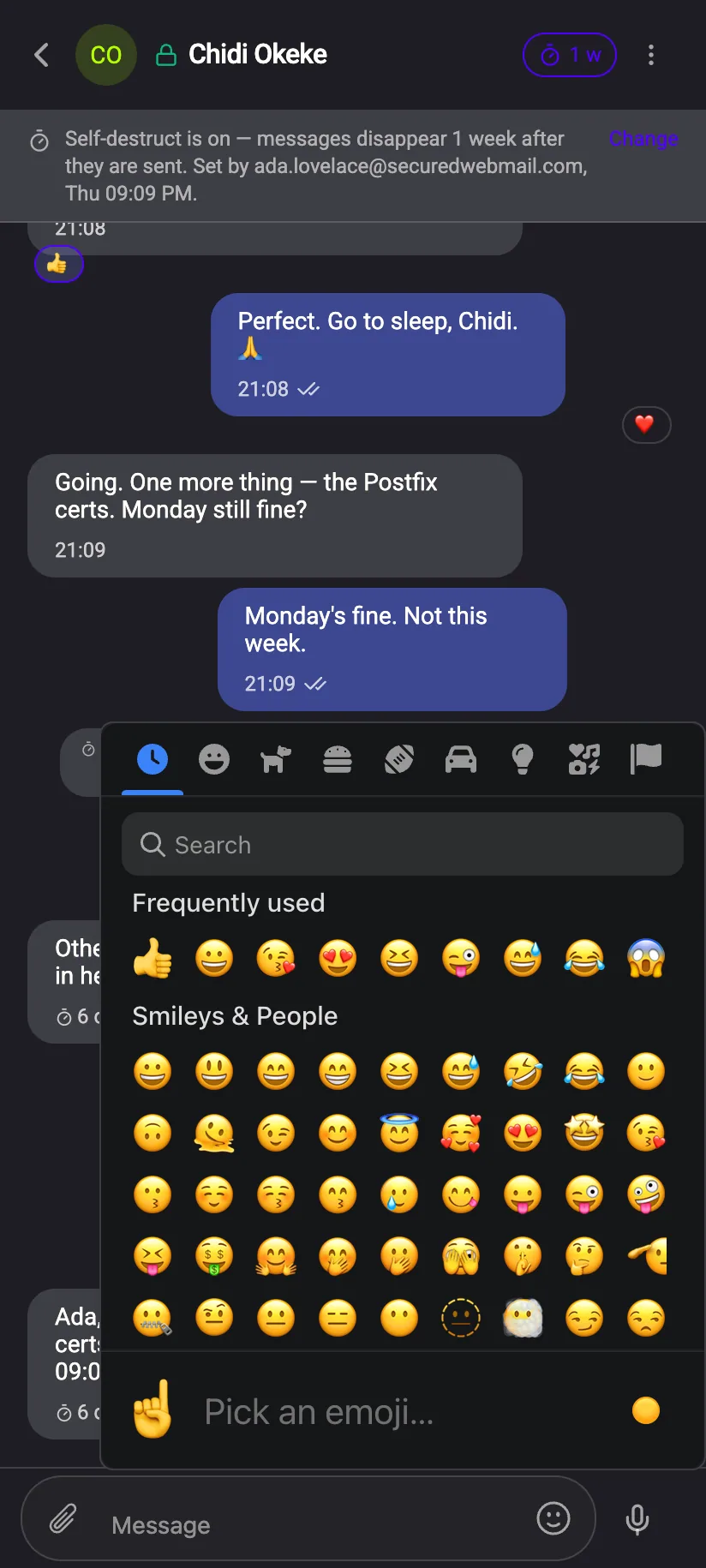
The same controls as on the desktop, arranged for a hand: the reactions and Unsend on a long‑press, the self‑destruct picker from the chat header, a full emoji keyboard from the composer.
Find anything, without us holding an index of it
Search runs on your device against data only your device can read, and spans every folder at once — inbox, sent, drafts, and trash if you ask for it.
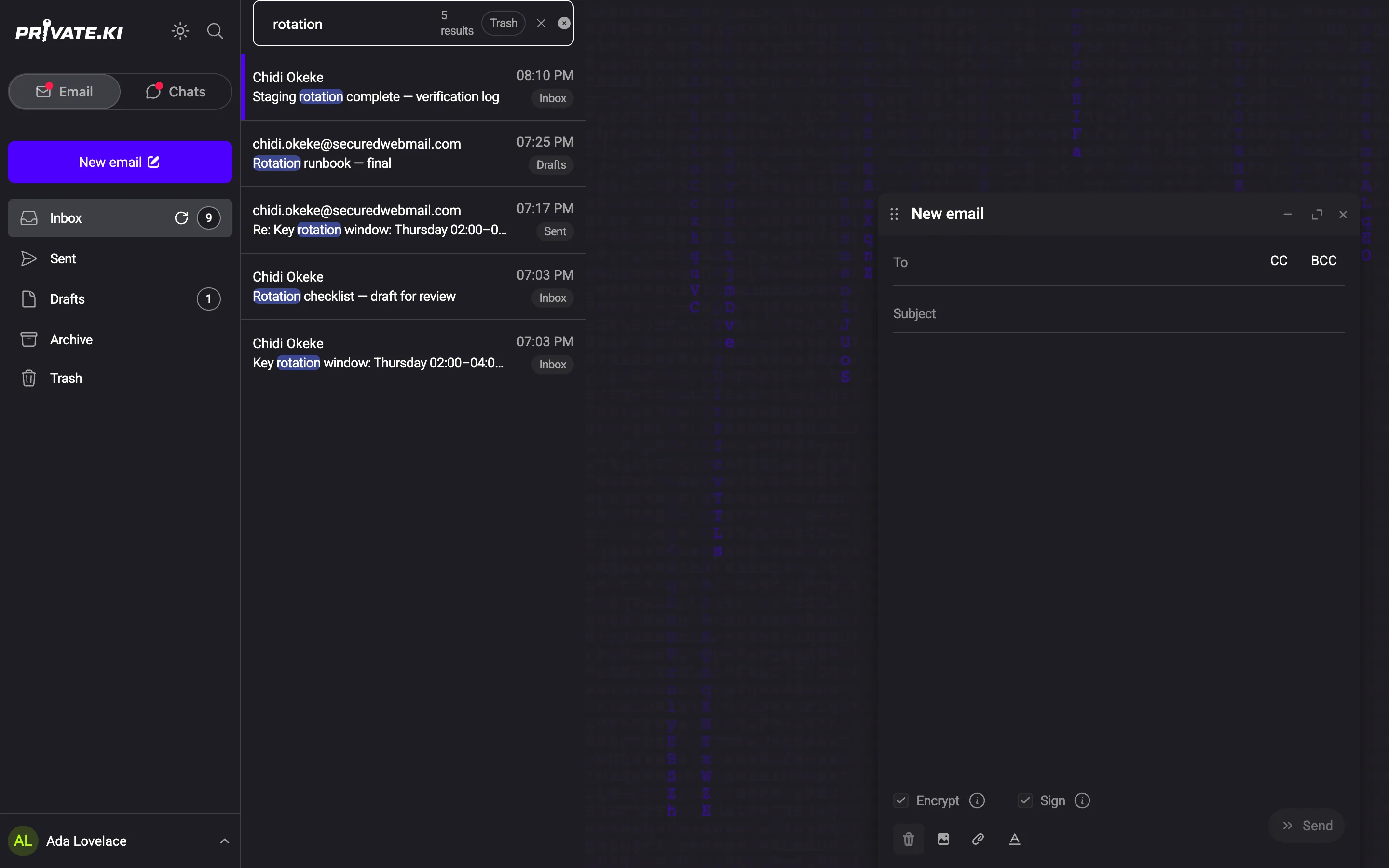
Search covers senders, subjects and addresses. Message bodies are not indexed anywhere.
If you lose your passphrase, we cannot help you
Your private key is encrypted with a key derived from your passphrase, on your device. We never receive either one.
“Have you saved your passphrase? Without it your account and all messages are unrecoverable.”
Shown during signup, before a single key exists.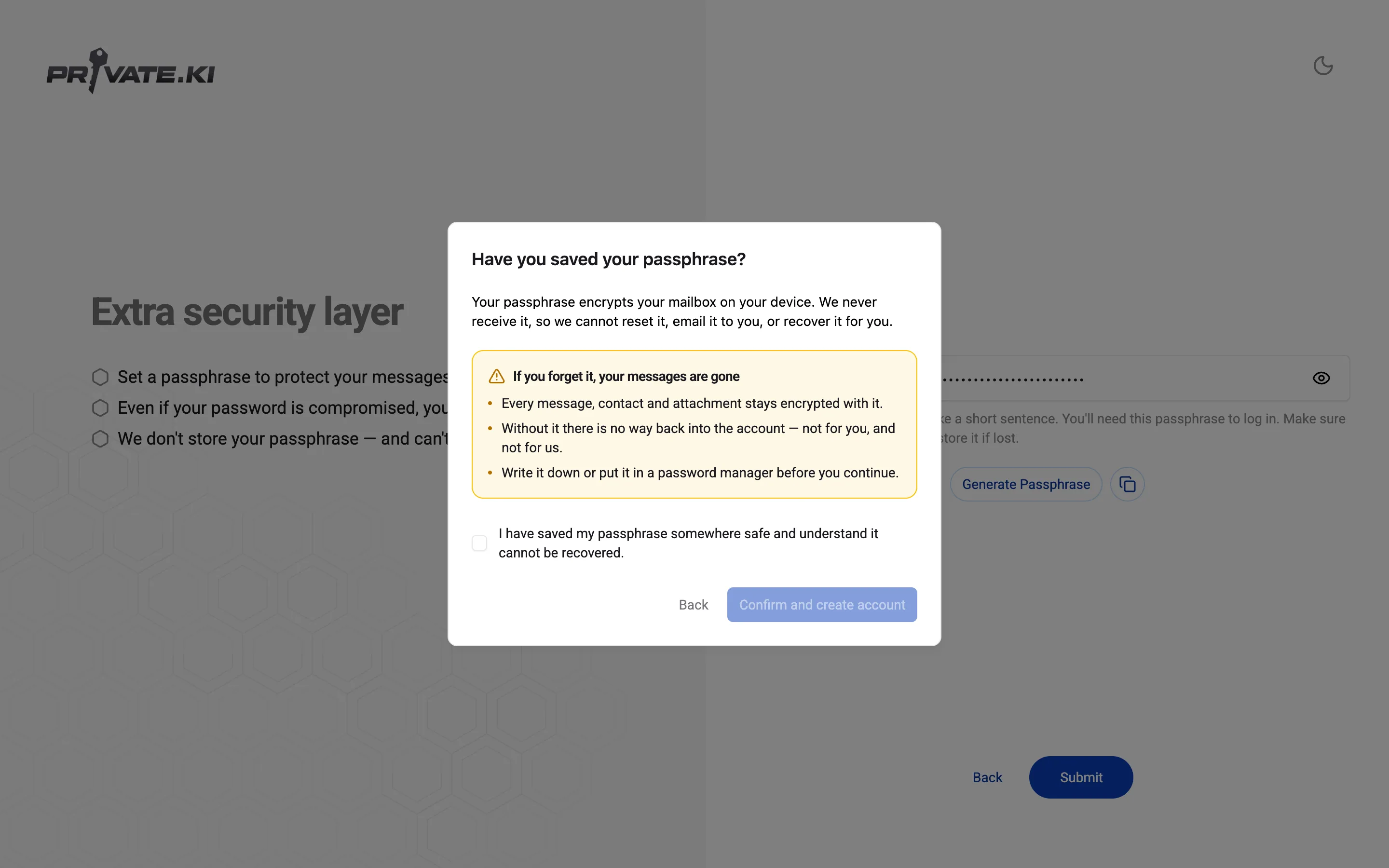
What our server can and cannot see
What it cannot read
- Message bodies, subjects of internal mail, attachments, reactions and drafts — encrypted on your device
- Who you correspond with — conversations are stored in a way that does not match sender and recipient. We don't know whom you communicate with.
- Group rosters — one encrypted, signed copy per member, no shared value
- Your passphrase, private key, and password — all these stay on your device
- Your recovery address — stored as a salted hash; in memory only long enough to send the verification code
- Your IP address or when you were connected — the app keeps no access or connection logs; the only trace is a keyed rate-limit hash that expires within an hour
What it can see
- Recipient addresses while a message is delivered — read once, one encrypted copy written per recipient, not stored on any row
- Stored: username, display name, public key, message sizes and timestamps, read flags, push tokens
- Headers of mail that crosses the open internet, on arrival — then encrypted to your key
Delivery needs an address; a service needs a few facts about an account. Everything else is ciphertext, a hash, or gone once the request is done. Read the full matrix →
Where we stand — including where we're not there yet
What you get here that you do not get elsewhere — and where others are ahead.
In plain words
- In your favour
- Partly
- Not in your favour
- Not offered or not published
| The question | Private.Ki | Proton Mail | Tuta | Gmail |
|---|---|---|---|---|
| Can the company read your mail?Between users of the same service1 | No | No | No | Yes |
| Can it read your chats and group chats? | No | No chat | No chat | Yes |
| Does your password ever reach their server? | No | No | A hash of it does | Yes |
| Can you take a message back from the other person's device?After it has been delivered | Yes, within 1 hour | Only before it leaves | No | Only before it leaves |
| Do messages delete themselves on both sides?A timer you set, 30 seconds to a month | Yes | Expiry only2 | No | Confidential mode, not end‑to‑end |
| Do you need a phone number? | No | No | No | Usually |
| Encrypted group chat in the same app? | Yes | No chat | No | Not end‑to‑end |
| Can you take your encryption keys to another app?Standard OpenPGP keys, exportable | Yes | Yes | Own format | No keys |
| Is message metadata stored encrypted?Who wrote to whom, and the subject line3 | Yes | Subjects in clear | Subjects yes, addresses no | No |
| Does the company keep logs of your IP address? | No logs4 | On legal request | On court order | Yes |
Show the technical versionHide the technical versionFor professionals: protocols, ciphers and key types, with a one‑line explanation of every term.
| Property | Private.Ki | Proton Mail | Tuta | Gmail |
|---|---|---|---|---|
| End‑to‑end scheme | OpenPGP | OpenPGP + Proton's own | Tuta's own (AES + RSA/Kyber) | TLS only |
| Password protocol | OPAQUE | SRP | Client‑side Argon2 hash, sent to the server | Password sent over TLS |
| Session tokens | DPoP‑bound JWT5 | Bearer | Bearer | Bearer |
| Where keys are generated | On your device | On your device | On your device | n/a |
| Key type | Ed25519 | ECC or RSA | RSA + Kyber hybrid | n/a |
| Message body cipher | AES‑256‑GCM, fresh key per message | AES‑256 via OpenPGP | AES‑256 | Encrypted at rest with Google's keys |
| Subject line encrypted | Yes | No | Yes | No |
| Metadata handling | Sender line, subject and correspondent history encrypted; routing timestamps in clear | Subject and addresses in clear | Subject encrypted; addresses in clear | All in clear |
| Group encryption model | One encrypted copy per member | — | — | Not end‑to‑end |
| Unsend window | 1 hour, removed from both devices | Undo before delivery only | None | Undo before delivery only (≤ 30 s) |
| Self‑destruct options | 30 s to 1 month; after read or after sent; both sides | Expiring messages2 | None | Confidential mode, enforced by Google's server |
| Two‑factor | TOTP | TOTP + security keys | TOTP + U2F | TOTP + keys + prompts |
| Adding a device | QR pairing, code lives ≤ 2 minutes | Standard sign‑in | Standard sign‑in | Standard sign‑in |
| Independent audit | None yet | Published | —6 | Compliance certifications |
| Open source | —6 | Clients | Clients | No |
Hover or tap a dotted term for a one‑line explanation.
- Within the same service. Mail exchanged with an outside provider is only as private as that provider makes it.
- Proton offers an expiry date on Proton‑to‑Proton and password‑protected mail; there is no timer that runs on the recipient's device.
- Private.Ki encrypts the sender line, the subject and your correspondent history under your own key; message sizes and routing timestamps remain in clear. Details on the server page.
- No web‑server access or connection log is written; the only trace of an IP address is a keyed rate‑limit hash that expires within an hour.
- A DPoP‑bound token only works from the device that holds the matching key. A bearer token works from any device that has a copy of it.
- Not published, or no claim made.
- Competitor entries reflect what each provider publicly documents in its help pages, privacy policy and transparency reports, as of September 2026. Cells marked — are not offered by the provider or not published by it.
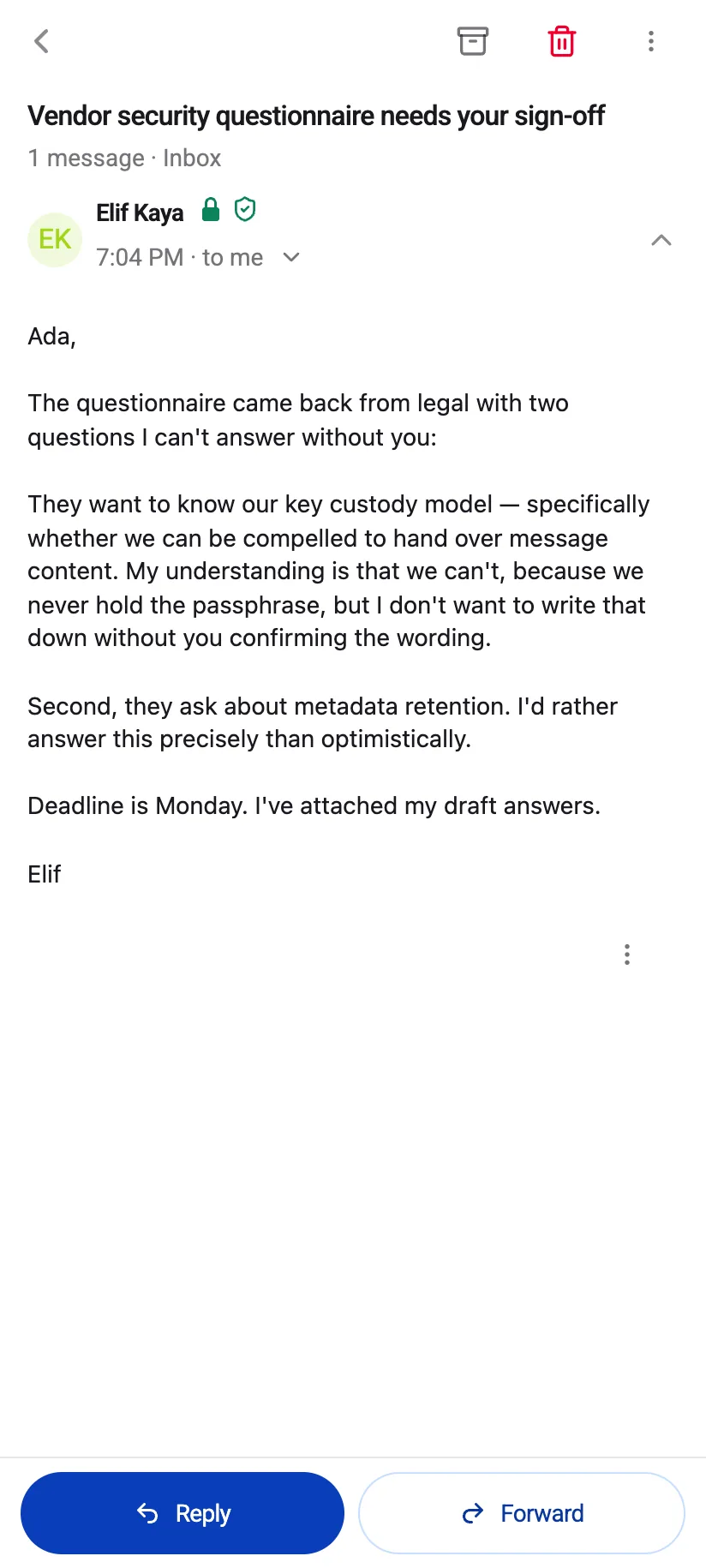
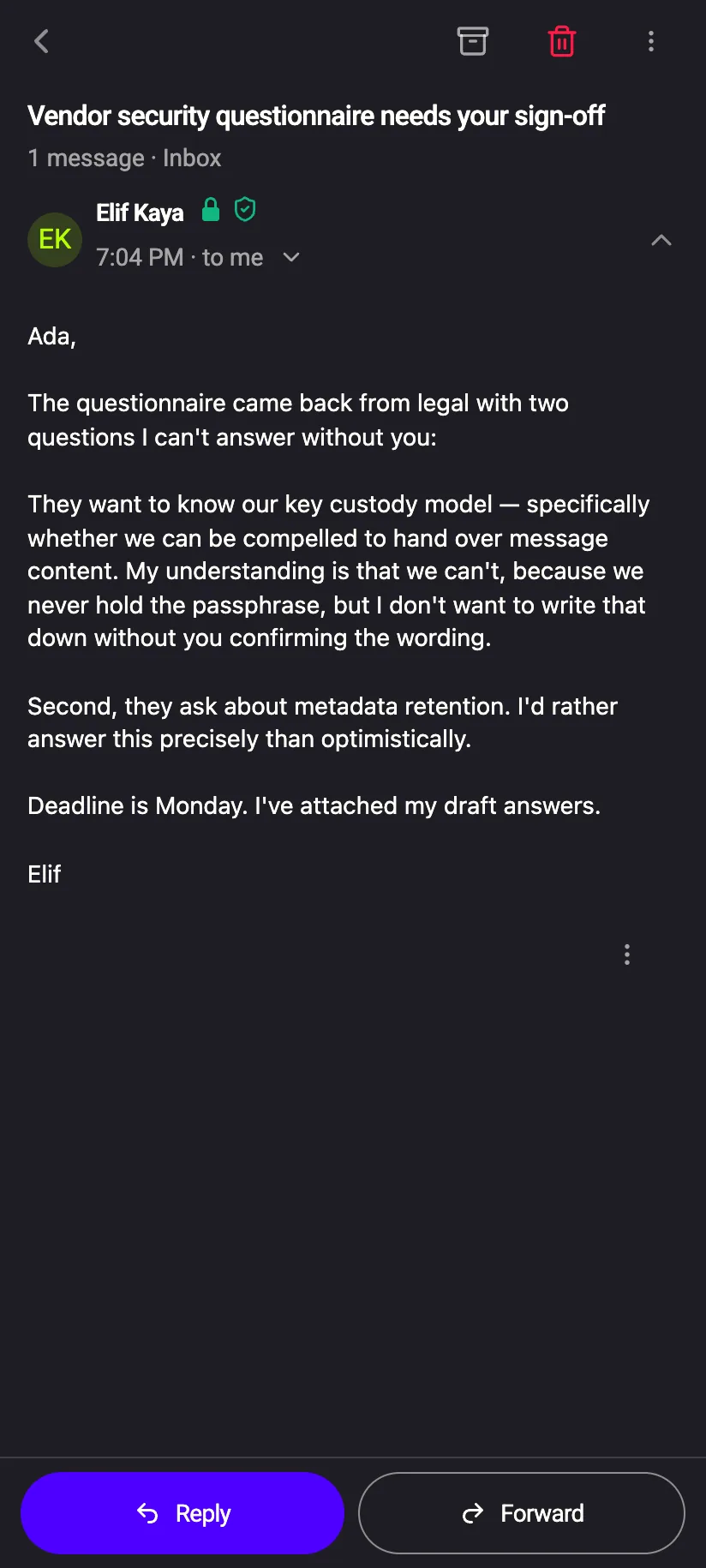
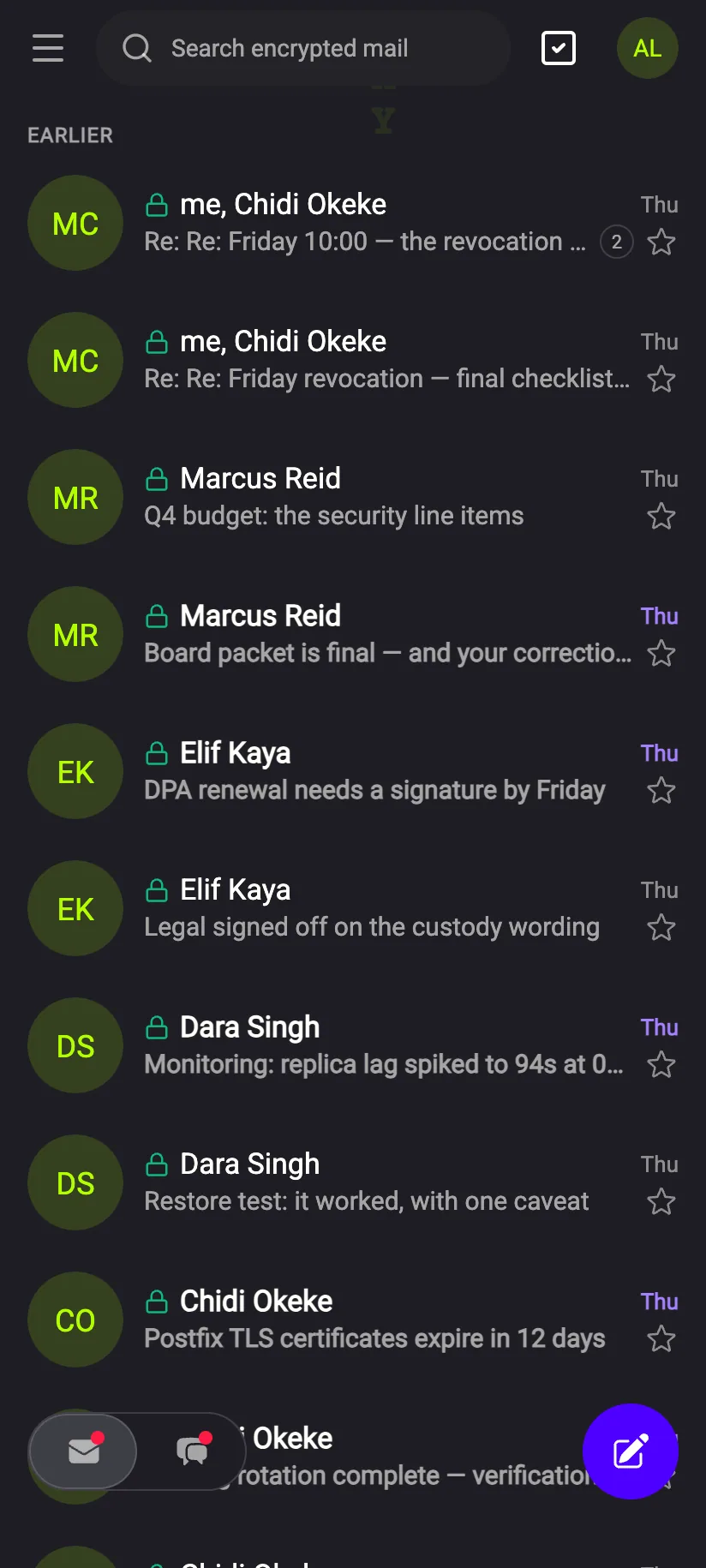
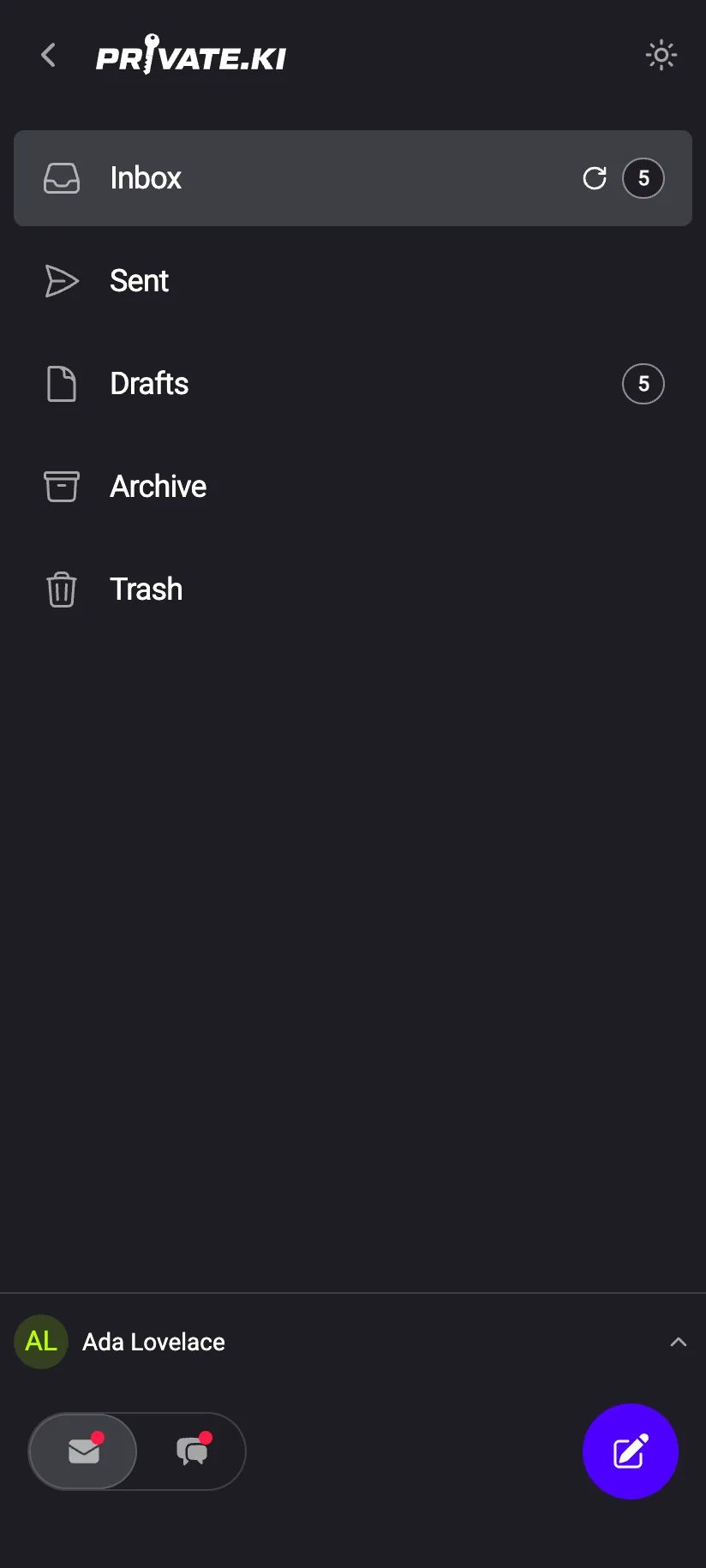
Same guarantees, same badges, either theme
Web, iOS, Android: All functions are same.
“Your messages are encrypted with your private key. We hold no copy, so only this passphrase opens them.”