Skip to content
Products
Encrypted Email Messenger Group Chat For teams
Security
How encryption works What our servers can and cannot see Account security Private.Ki over Tor Private.Ki and VPNs
Company
Pricing About Careers Statement Help center Contact
Language
EnglishEN DeutschDE · soon EspañolES · soon FrançaisFR · soon
Create a free account Sign in
Group Chat

Every group is completely encrypted. Inviting anyone in takes one link.

Every group and every message in it is end‑to‑end encrypted — there is no unencrypted kind. And bringing in someone who is not on Private.Ki is easy: send them a single‑use link or show them a QR code. They open it, a key is made on their device, and they are chatting with you. No phone number, no waiting.

Encryption first. Every group message is encrypted on the sender's device to each member's own key before it leaves. No one outside the group can read it — including us. Someone added later cannot read what came before. What our server can and cannot see →

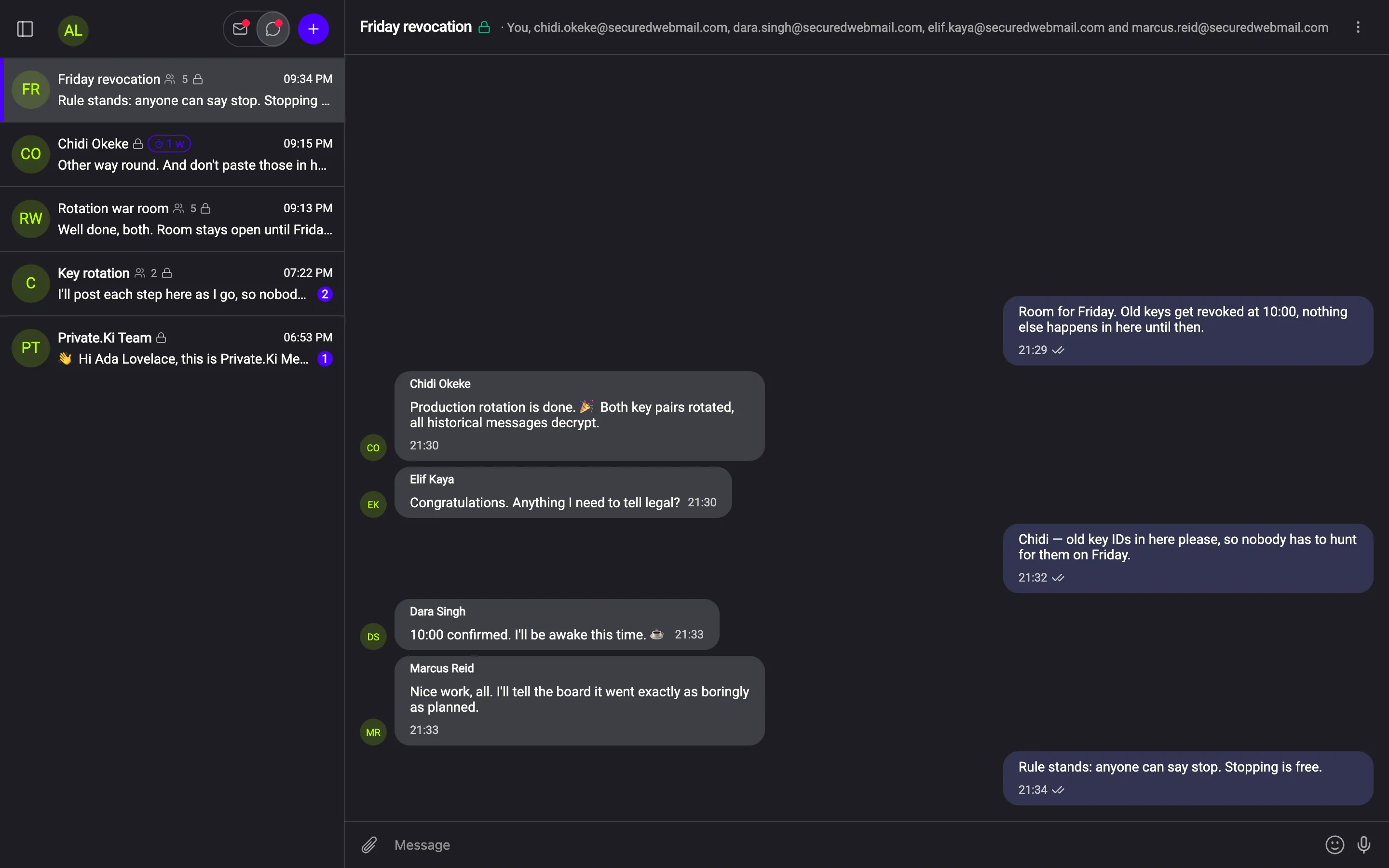
A five-person group

Every bubble here was encrypted five times. Nobody else can read one.

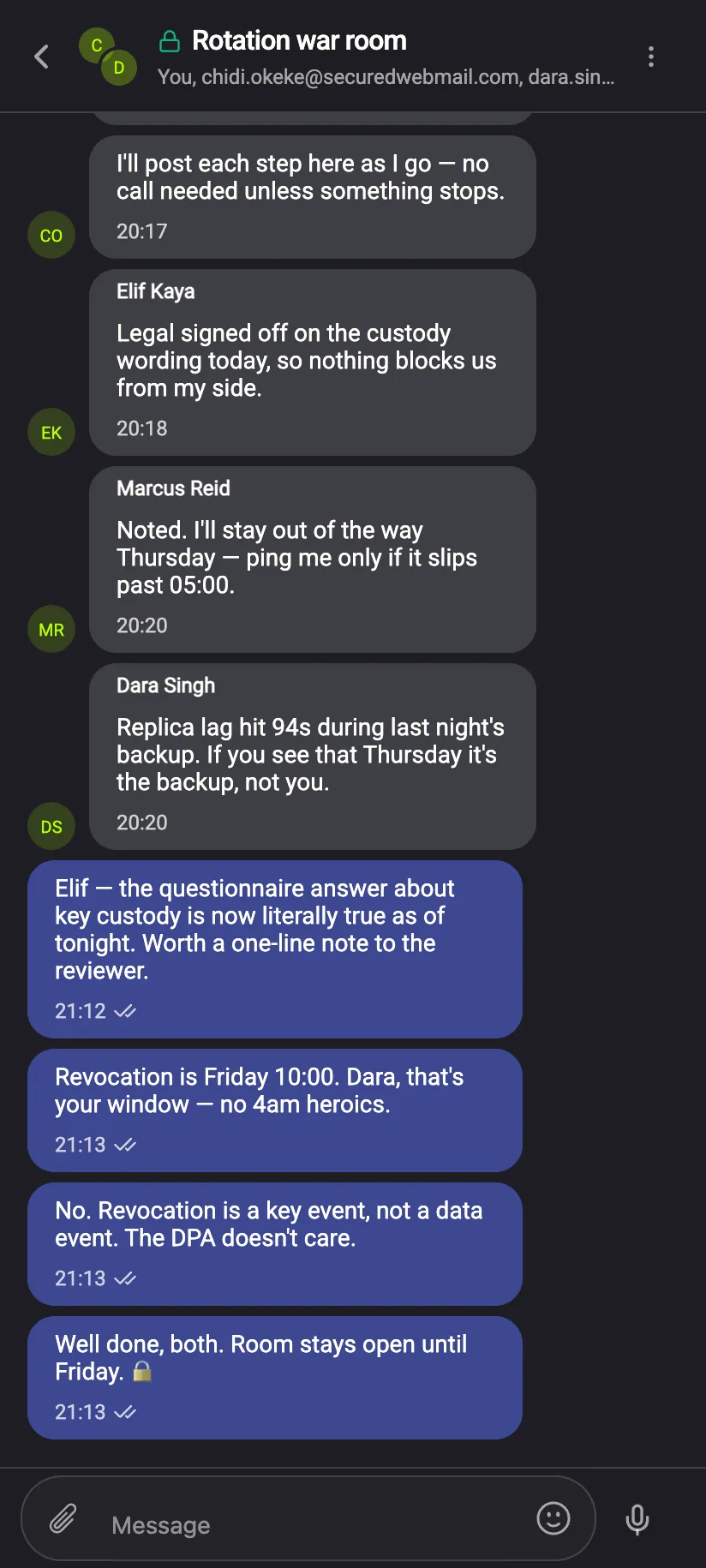
A five-person encrypted group conversation
Detail — 2.6×
1Every member, namedThe header lists all recipients. There is no server‑side member list that could disagree with it.
2Named, coloured sendersEach person has a name and colour on every message.
3Size and lock, up frontThe conversation list shows the member count and a lock per row.
Group settings

The group screen tells you exactly who holds the keys

“Encrypted for these 5 people.” The app counts the keys it encrypted to, shows spots left, and lets any member set a self‑destruct timer or rename the group.

“Older messages cannot be handed to someone new. They were locked to the people who were in the group at the time.”

From the group screen.
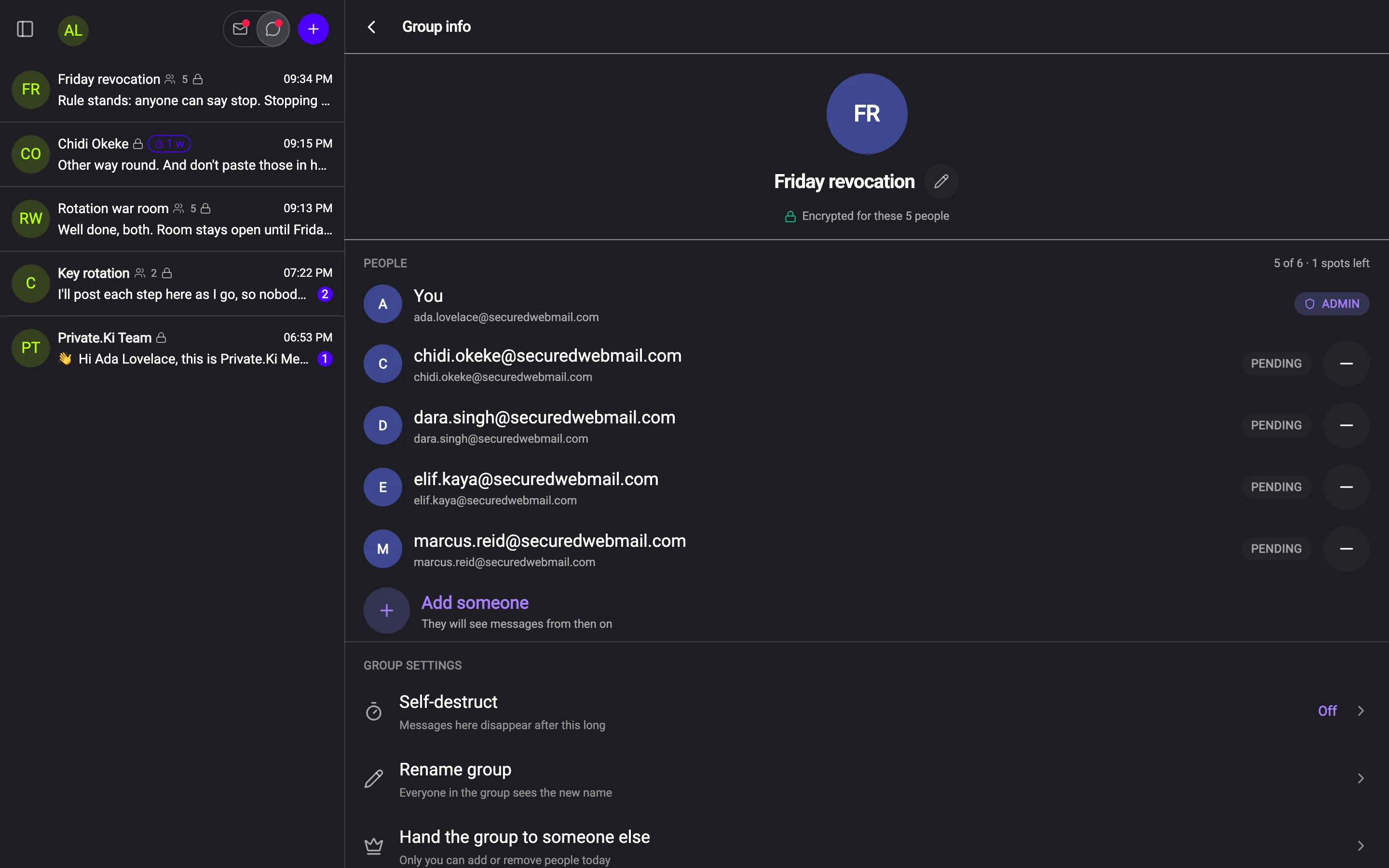
Group info: members, spots left, self-destruct and rename settings
Group member picker explaining that only people with a key can be added
Building a group

Only people with a key. The picker says so before you choose.

The picker offers addresses you have written to. Anyone without a Private.Ki key stays greyed out rather than failing after you pick them. To bring someone new in, send them an invitation first.

Invitations

Invite anyone outside Private.Ki with a single‑use link or QR code

Bringing in someone who is not on Private.Ki yet is one step: send them a link that works once, or show them the same invitation as a QR code across the table. They open it, get a key on their device, and the encrypted chat with you begins. From then on they can be added to any group.

Invite linkGenerated on your device; valid for one person. The part after the # is the secret, so the app warns you that forwarding the link hands over the invitation.
Invite QRThe same invitation, shown as a code. “Works for one person · expires in 7 days.” Withdraw it at any time.
How long it livesChoose the validity before the invitation is created.
SentThe invitation is listed under Invitations with its state.
PendingUntil it is used, withdrawn or expired, it shows as pending.
What the other person sees

Open the link, get an account and a key, start talking

The invitation lands on a welcome screen. Someone already signed in is asked whether to accept it into their existing account. Either way the result is a person with a key — the thing a group needs.
WelcomeThe guest's first screen. Their key is generated on their device, like everyone's.
Already signed in“You're already signed in” — the invitation can be accepted into the account you have.
The first replyFrom here on it is an ordinary encrypted chat.
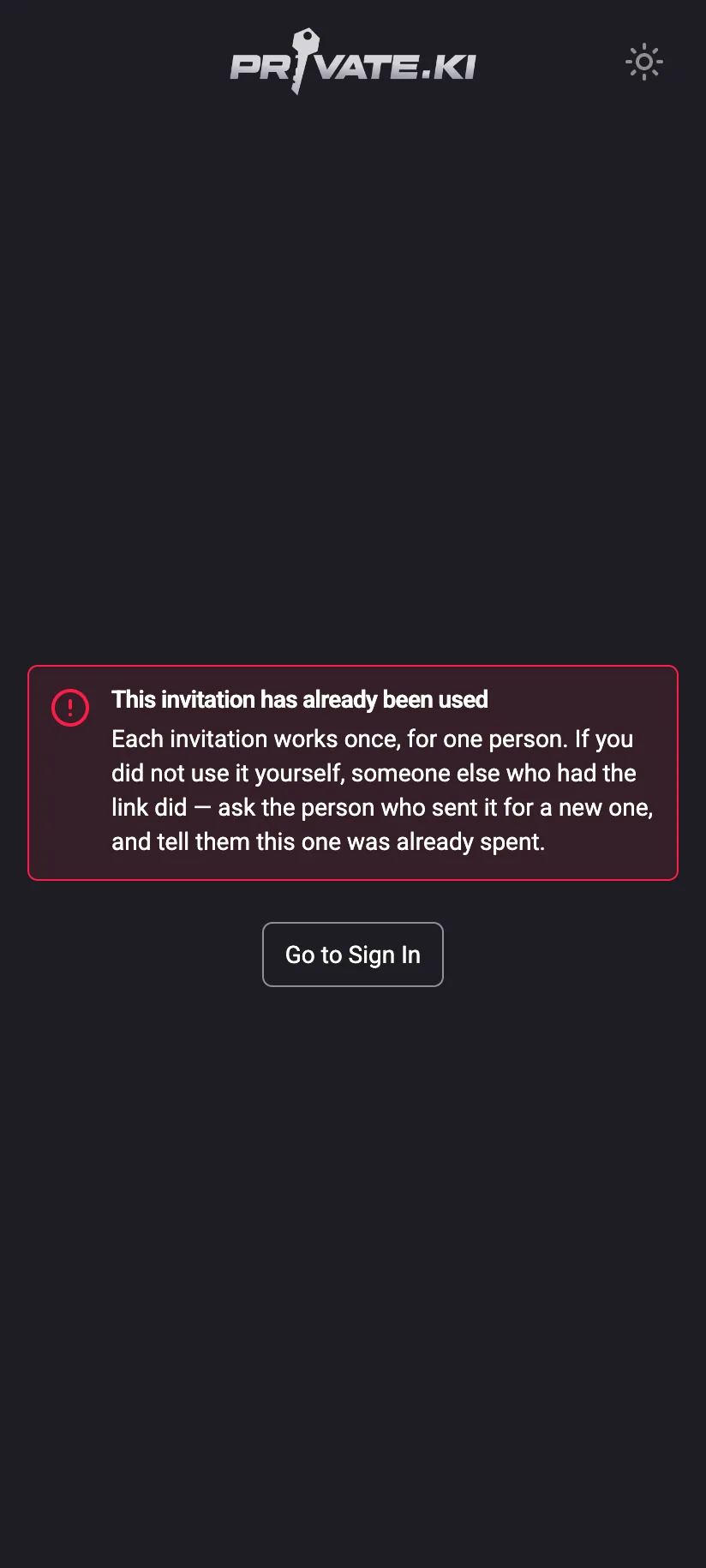
Phone: 'This invitation has already been used' — each invitation works once, for one person
Used once, then refused“Each invitation works once, for one person.” A second load is turned away and told to ask for a new one.
Phone: an encrypted group chat with named, coloured senders
The group, on a phoneNamed, coloured senders; the same encryption per member.
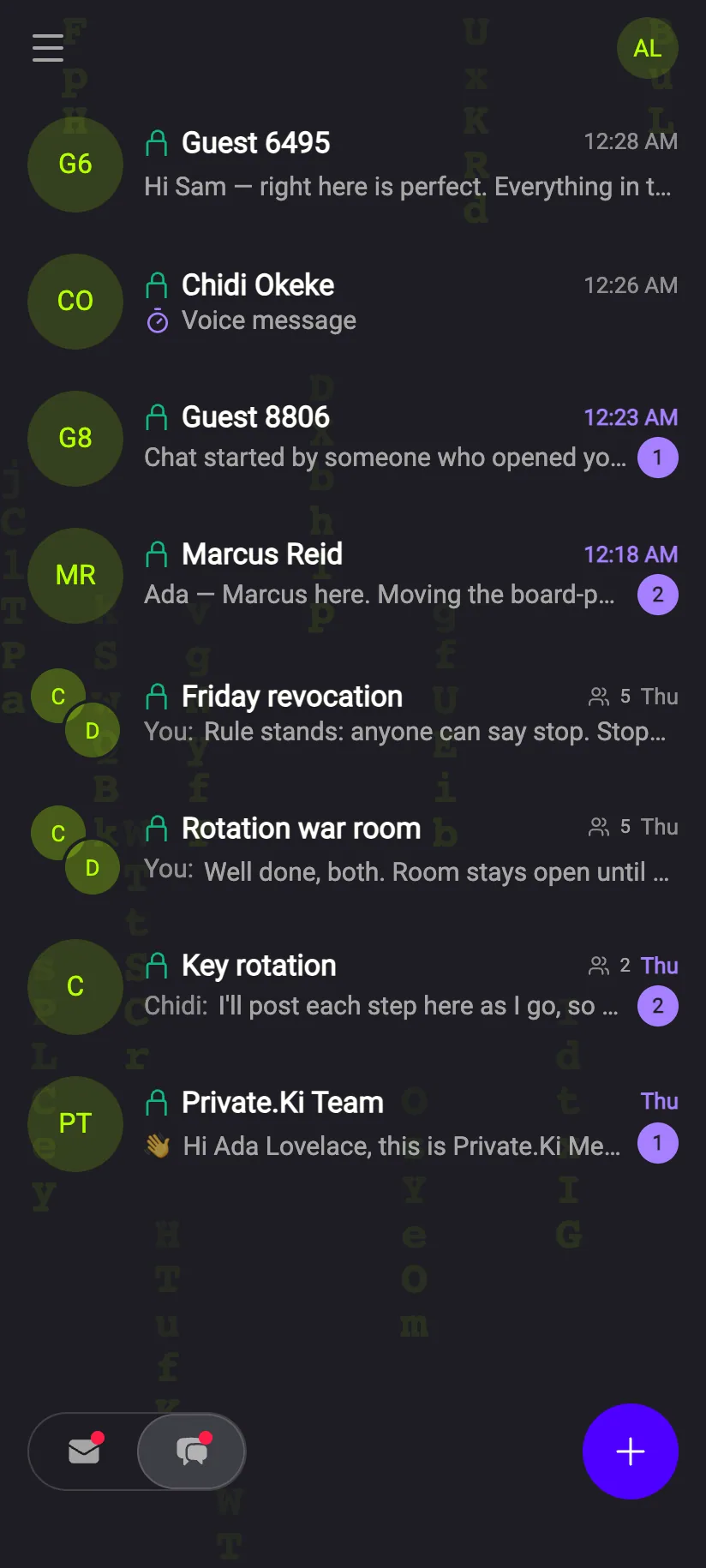
Phone: the chat list with group rows
The listGroups and one‑to‑one chats together, a lock on every row.
The details

Encrypted once per member. Readable by no one else.

Each message is encrypted separately to every member's own key, on the sender's device. Timers and reactions work the way they do in one‑to‑one chats; Unsend is for one‑to‑one conversations. Adding someone shares the future, not the past. Stickers work in groups too: the message carries the sticker's name inside each member's encrypted copy, never a picture. How stickers stay encrypted →

Every group is end‑to‑end encrypted, one key per member. Inviting someone outside Private.Ki takes one link.