Change your password
Change your sign-in password in Settings › Security and Privacy. It happens over OPAQUE, so the new password never reaches our server.
You can change your password whenever you are signed in — no email code, no waiting. The change is an OPAQUE re-registration: your device proves it knows the current password and registers a fresh record for the new one, and the server sees neither password in the process.
This page is about the password you sign in with. If you unlock your mailbox with a six-word passphrase, that is a separate secret with its own page.
Change it
- Open Settings. Click your name at the bottom-left, then Settings › Security and Privacy.
1Security and Privacy2PasswordWeb & desktop 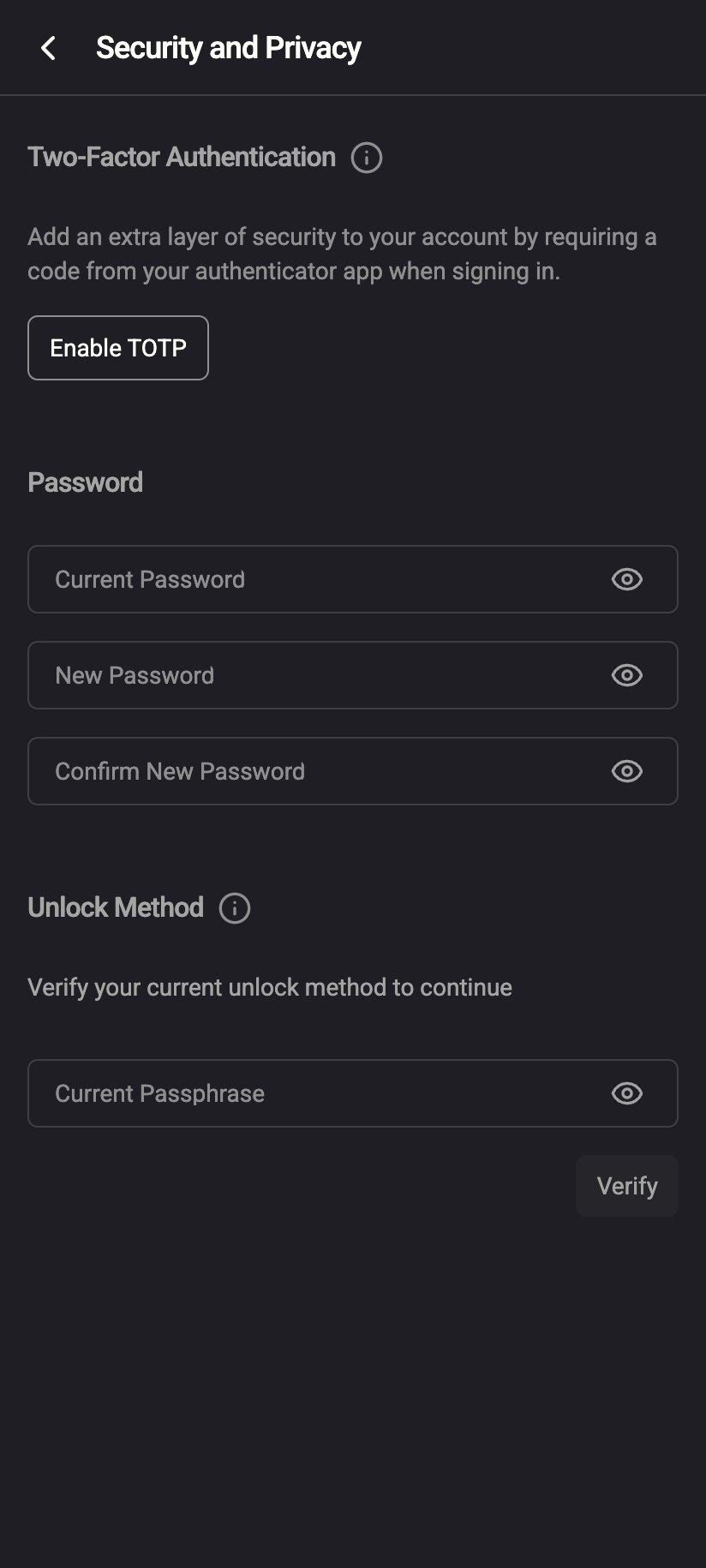 12
121Password2Current PasswordiPhone 121Password2Current PasswordAndroid - In the Password section, fill in Current Password, New Password and Confirm New Password. The new password needs at least 8 characters with an upper-case letter, a lower-case letter and a digit, and must differ from the current one. Field errors appear under each box as you type.
1Current Password2New Password3Confirm New PasswordWeb & desktop 1231Current Password2New Password3Confirm New PasswordiPhone 1231Current Password2New Password3Confirm New PasswordAndroid - Save and Cancel appear once you start typing. Click Save.
- Done. You see Your password has been changed. — or, on a password-only account, Password and encryption updated, because that method also re-encrypts your private key so it opens with the new password. The fields clear.
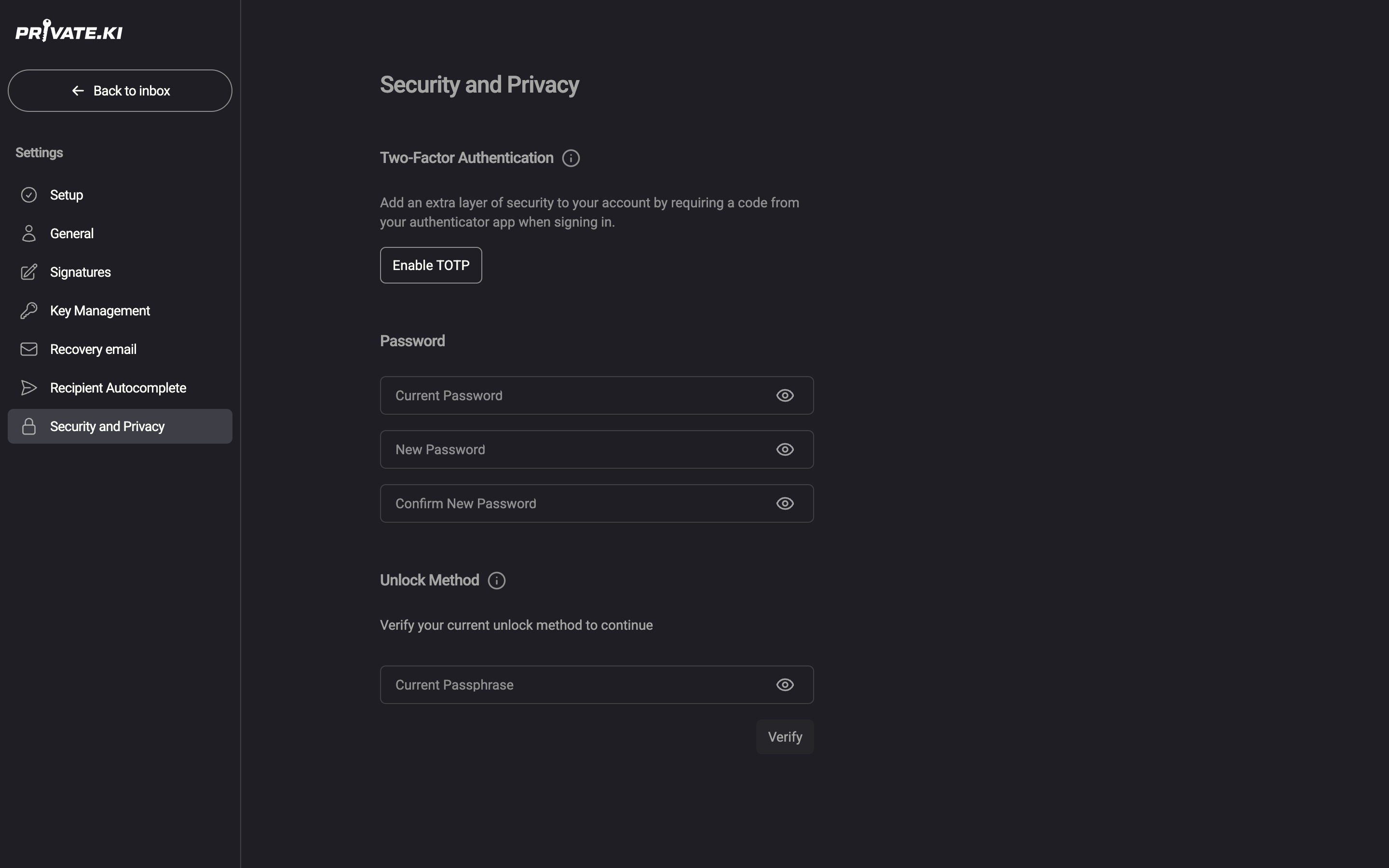
On the phone, open the menu ☰, tap your name at the bottom of the drawer, then Settings › Security and Privacy. The Password section looks the same.
What changes, by unlock method
| Your unlock method | What the change does |
|---|---|
| Password (auto-unlock) | Registers the new password with OPAQUE and re-encrypts your private key so it opens with the new password. Toast: Password and encryption updated. |
| Passphrase | Registers the new password with OPAQUE. Your key stays protected by your passphrase; nothing about it changes. Toast: Your password has been changed. |
| No password yet (you sign in with email codes) | The section is titled Set Password and shows Password, Confirm Password and a Set Password button. Setting one also switches you to password unlock, so the app can open your mailbox without a code. |
If the toast says Password changed but encryption update failed, your sign-in password did change but your key could not be re-encrypted. Do not sign out of this device; contact support.
Other devices and sessions
Changing your password does not sign out other devices. Sessions that were already running keep running until they expire or you end them. If you are changing the password because you think someone else knows it, also open Active sessions and sign out of anything you do not recognise, or use Log out on each device.
What our server sees
Cannot see
- Your current or new password — OPAQUE checks the current one and registers the new one without either leaving your device
- Your private key in a readable form; on password-only accounts it receives a freshly encrypted copy it cannot open
Can see
- That your OPAQUE record was replaced (a new one is stored; the old one is gone)
- On password-only accounts, the new encrypted copy of your private key
Common questions
The Save button is missing.
It appears only after you type in one of the three fields, and stays disabled while a field is invalid. Check the red text under the fields.
It says "Unable to complete request".
Almost always the Current Password is wrong. There is no separate "wrong password" message — OPAQUE fails the whole step, and we cannot tell you which part was wrong. If you have forgotten the current password, sign out and use Reset a forgotten password instead.
Does a new password change my encryption keys?
No. Your key pair stays the same; your public key, your address and everything others have of you are unchanged. On password-only accounts only the wrapper around your private key is re-encrypted.
Do I need to redo two-factor authentication?
No. Two-factor is independent of your password and stays enabled.
Can I set a password if I only ever signed in with email codes?
Yes — the Set Password section is exactly that. See the table above.