What is OPAQUE?
The sign-in protocol Private.Ki uses so your password never reaches our server — not even as a hash. And how the same password unlocks your keys.
OPAQUE is a password-authenticated key exchange. Ordinary sign-in sends your password to the server, which hashes it and compares. OPAQUE never sends the password. Your device and our server run a short cryptographic exchange in which your device proves it knows the password, and the server checks that proof — without ever learning the password itself. Private.Ki uses OPAQUE for every username-and-password sign-in, on the web and in the apps.
What our server stores instead of a password
At sign-up your device runs the OPAQUE registration step with your password and username. The result is an OPAQUE record, which the server stores. It is not a password hash: it is built with a secret only the server has and material only your device produced, and it cannot be turned back into your password by anyone who copies it. Someone who steals our database gets a record they can neither reverse nor use to sign in as you.
What happens when you sign in
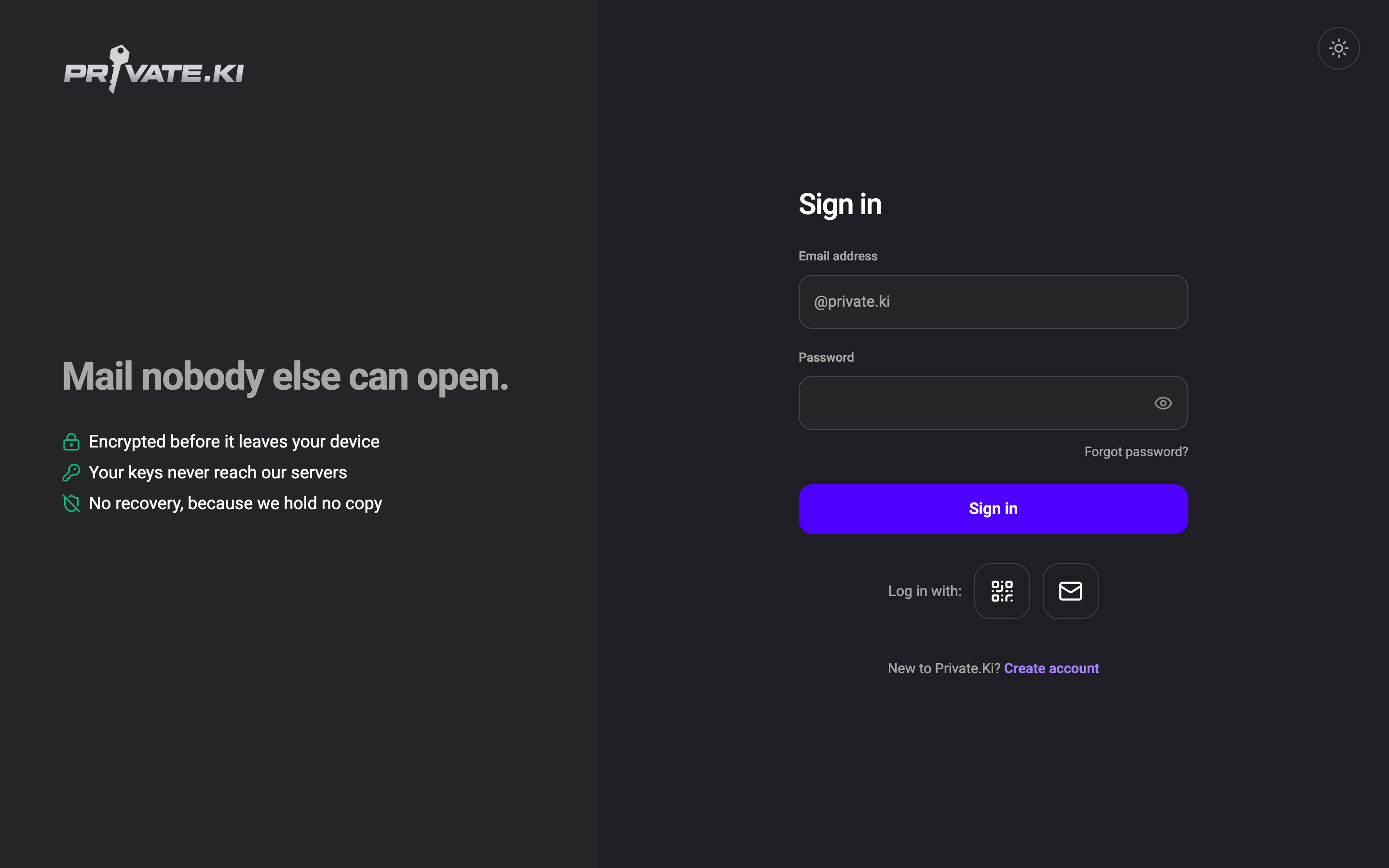
- You type your username and password on the sign-in screen. The password stays in your device's memory.
The sign-in form. What you type here is used on your device to run the OPAQUE exchange; the password itself is never sent.Web & desktop 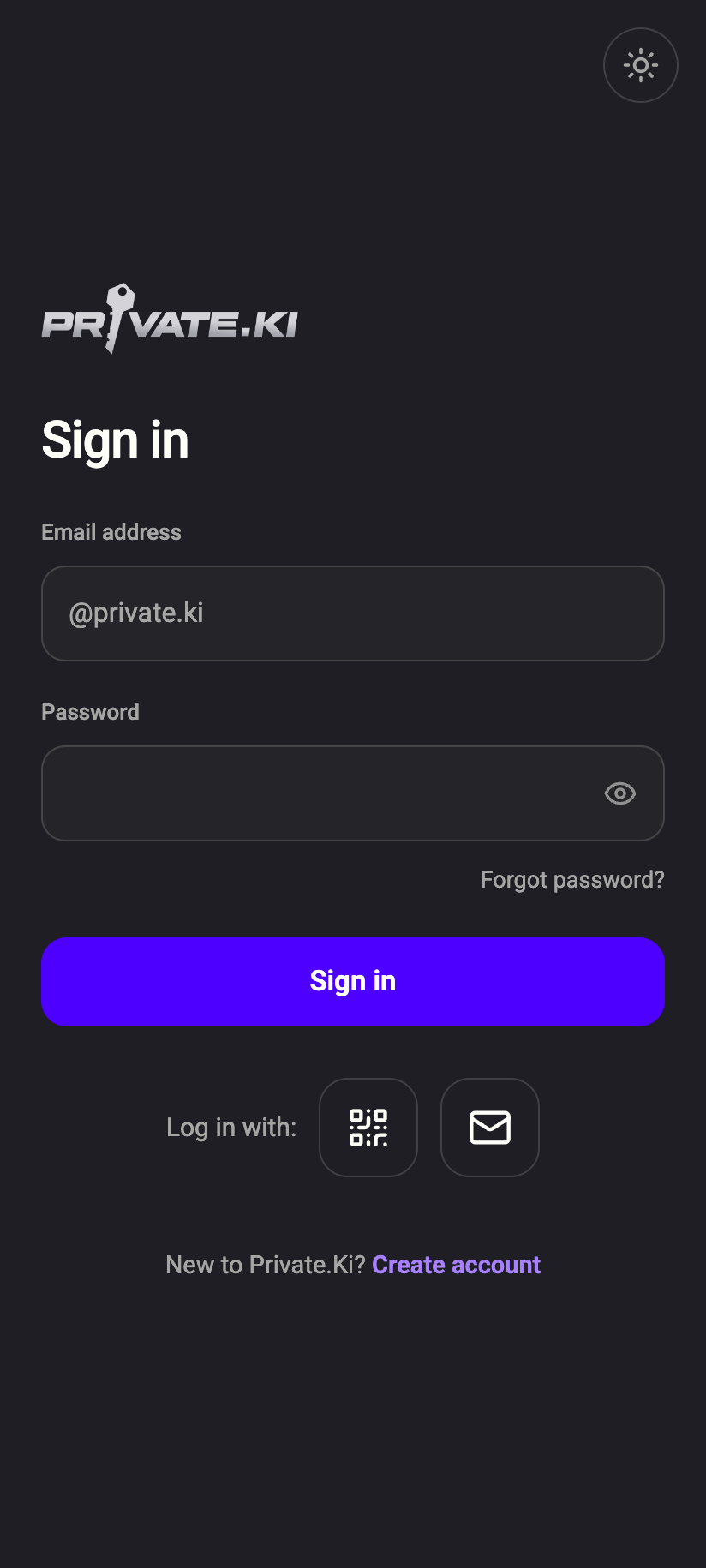
The sign-in form. What you type here is used on your device to run the OPAQUE exchange; the password itself is never sent.iPhone The sign-in form. What you type here is used on your device to run the OPAQUE exchange; the password itself is never sent.Android - Your device sends an OPAQUE credential request — a blinded value derived from the password, which reveals nothing about it.
- The server answers from your OPAQUE record. Your device combines that answer with your password to recover the credentials, and sends back a proof.
- If the proof checks out, the server issues your access and refresh tokens (bound to a device key with DPoP). A wrong password fails at step 3 and the server learns nothing except that an attempt failed.
If two-factor authentication is on, the six-digit code is asked for after this exchange, not instead of it.
How OPAQUE protects your keys in Password only mode
Your private key is stored on the server wrapped — encrypted under a secret only you know. If you chose Passphrase at sign-up, that secret is your passphrase, and you type it after every sign-in. If you chose Password only, the secret is derived from your password, and OPAQUE is what makes that safe:
- Because the password never leaves your device, your device can use it for a second purpose the server cannot: it runs Argon2id over the password with a per-account random salt and gets a strong wrapping secret.
- That secret unwraps your private key locally. The private key then opens your master key, and your mail decrypts. See What is encrypted, and where.
- The server holds only the salt and the wrapped key. It never sees the password, the derived secret, or the unwrapped key — so it cannot open your mailbox, and neither can anyone who takes its database.
So in Password only mode your password does two jobs, and the server can verify the first (sign-in) without being able to do the second (decrypt).
OPAQUE stops the server and anyone in between from learning your password. It does not stop someone from guessing it. Each guess needs a full round-trip with the server, which is rate-limited, but a short or reused password is still the weak point. Use a long, unique one, and turn on two-factor authentication.
Changing or resetting your password
Changing your password runs OPAQUE again: your device proves the old password, then registers a new record for the new one, in a single exchange. Resetting a forgotten password works through your recovery address — see Reset your password. What can be recovered, and what happens to your keys, depends on your unlock method; that page explains it.
What our server sees
Cannot see
- Your password, at any point, in any form
- A hash of your password
- The secret derived from your password that unwraps your key
Can see
- Your OPAQUE record, which only the server's secret can use, and only to check a proof
- Your username, the time of each sign-in attempt, and whether it succeeded
- The Argon2id salt for your account (random, not secret)
Common questions
Does this mean support can't reset my password?
Support cannot see or set your password. A reset always goes through your recovery address, and only you complete it on your device. If you have no recovery address and no other signed-in device, there is no way back in. See Does Private.Ki store my password?.
Is OPAQUE the same as my passphrase?
No. OPAQUE is about signing in. Your passphrase (if you chose that unlock method) is about decrypting, and is never part of the sign-in exchange at all.
Is OPAQUE used for QR or email-code sign-in?
No. Those paths do not use a password. QR sign-in transfers an already-authenticated session from another device; email-code sign-in proves control of an address. Both still end with your keys being unlocked on the new device, not on the server.