Delete emails and restore from Trash
Deleting moves a conversation to Trash until you remove it for good. How to delete a message or selection, restore it, and what permanently means.
Deleting in Private.Ki is a two-step affair. The first step moves the conversation to Trash, where you can still read it and put it back. The second step — Delete permanently or emptying the folder — removes it from our servers for good. Nothing moves from Trash to gone on its own: there is no automatic emptying, so mail stays in Trash until you act.
Move to Trash
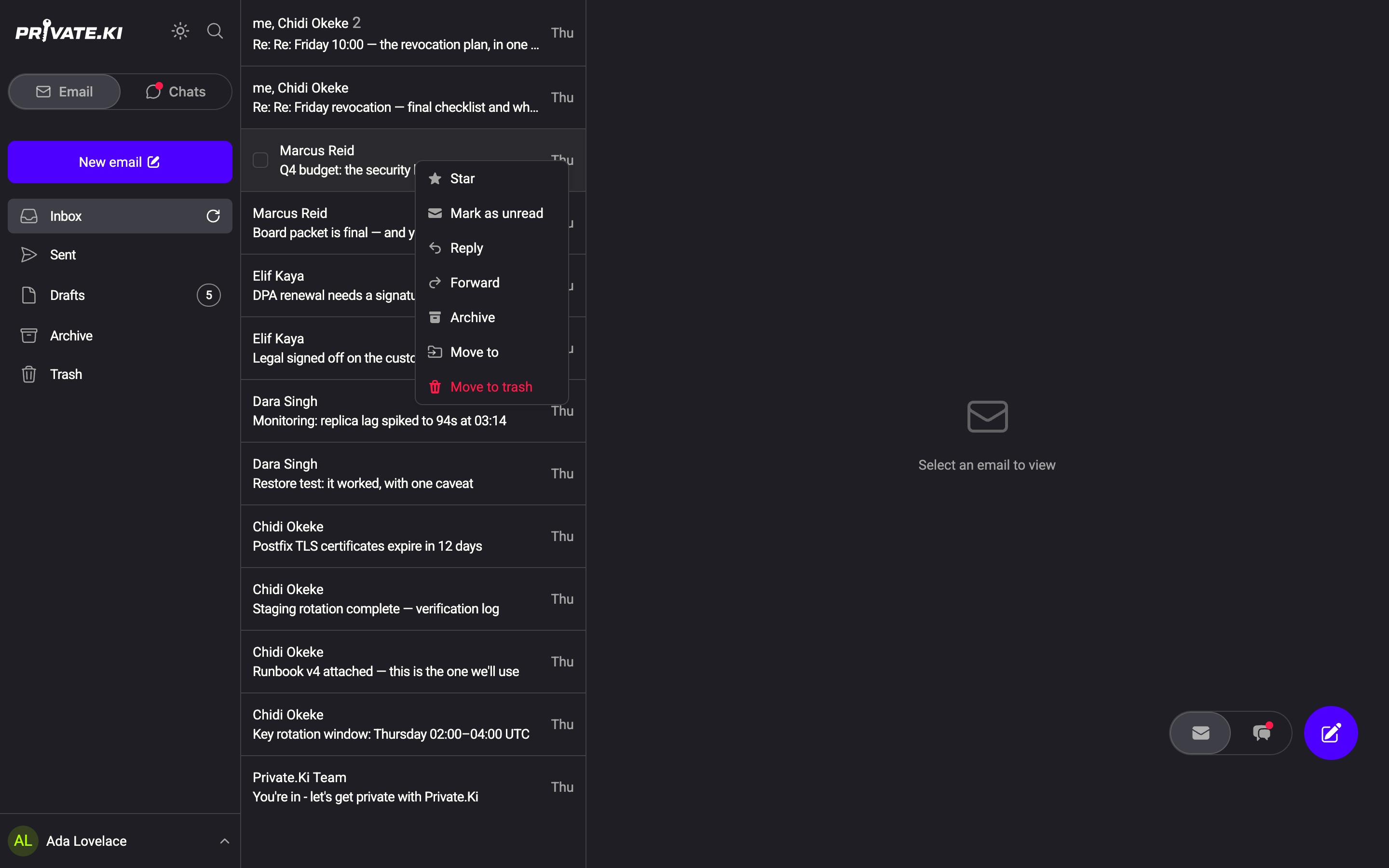
- From the list. Right-click the conversation (long-press on the phone) and choose Move to trash.
1Move to trashWeb & desktop - From inside a conversation. Open a message, click its ⋮ menu below the body and choose Delete — this moves just that message. To move the whole conversation, use the ⋮ menu at the top right and choose Delete thread.
- Several at once. Tick the checkboxes that appear when you hover over rows (on the phone, tap the select icon in the top bar), then click the trash icon in the toolbar. Its tooltip reads Delete.
A draft is different: Discard draft in its row menu deletes the unsent text immediately, without passing through Trash.
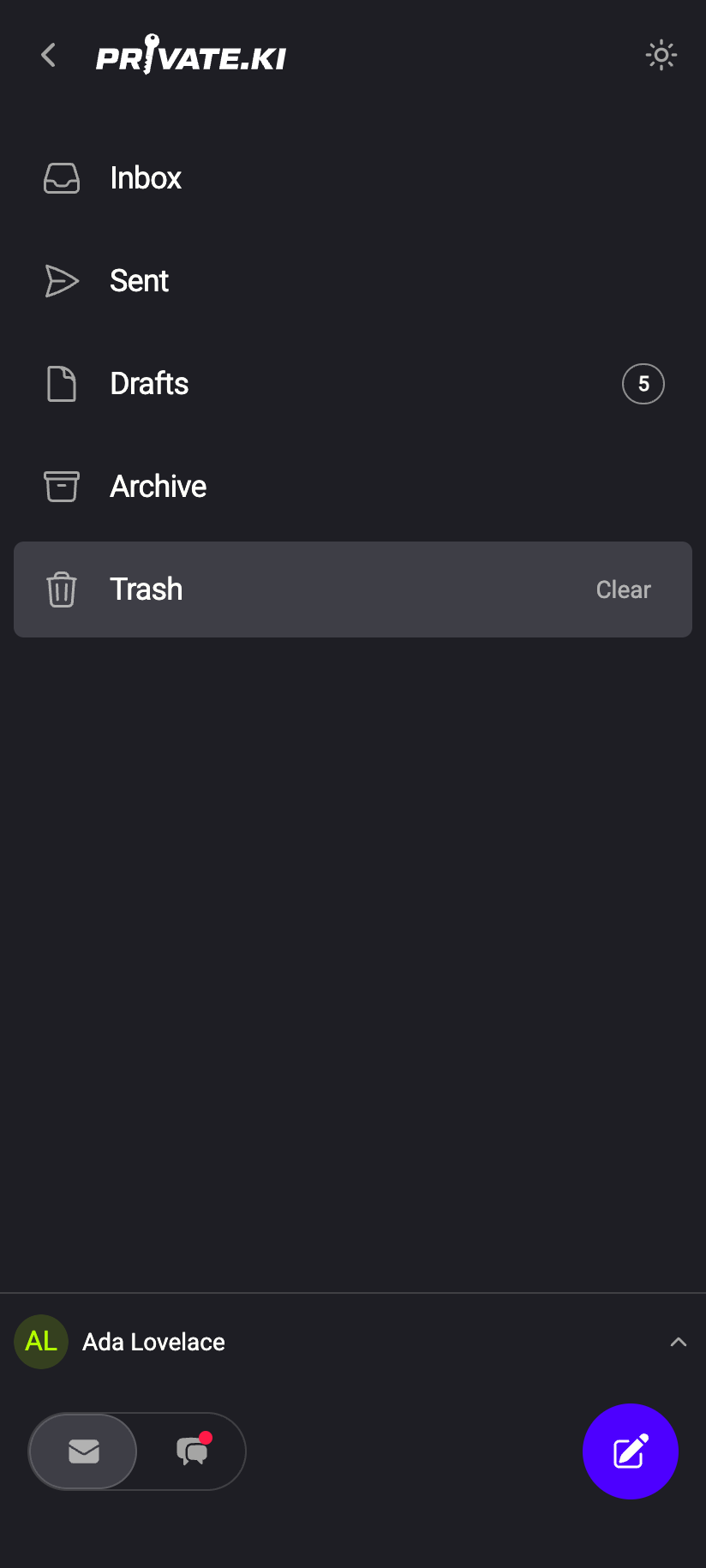
Press and hold the row and choose Move to trash. At the top of an open conversation, the trash icon deletes the whole thread.
Swiping a row no longer bins it. That gesture was removed in October 2026; a sideways drag anywhere on the list now switches between Email and Chats. Nothing was lost — the move is in the long-press menu, and a conversation in Trash can be put back at any time with Restore.
Restore from Trash
- Open Trash in the folder list.
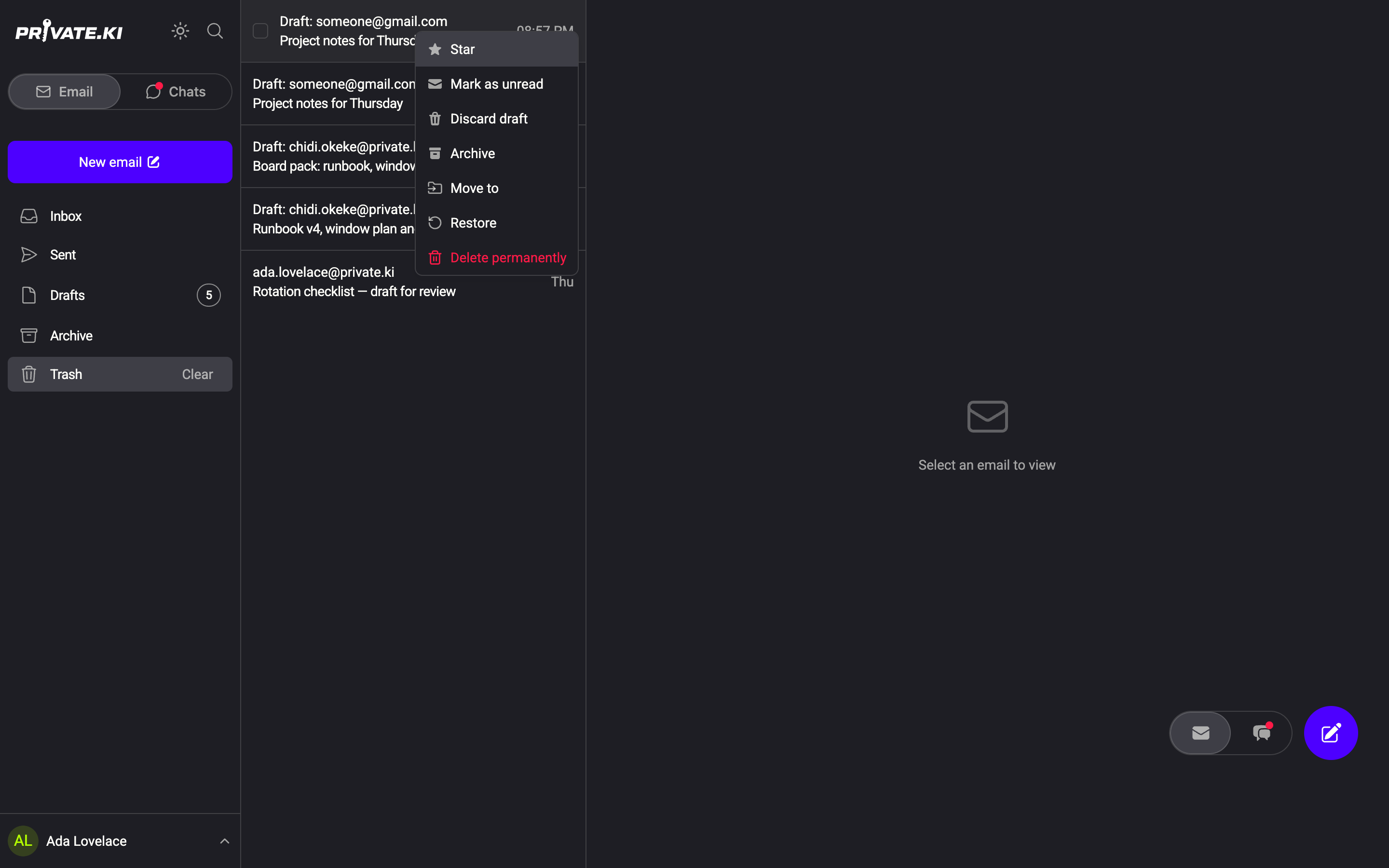
- Right-click (or long-press) the conversation and choose Restore. Inside a conversation, the ⋮ menu below a message has Restore message and the ⋮ menu at the top right has Restore thread.
1Restore2Delete permanentlyWeb & desktop - The conversation returns to the folder it came from — received messages to Inbox, sent ones to Sent, drafts to Drafts.
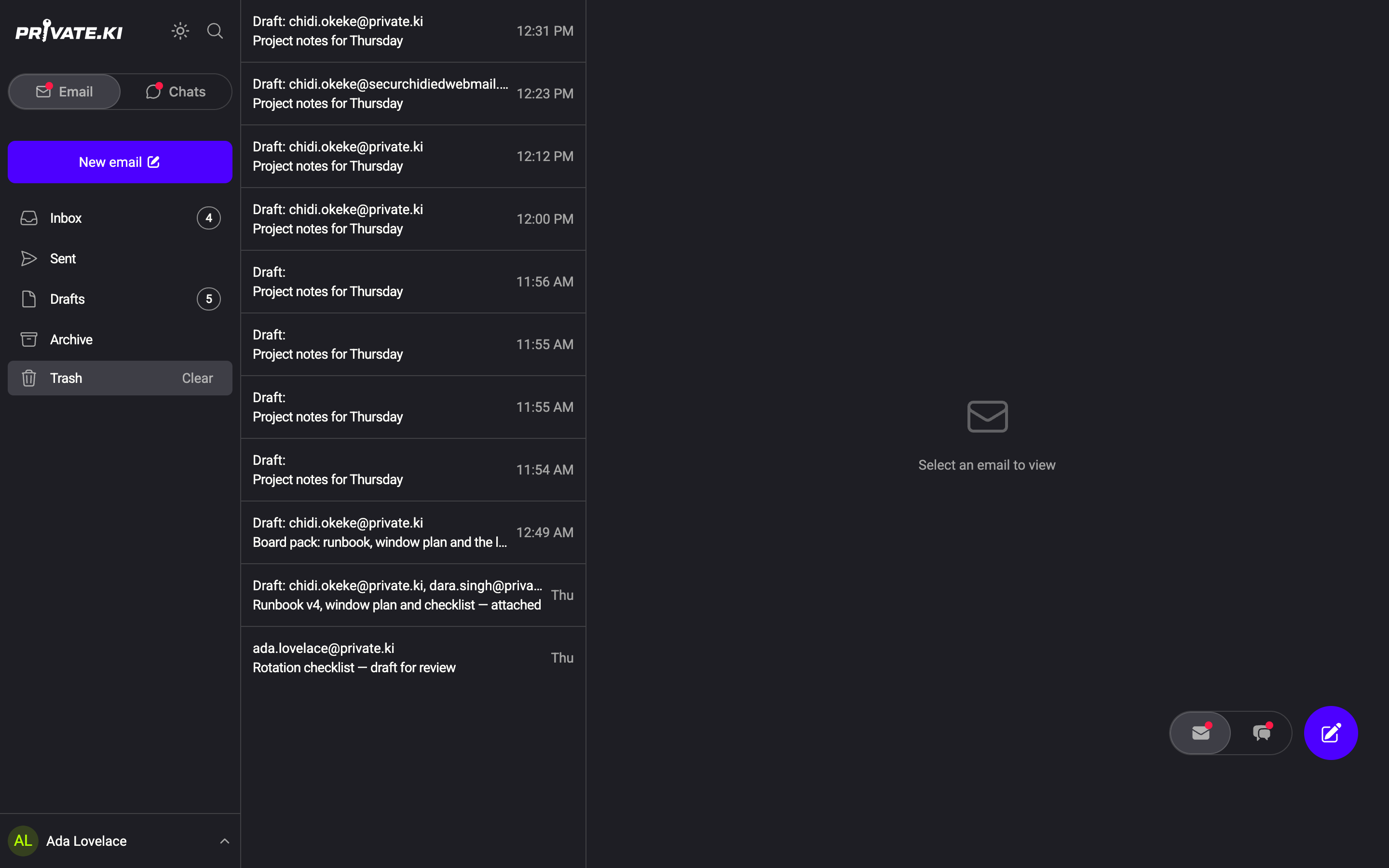
You can also select several rows in Trash and click the restore icon in the toolbar, or use Move to to send them straight to Archive.
Delete permanently
Permanent deletion is only offered inside Trash, and it always asks you to confirm. There is no undo.
- One conversation: row menu → Delete permanently, then Delete in the dialog Delete Thread Permanently.
- One message: message ⋮ menu → Delete permanently, then Delete.
- A selection: tick the rows, click the trash icon in the toolbar (tooltip Delete permanently), then Delete.
- Everything in Trash: click Clear next to the Trash folder in the sidebar, then Empty in the dialog Empty Trash.
We cannot restore permanently deleted mail. It is encrypted with your keys, so even a backup would be unreadable to us — and there is no copy we could hand back. Do not empty Trash unless you are sure.
What our server sees
Cannot see
- What the deleted messages said — they were encrypted before they were stored
Can see
- That a conversation was moved to Trash, restored or permanently deleted, and when
Common questions
Does Trash empty itself after 30 days?
No. Mail stays in Trash until you delete it permanently or use Clear. If you want Trash to stay small, empty it yourself.
I deleted a message by mistake and it is gone from Trash too
If it was permanently deleted, it cannot be recovered — not by you and not by support. If you only moved it to Trash, it is still there: open Trash and use Restore.
Is there a shortcut for permanent deletion?
No, by design: nothing that destroys mail should be one unconfirmed movement away. Delete permanently is offered only inside Trash, only from the row menu or the selection toolbar, and always behind a confirmation dialog.
Does deleting my copy delete the recipient's copy?
No. Deleting only affects your mailbox. For chat messages there is a separate Unsend function; email has none.