External images: blocked by default
Why images hosted on the sender's server are not loaded until you say so, what Load once, Trust this email and Trust sender do, and what the sender learns.
An HTML email can contain two kinds of pictures. Inline images travel inside the message as attachments and are shown straight away. External images are only a link: your device would have to fetch them from the sender's server at the moment you open the mail — and that fetch is a message to the sender saying this address is live, the mail was opened, here, now, on this kind of device. Private.Ki does not send that message unless you choose to.
What you see
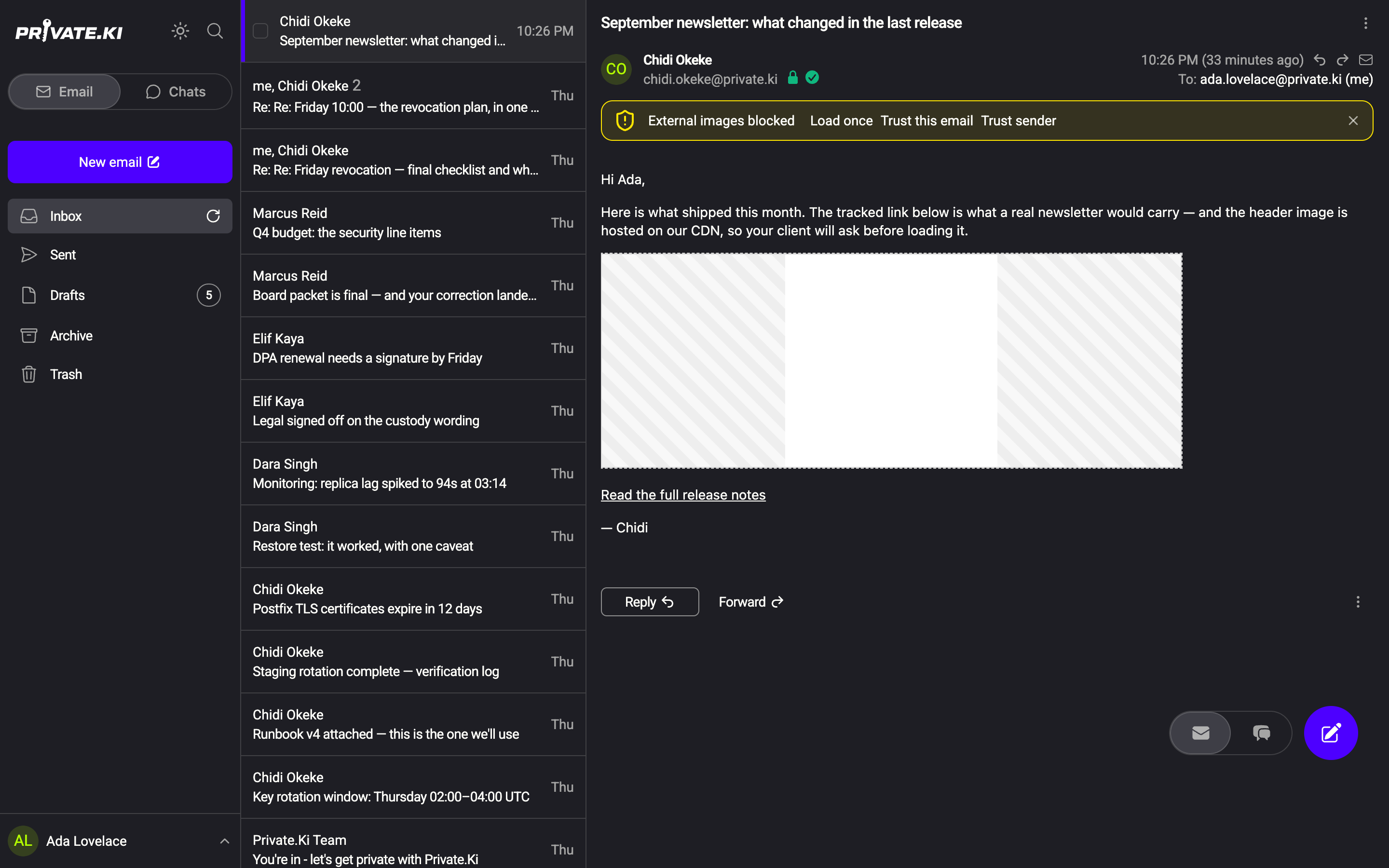
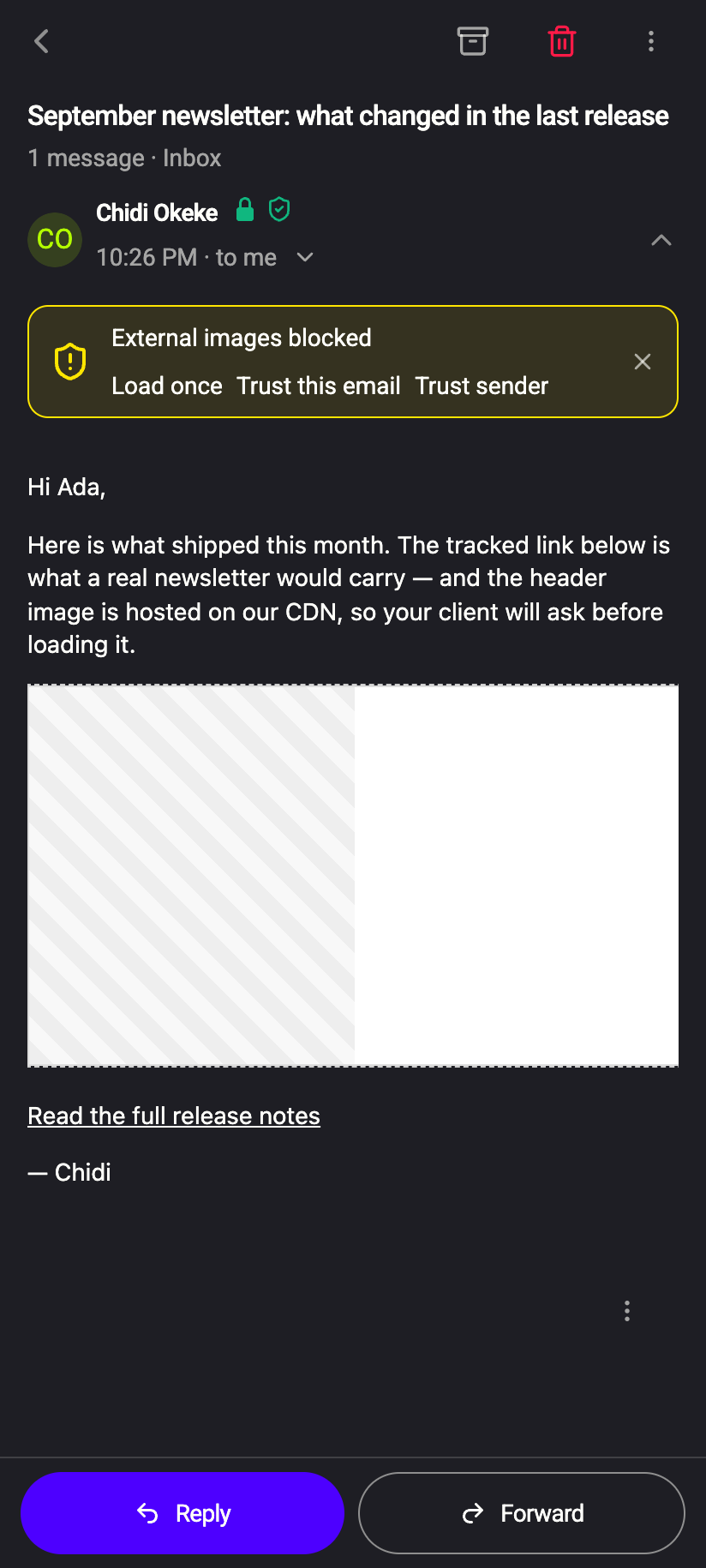
When a message contains external images, they are replaced by blank space and a banner appears above the body:
External images blocked — Load once · Trust this email · Trust sender
 1234512345
Text, inline images and attachments are unaffected; only the linked pictures are missing. The banner does not appear for messages without external images, nor for messages you sent yourself.
The three choices
| Button | What it does | Remembered? |
|---|---|---|
| Load once | Loads the images for this viewing. | No — the next time you open the message they are blocked again. |
| Trust this email | Loads the images now and whenever you open this message. | Yes, for this message only. |
| Trust sender | Loads the images now and in every current and future message from this sender address. | Yes, per sender. |
The X on the banner dismisses it for now without loading anything.
Trusting a sender is a permanent decision in the current app: there is no screen to review or revoke trusted senders yet. Trust newsletters and people you know; use Load once for anything you are not sure about.
How images are loaded when you allow them
Even when you load images, your device does not talk to the sender's server. Every external image address is rewritten to go through Private.Ki's image proxy with a short-lived token (valid for five minutes, tied to your session):
- The sender's server sees a request from our server, not from your IP address, and no referrer.
- Images larger than 25 MB, more than three redirects, and addresses pointing at private networks are refused by the proxy.
- Images used as CSS backgrounds are rewritten the same way; external stylesheets and web fonts are removed altogether, because they are another way to make a device call home.
Loading still tells the sender's server that the image was requested, and at what time. If the image address is unique to you — as it is in a tracking pixel — that is enough to confirm you opened the mail. This is why the default is to block.
What our server sees
Cannot see
- The contents of the message or which pictures are in it — the blocking happens on your device after decryption
Can see
- The addresses of images you choose to load, because our server fetches them for you
- That you trusted a message or a sender — stored as a keyed hash, not as the plain address
Common questions
Can I turn blocking off for everyone?
No. There is no "always load images" setting. Trust is granted one message or one sender at a time.
The banner shows but the message still looks complete
The external images may be decoration — a spacer or a logo you do not miss — or tracking pixels, which are invisible by design and are hidden even after you load images.
I trusted a sender by mistake
Their images will load automatically from now on. Contact support if you would like that sender's images blocked again. Loading still goes through our proxy, so your IP address is not exposed.
Images in a message I sent load without asking
Yes. Blocking protects the recipient from the sender; for your own outgoing mail there is nothing to protect against, so Sent mail renders external images directly.