External links in emails
Links in a message never open silently. What the Open external link dialog shows, how to check where a link really goes, and which links do nothing at all.
A link is the one thing in an email that is meant to take you out of Private.Ki and onto a web page whose owner you may not know. Two things can go wrong: the page is not what the link text claims, or the mere click tells the sender who you are and when you read their mail. Private.Ki puts a short stop between your click and the browser, and strips what the browser would otherwise hand over.
What happens when you click a link
- Click or tap the link in the message body.
- Read the dialog. A box titled Open external link asks Open this link in your browser? and shows the full address the link points to — not the text you clicked on, the real destination.
1Open external link2The real destination — read the domain right to left3Cancel4ContinueWeb & desktop 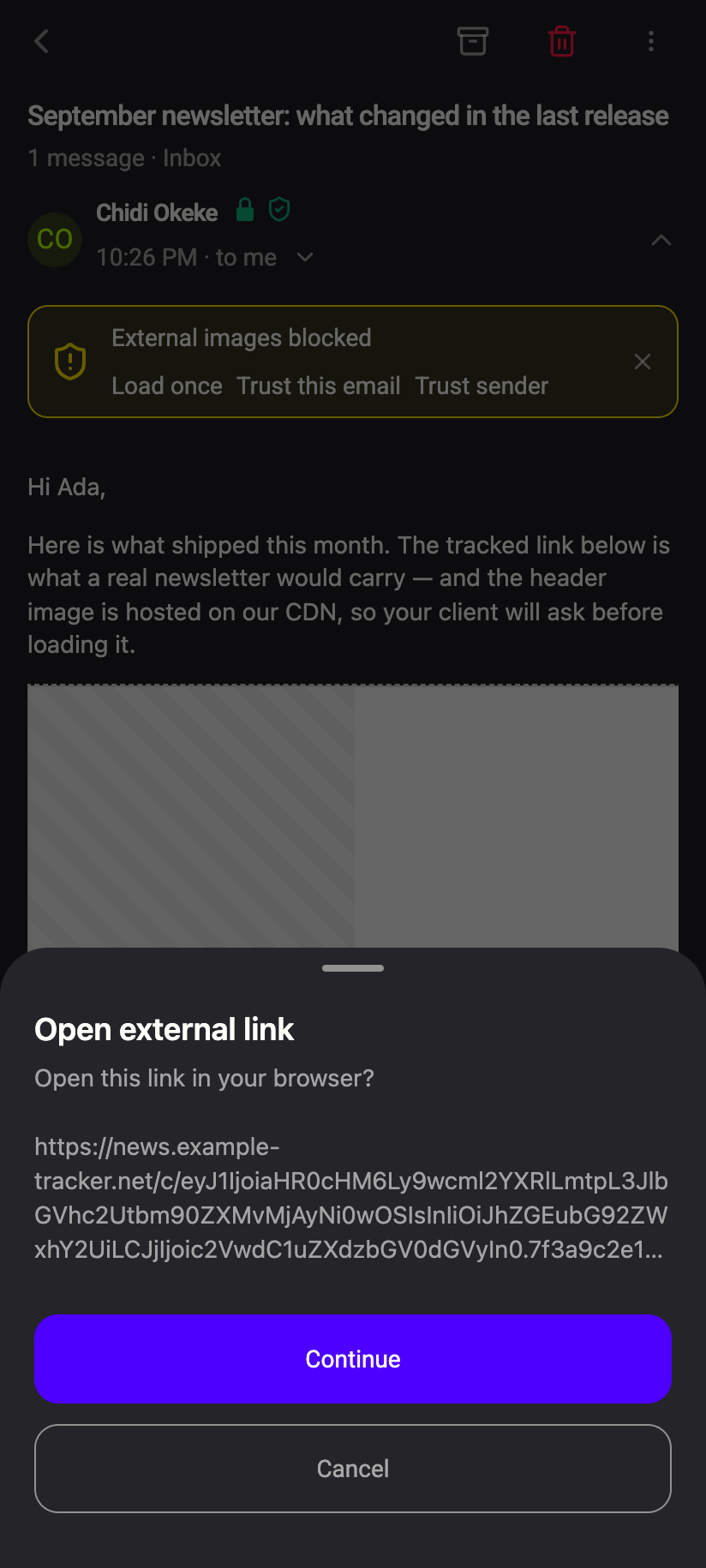 1234
12341Open external link2The real destination3Continue4CanceliPhone 12341Open external link2The real destination3Continue4CancelAndroid - Decide. Continue opens the address in a new browser tab (web) or your phone's browser (iOS and Android). Cancel does nothing.
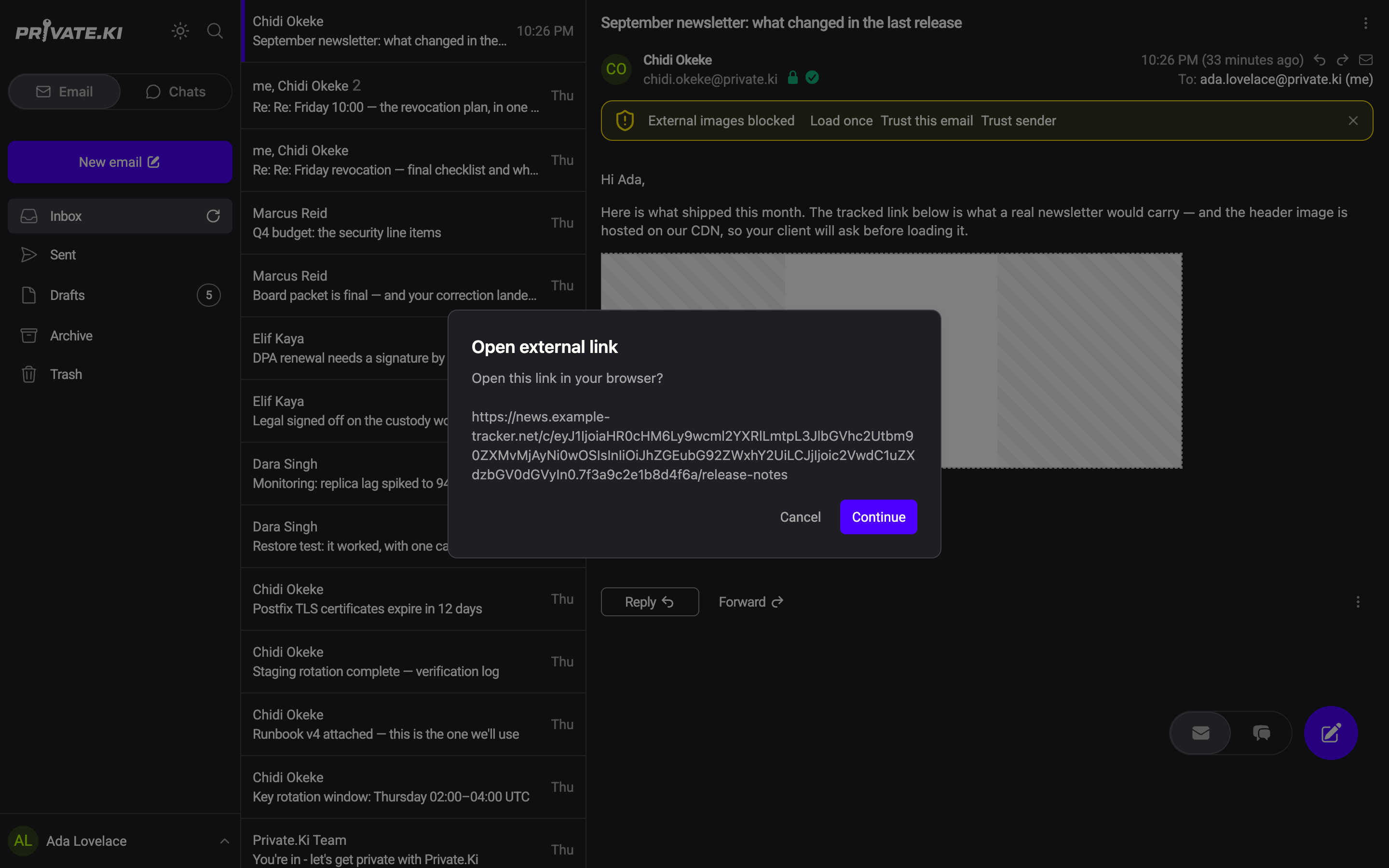
After you continue once, the remaining links in the same message open without asking again until you leave it. Every message you open starts with the dialog again.
How to read the address
The dialog exists so you can look before you go. Two habits catch almost all phishing:
- Read the domain, right to left. In
https://secure-login.privateki.com.example.net/...the site isexample.net, not Private.Ki. Only the part just before the first single/counts. - Compare with the link text. Text saying
paypal.comthat points toclick.mailer-xyz.com/…is a tracked link at best. That is normal for newsletters, but for a bank, a parcel service or a password reset, it is a reason to stop and go to the site by typing its address yourself.
When a link looks wrong, Cancel, and consider reporting the message with its original source attached.
What the destination learns
Every link in a message is rewritten before display to open in a new window with rel="noreferrer noopener":
- No referrer. The page you land on is not told that you came from your mailbox, or from which address.
- No window access. The opened page cannot reach back into the Private.Ki tab.
What Private.Ki cannot prevent: if the address itself is unique to you — a tracking link — the sender learns that you clicked, and when. See Tracking pixels and tracking protection.
Links that do nothing
Only web addresses (http:// and https://) are opened. A mailto: or tel: link, or a link with any other scheme, is ignored when clicked — select and copy the address from the text instead. javascript: links are removed together with all scripts before the message is rendered, so they cannot run.
What our server sees
Cannot see
- That you clicked a link, or which one — the dialog and the opening happen on your device and go straight to your browser
- The content of the message, including its links
Can see
Common questions
Can I turn the confirmation off?
No. It asks once per message you open; after the first Continue further links in that message open directly.
The link opened a blank page or nothing happened
Some browsers block new tabs opened from a page. Allow pop-ups for Private.Ki, or copy the address from the dialog and paste it in a tab yourself.
Can I copy a link without opening it?
On the web, right-click the link and use your browser's Copy link address — only a normal click is intercepted. On the phone there is no copy option for links; the dialog shows you the address, and Cancel closes it without opening anything.
Why does a link in a message from another Private.Ki user still ask?
The dialog is about where the link goes, not who sent it. Encryption proves the sender; it says nothing about the website.