How encryption works, in plain words
Keys are made on your device, your password never reaches our server, and only the person you write to can open the message. No maths required.
Private.Ki encrypts your email and chat before it leaves your device, and only the person you are writing to can decrypt it.
1. A pair of keys, made on your device
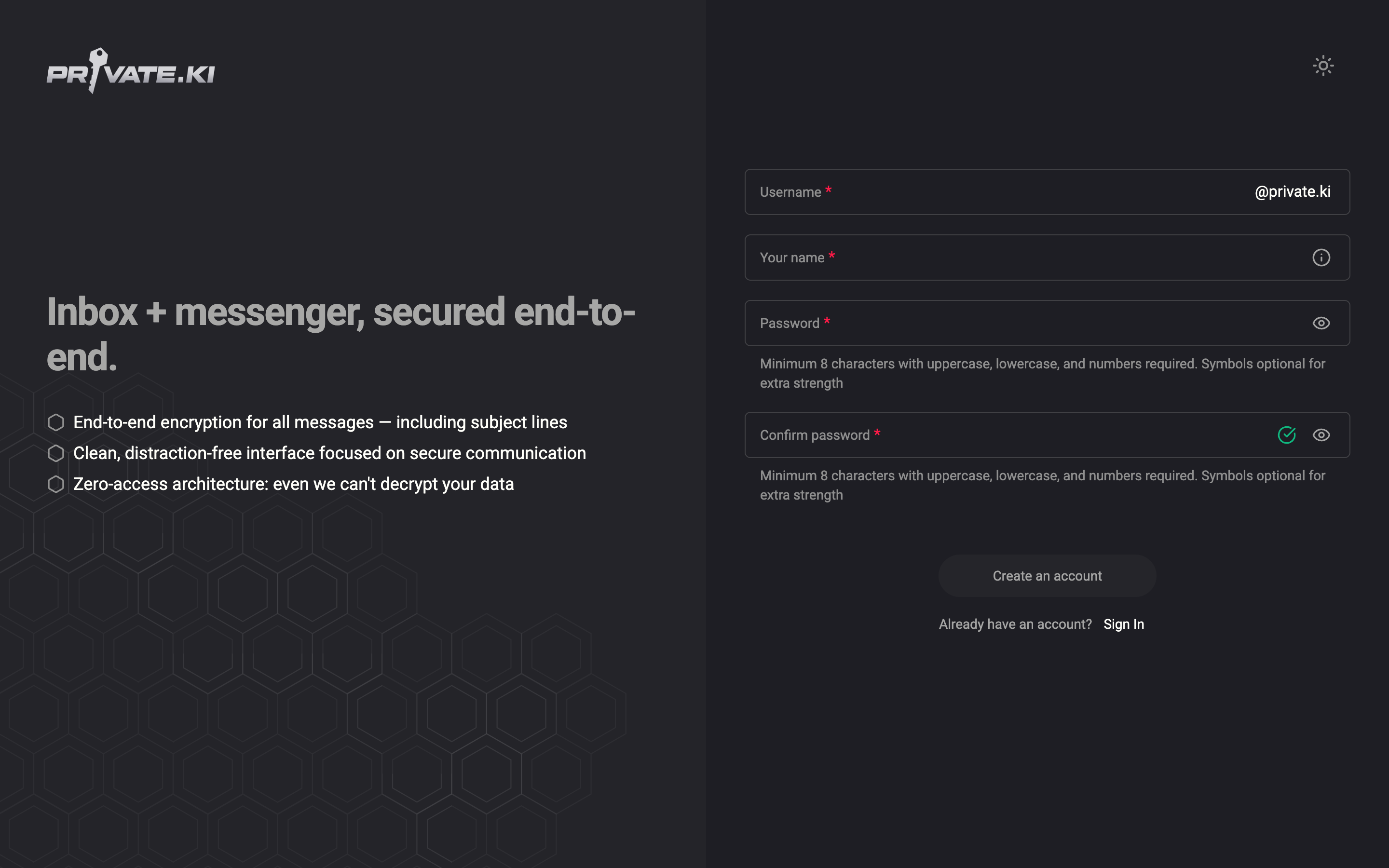
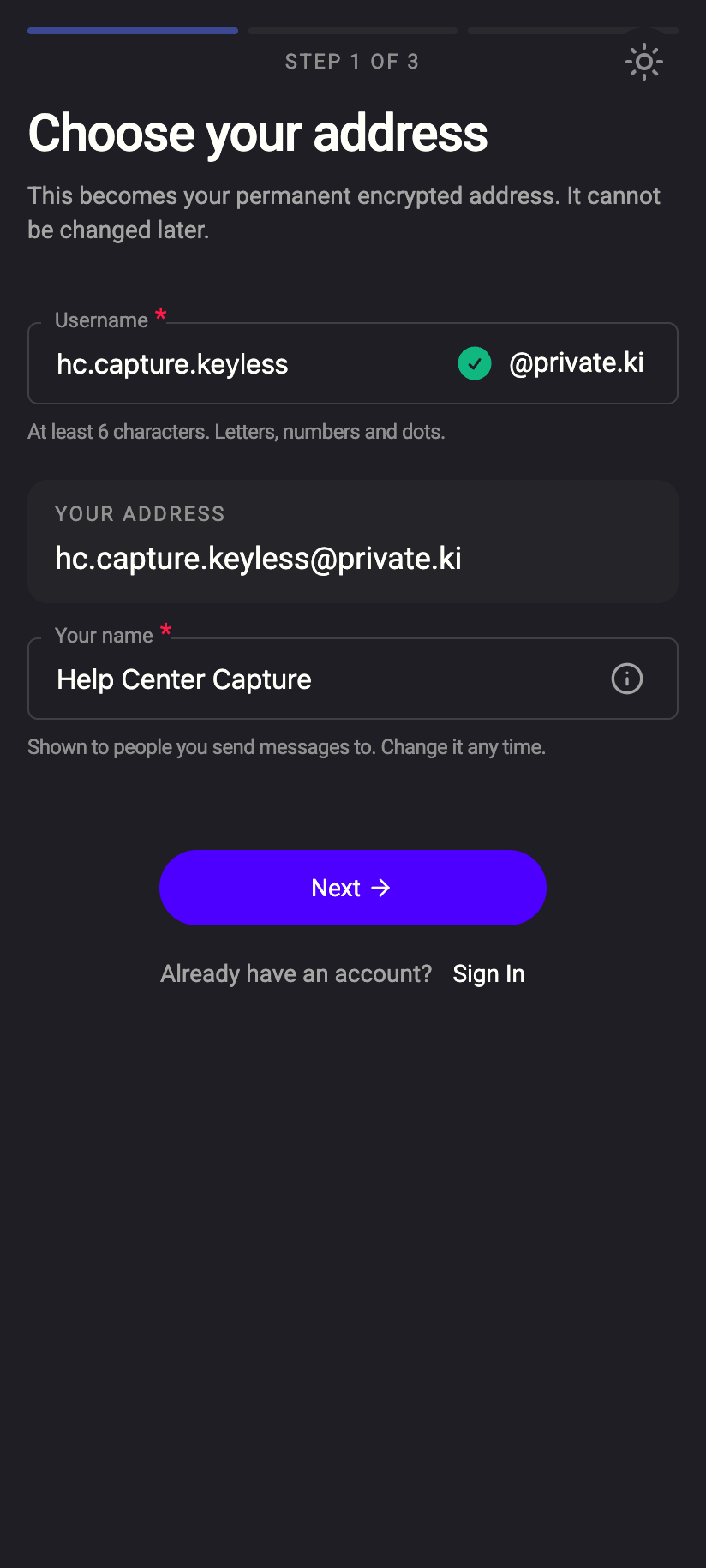
When you create your account, the app generates a PGP key pair on your device: a public key and a private key.
- The public key is like an address people can post letters to. It is shared freely — it is sent to our server so other Private.Ki users can find it, and you can export it for people outside Private.Ki.
- The private key is the only thing that opens those letters. It is created on your device and stored on our server only in encrypted form. We never see it unencrypted.
Anyone who wants to write to you encrypts with your public key. Only your private key opens it. That includes us: our server holds encrypted text it cannot read.
The key pair is created once, when the account is set up. It cannot be created a second time for the same account.
 1212
12122. Your unlock secret protects the private key
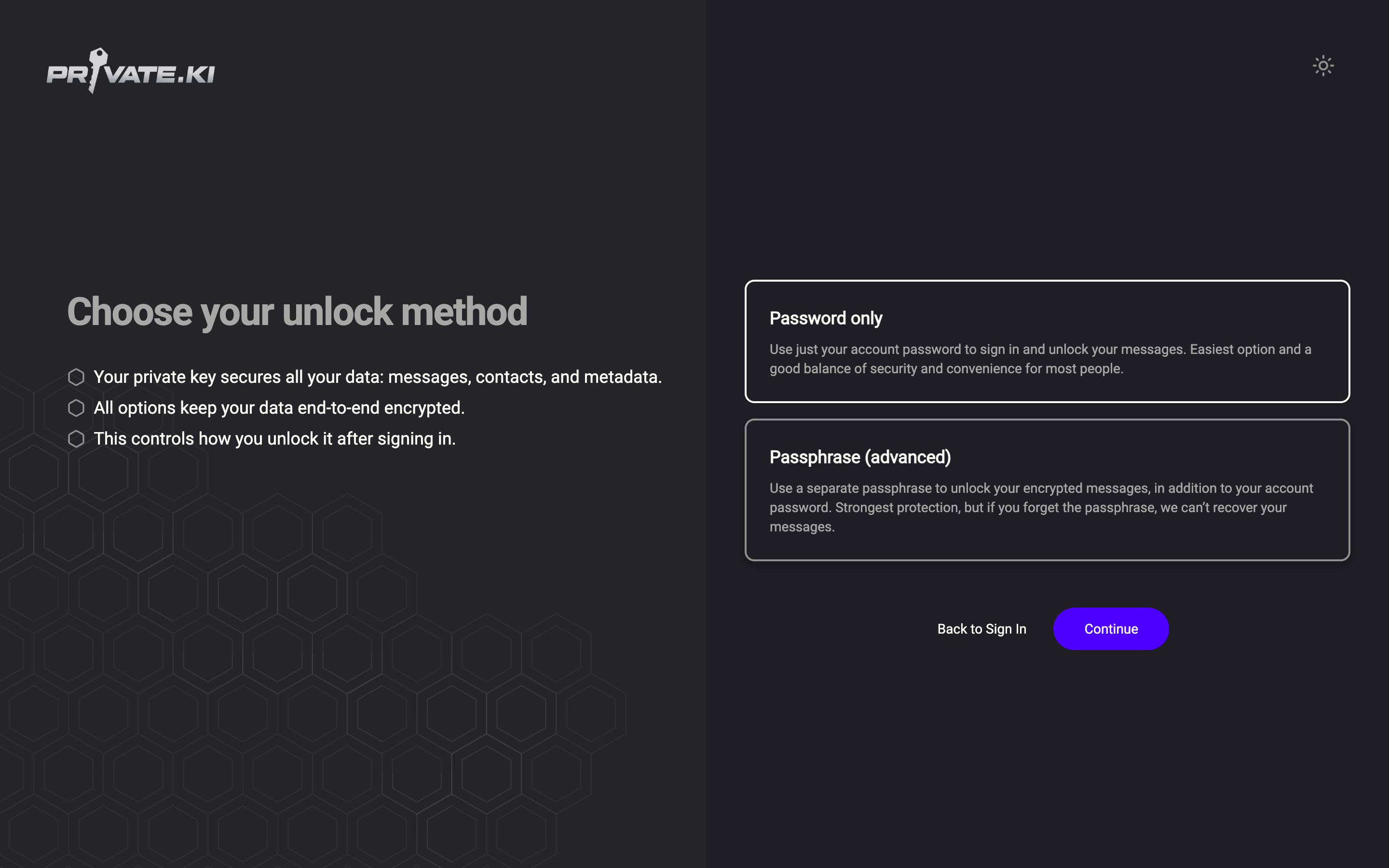
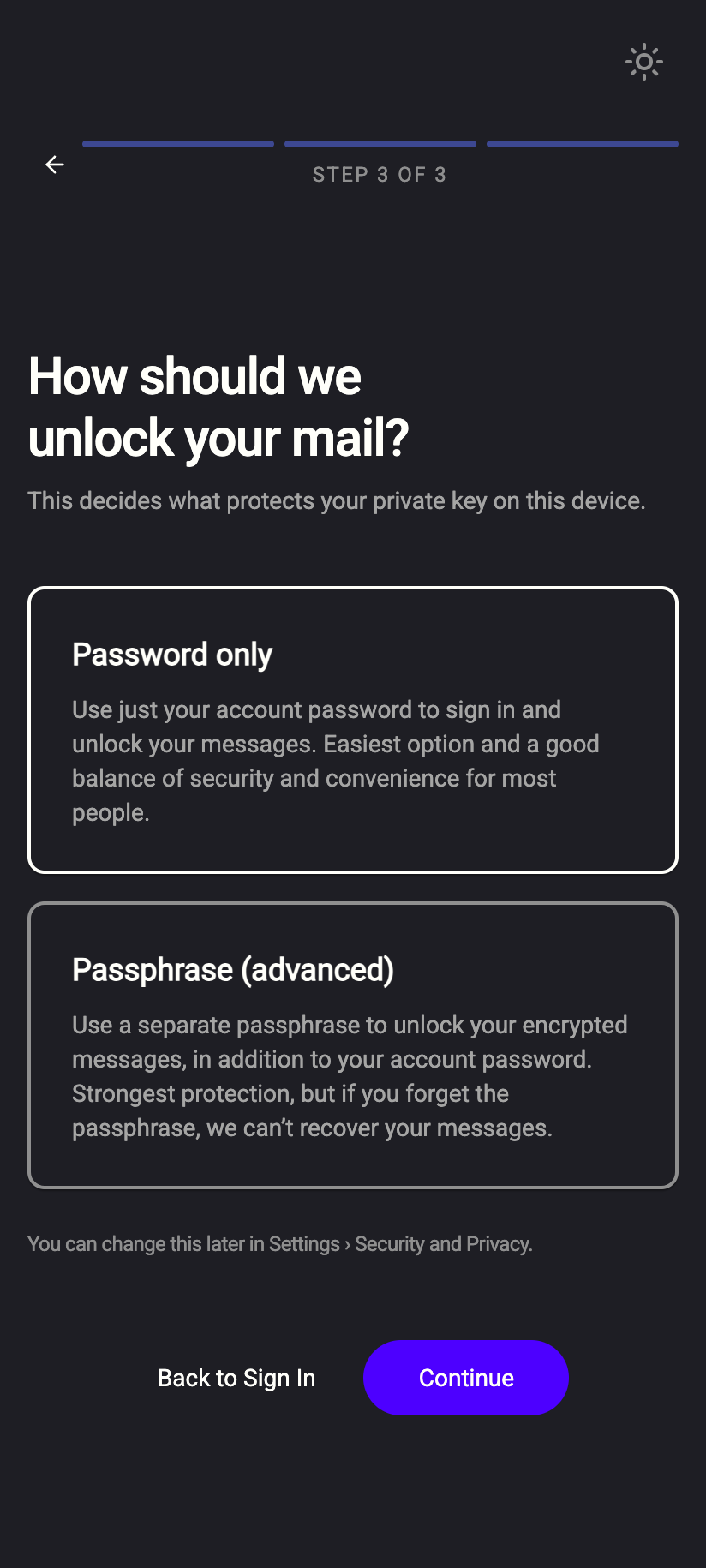
Your private key is itself locked. What locks it depends on the unlock method you chose at sign-up — see Choose your unlock method:
- Password only (the default). The private key is locked with a secret derived from your account password on your device. Signing in unlocks your mailbox automatically.
- Passphrase (advanced). The private key is locked with a separate passphrase that only you know. You type it after signing in, every time. We hold no copy — if you forget it, nobody can open your messages, including us. See Your passphrase.
 1212
1212On a phone you can add a 4-digit PIN with Face ID or fingerprint on top, so you do not type the long secret every time — see PIN and biometric unlock.
3. Your password never reaches our server
Most services send your password to the server, which compares it with a stored copy (or a hash). Private.Ki uses OPAQUE, a protocol in which your password stays on your device. Your device and our server exchange a few messages that let the server confirm you know the password without ever receiving it — not even a hash of it.
This is why we cannot look up, email or reset your password for you. If you forget it, the only route is the password recovery through a recovery address you added earlier. See What is OPAQUE? and Does Private.Ki store my password?.
4. Inside Private.Ki vs. outside
To another Private.Ki user. The app already has their public key. Email is encrypted and signed automatically and the switches cannot be turned off. Chat is always encrypted; there is no setting for it. The subject line is encrypted too.
To someone outside Private.Ki. Standard email has no encryption of its own. Two cases:
- If you have imported their public key, the app encrypts to it and the recipient shows a green padlock. Only they can read it.
- If not, the message is sent like ordinary email. You will see this in the composer before you send — see Encrypted email with external contacts.
Email arriving from outside. Plain email that reaches your mailbox is encrypted to your public key on arrival, so it is stored the same way as everything else. Email that was already PGP-encrypted by the sender is wrapped in a second layer — see Double-layer encryption.
What our server sees
Cannot see
- The text of your emails and chats, attachments, voice messages
- Your private key in usable form, your passphrase, your password
- The subject line of mail between Private.Ki users
Can see
- Your public key — that is what it is for
- Which mailbox each message belongs to, and when it arrived
- Standard headers of email exchanged with outside addresses while it is in transit
The complete list is in What is encrypted where and What our server can and cannot see.
Common questions
If the server has my encrypted private key, can't you decrypt it?
No. The key that unlocks it — derived from your password, or your passphrase — never leaves your device. Without it, the stored private key is just noise.
What does "signed" mean next to "encrypted"?
Encryption keeps a message private. A signature proves it really came from the sender and was not altered. Mail between Private.Ki users is always both. See Signing and verification.
Does two-factor authentication encrypt anything?
No. 2FA protects sign-in. Your messages are protected by the keys described above, so even someone who gets past sign-in still needs your unlock secret. See Set up two-factor authentication.
What do the padlock and shield icons on messages mean?
They show whether a message was encrypted, signed and verified. See Security glyphs and Encryption status icons.