What is Private.Ki?
Encrypted email and encrypted chat in one account. Your address works with the whole internet; your keys never leave your device.
Private.Ki is one account that gives you two things: a full email mailbox and a messenger. Both are end-to-end encrypted, both live in the same app, and you switch between them with one control. You do not need a second tool for private communication.
Email and chat, one account
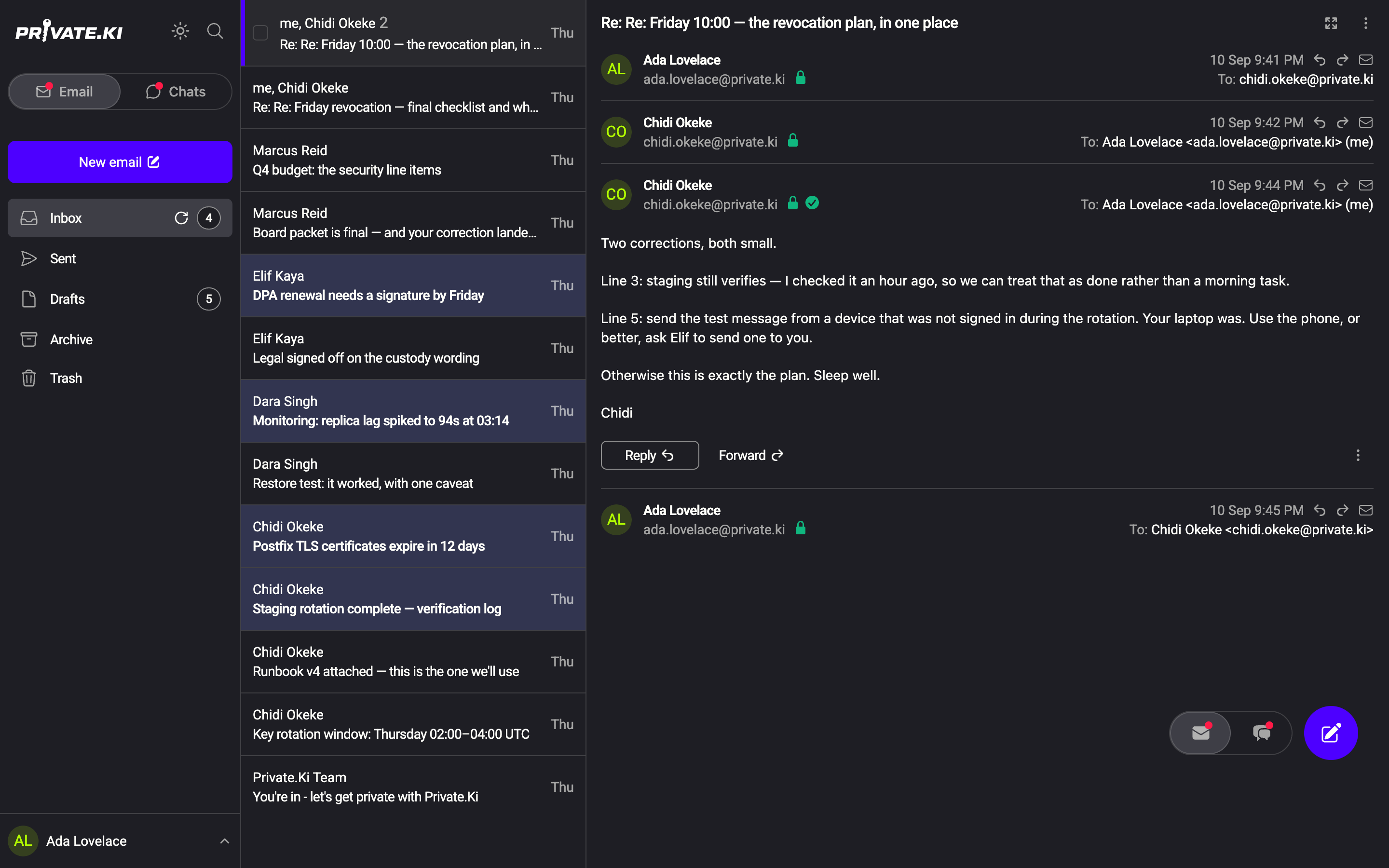
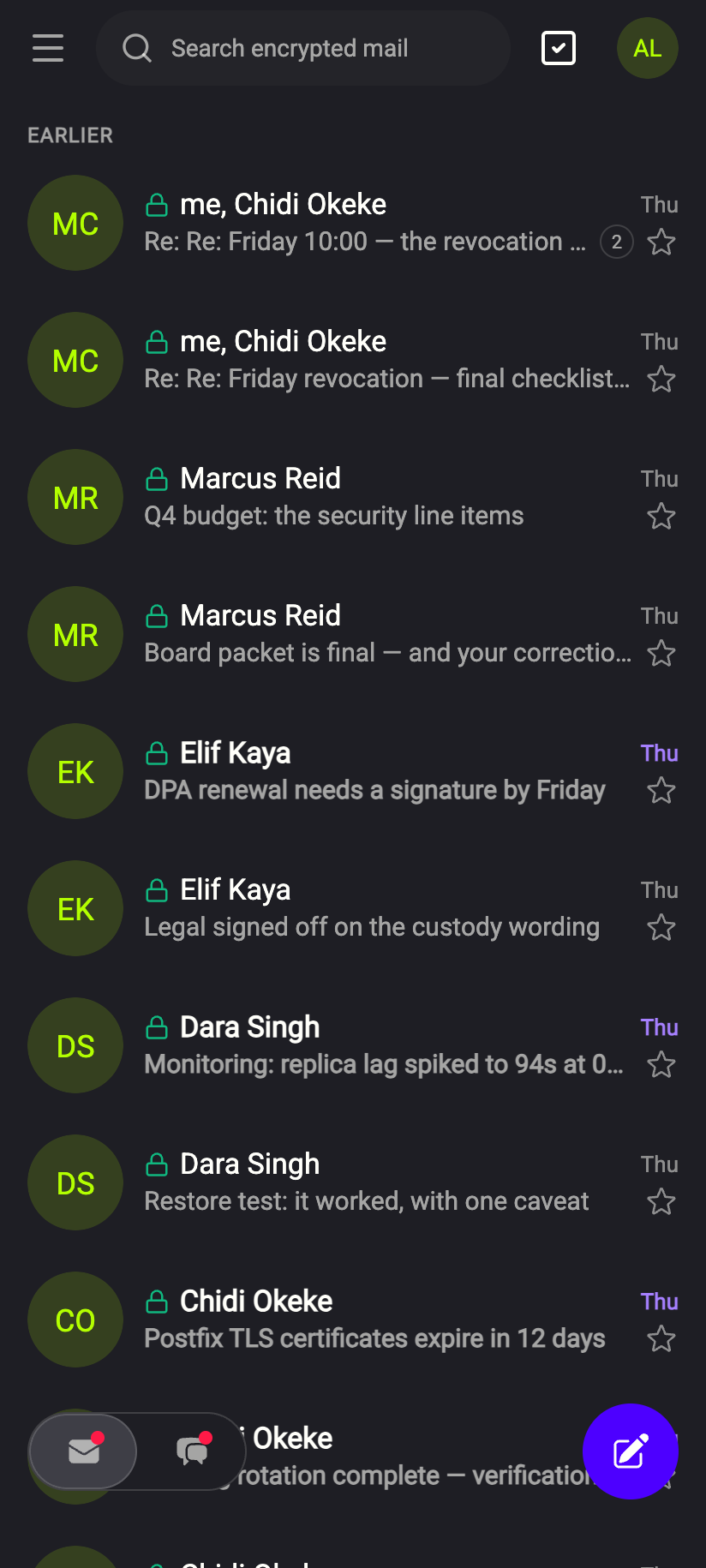
When you create an account you get an email address in the form [email protected]. It behaves like any other address: you can write to anyone on the internet and anyone can write to you. Inside the app you have the folders you expect — Inbox, Sent, Drafts, Archive and Trash — plus attachments, signatures, search, star and undo send.
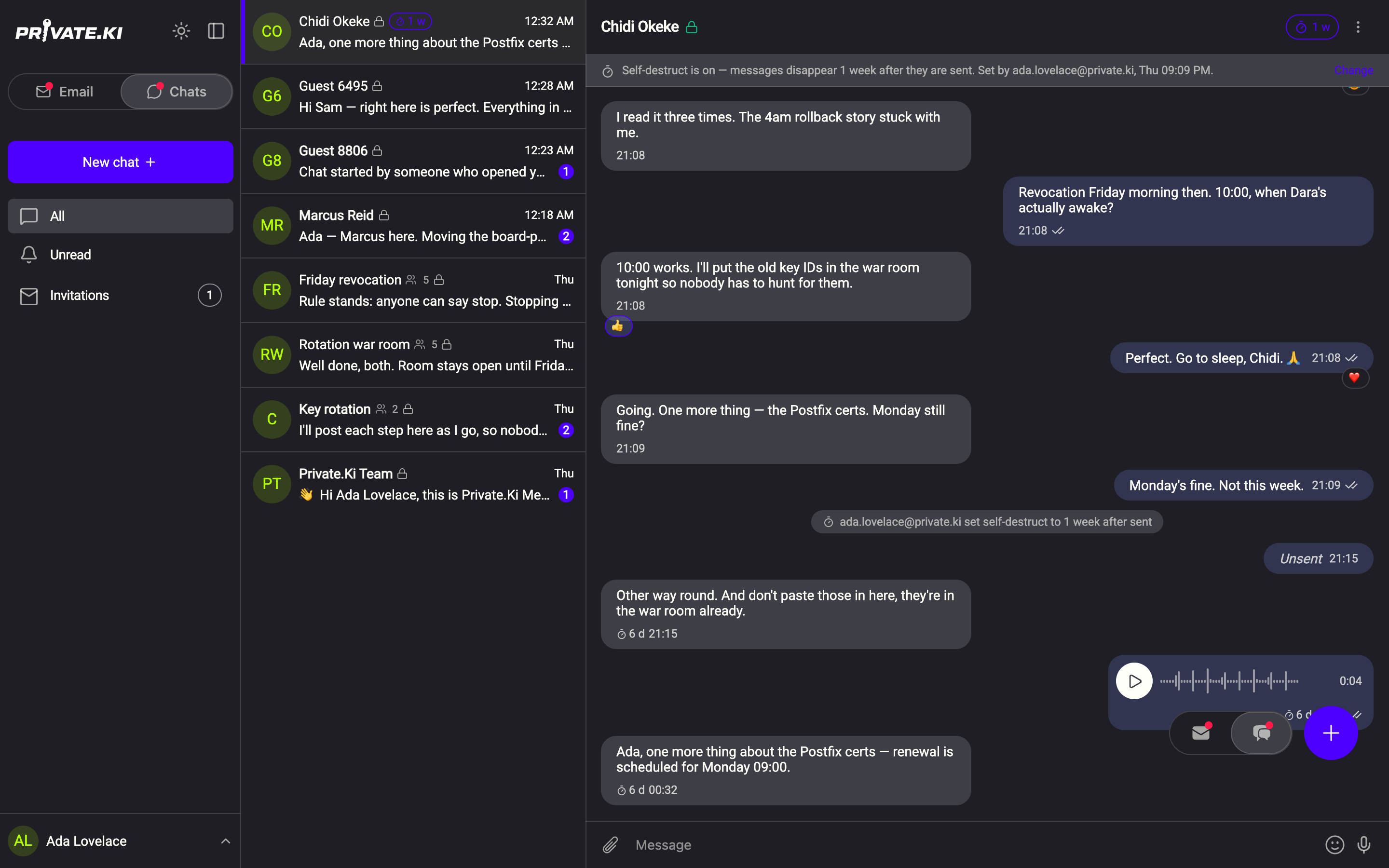
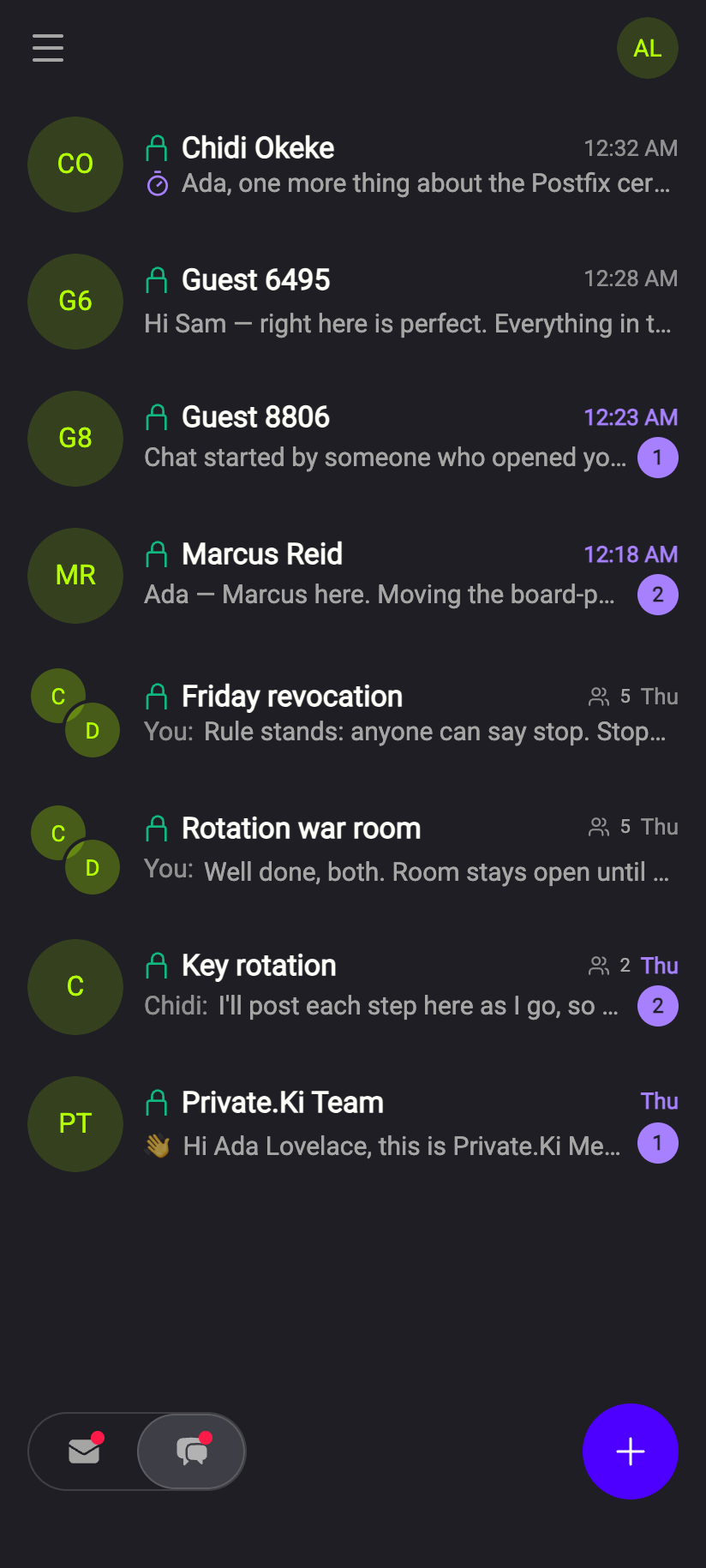
The same account also has Chats: real-time messaging with other Private.Ki users, small groups, reactions, voice messages and self-destruct timers. People who are not on Private.Ki yet can join a chat with you through a single-use invite link or QR code.
What "encrypted" means here
Every message you send to another Private.Ki user — email or chat — is encrypted on your device with the recipient's public key, and can only be opened with the recipient's private key on their device. The keys are generated on your device when you create the account, and the private key is protected either by your account password or by a separate passphrase that only you know. Our server stores encrypted text it cannot read.
For email that goes to an outside address (Gmail, a company server), the message travels the way all internet email does unless the other person has a PGP key you have imported. The app shows you which case you are in before you press Send: a green padlock on the recipient means their key is known and the message will be encrypted end to end. See How encryption works, in plain words.
Is it a messenger or an email service?
Both, and that is the point. Use email for long-form or formal messages, attachments and people outside Private.Ki. Use chat for quick back-and-forth, groups and voice notes. They share one sign-in, one set of keys, one address and one unlock, and the unread badges for both are always visible so you never have to guess where a message landed.
Where you can use it
- Web — any modern browser on a computer, tablet or phone. Nothing to install.
- Android — the app is on Google Play. It adds push notifications and App lock, which puts the phone's own fingerprint, face or screen lock in front of Private.Ki.
- iPhone — the app is not in the App Store yet; the web app works in Safari in the meantime. See Install Private.Ki on iPhone and Android for what works today.
Sign in on your phone by scanning a QR code from your computer, without typing your password again — see Sign in with a QR code.
What our server sees
Cannot see
- The text of your emails and chats, or your attachments
- Your private key, your passphrase or your password
Can see
- Your username and the fact that an account exists
- Which Private.Ki mailbox a message is addressed to, and when it arrived — the server has to route it
- The headers of email exchanged with outside addresses while it is in transit — standard email requires them
The complete list, both columns, is in What our server can and cannot see.
Common questions
Do I need a phone number or another email address to sign up?
No. You choose a username, a display name and a password. A recovery address is optional but strongly recommended — it is the only way we can reach you if you lose access. See Set up a recovery email.
Can I use Thunderbird, Apple Mail or Outlook with my Private.Ki address?
No. Private.Ki does not offer POP3, IMAP or SMTP access, because the encryption happens inside the app. See POP3, IMAP and SMTP.
Can I chat with someone who does not have an account?
Yes. Send them an invite link or show them a QR code; they get an account in a few taps and the chat opens. See Invite someone outside Private.Ki.
Is the app available in my language?
The app is in English only today.