The chat list: All, Unread, Invitations
What All, Unread and Invitations show, how unread badges and ordering work, and how to mute one conversation.
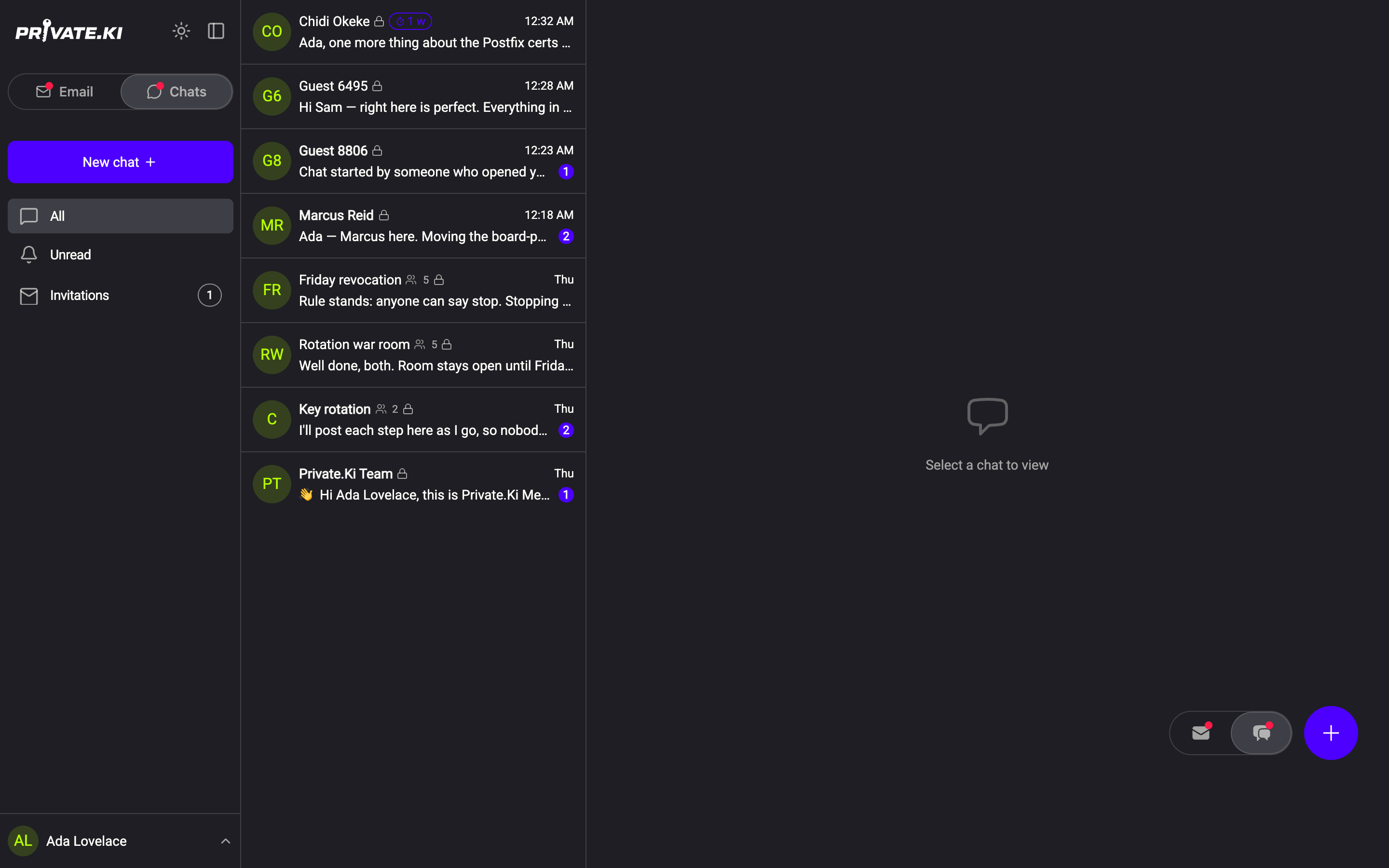
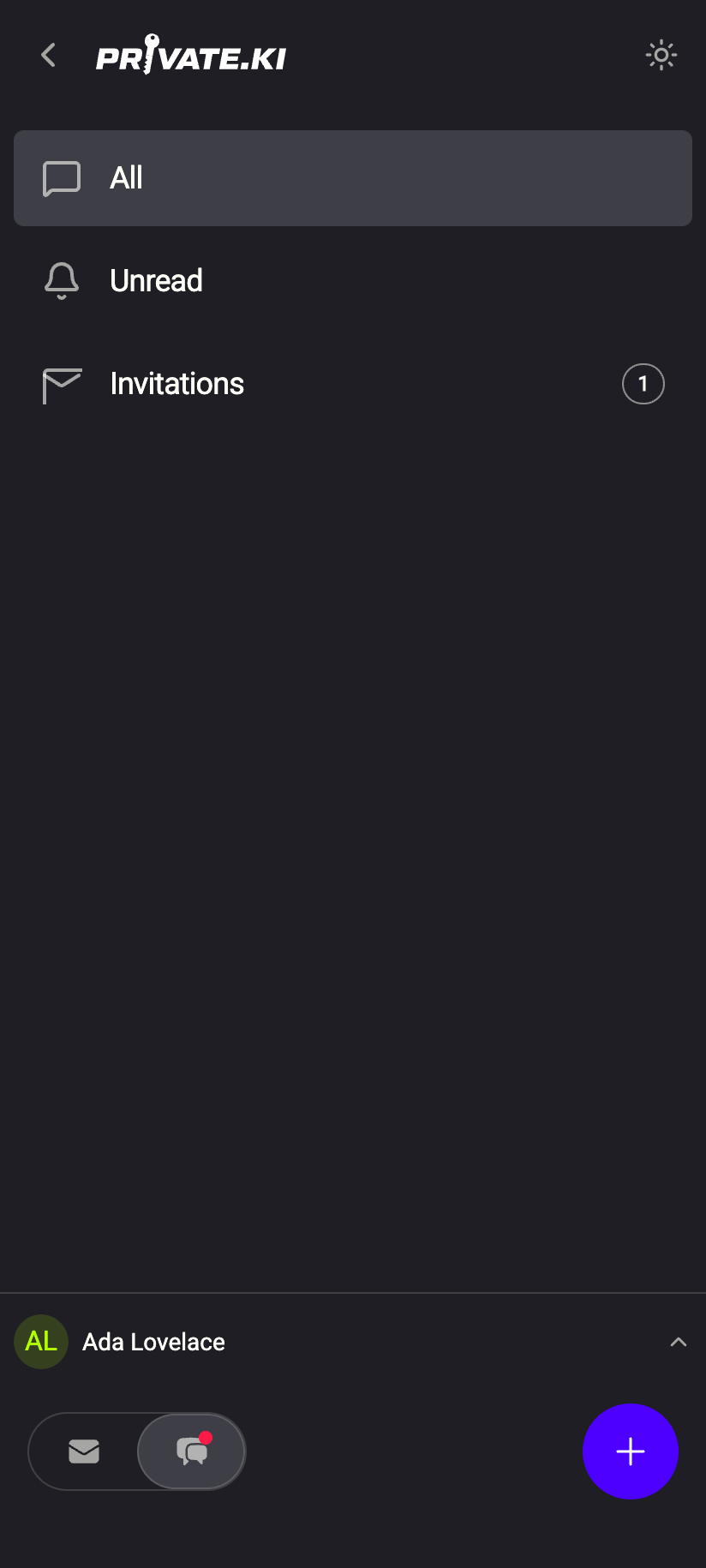
The chat side of Private.Ki has three views, listed in the sidebar (or the ☰ drawer on a phone): All, Unread and Invitations. They are filters over the same conversations, not folders — a chat is never "in" one of them, and there is nothing to move. A conversation stays in the list until you delete it: there is no archive, no folders and no Trash for chats, so Delete a chat is the one way a row leaves.
 123123
The three views
All is every conversation you have: one-to-one chats and groups together, newest activity at the top. A group row shows a people icon with the number of members, and the preview is prefixed with who wrote it — You: or the sender's first name.
Unread is the same list, reduced to conversations with at least one message you have not opened. When there are none it reads No unread chats. Opening a chat marks it read.
Invitations is not a list of chats at all. It shows the email invitations you have sent to people outside Private.Ki that have not yet been accepted, with when each one expires. It is covered in Invitations: pending, cancelled, expired.
Unread badges
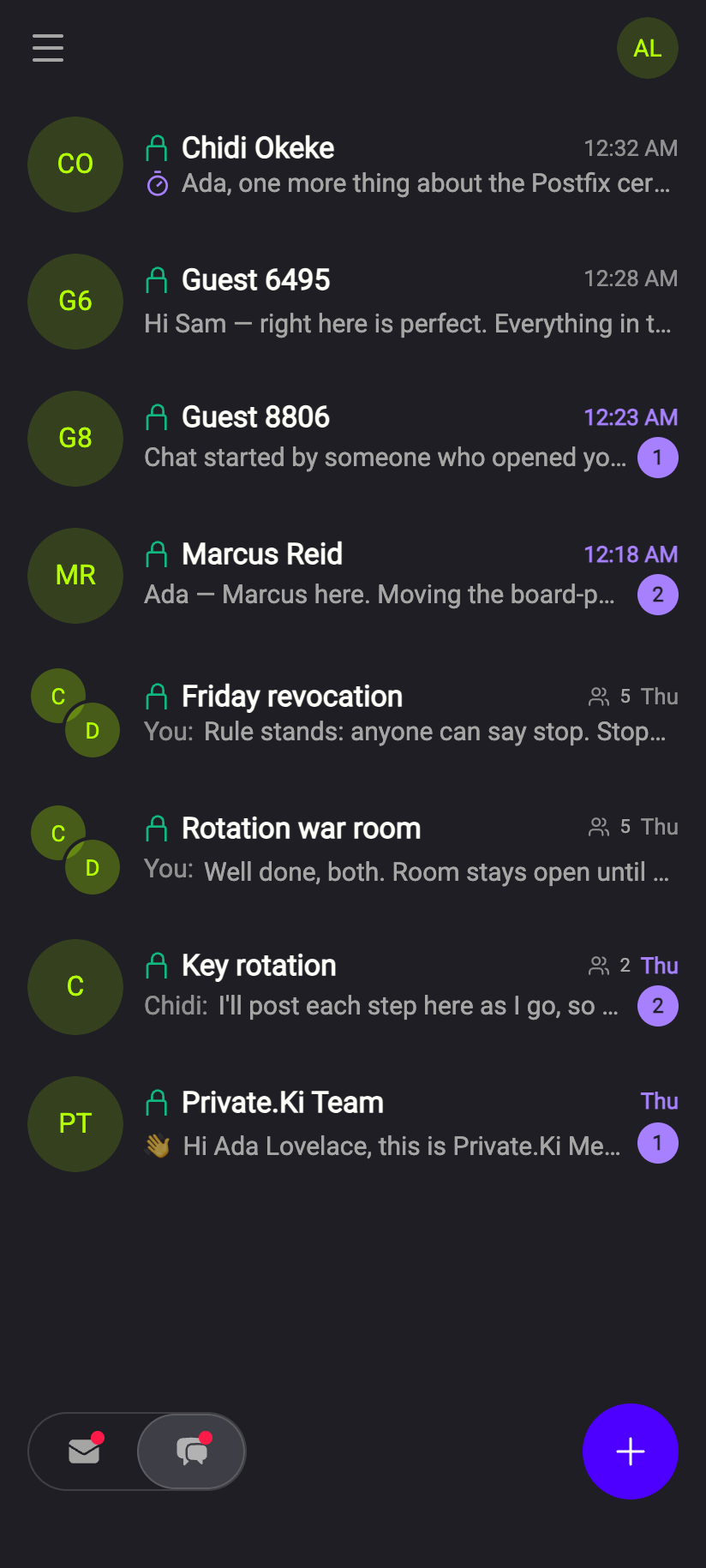
A conversation with unread messages shows its name in bold and a purple count on the right. The count stops at 99+. The Invitations entry in the sidebar carries its own count of pending invitations, and the Chats half of the Email / Chats switch shows a dot whenever any chat is unread — so you see it from the email side too.
 123123
To change the state by hand, right-click a row (or long-press on a phone) and choose Mark as read or Mark as unread. Marking as unread is a way of leaving yourself a reminder; nothing is sent to the other person.
Ordering
Rows are sorted by the time of the last message in the conversation, most recent first. There is no other sort, and nothing stays put: any new message brings its row back to the top. The chat list has no search box either, so an older conversation is found by scrolling to it — the order is the order things happened.
With a Plus subscription a PINNED group appears at the head of the list, holding up to 5 conversations in the order you pinned them rather than the order they last spoke — see Pinned chats. Everything below it is sorted exactly as above.
Three other things appear on a row when they apply: a green padlock after the name (every chat has one — it is the Encrypted conversation marker), a small timer chip such as 1 w when a self-destruct timer is on in that chat (see Self-destructing messages), and a crossed-out bell just before the time when the conversation is muted.
Mute one conversation
Muting silences the notifications for a single chat. It does not hide the conversation, stop the messages or tell the other person anything.
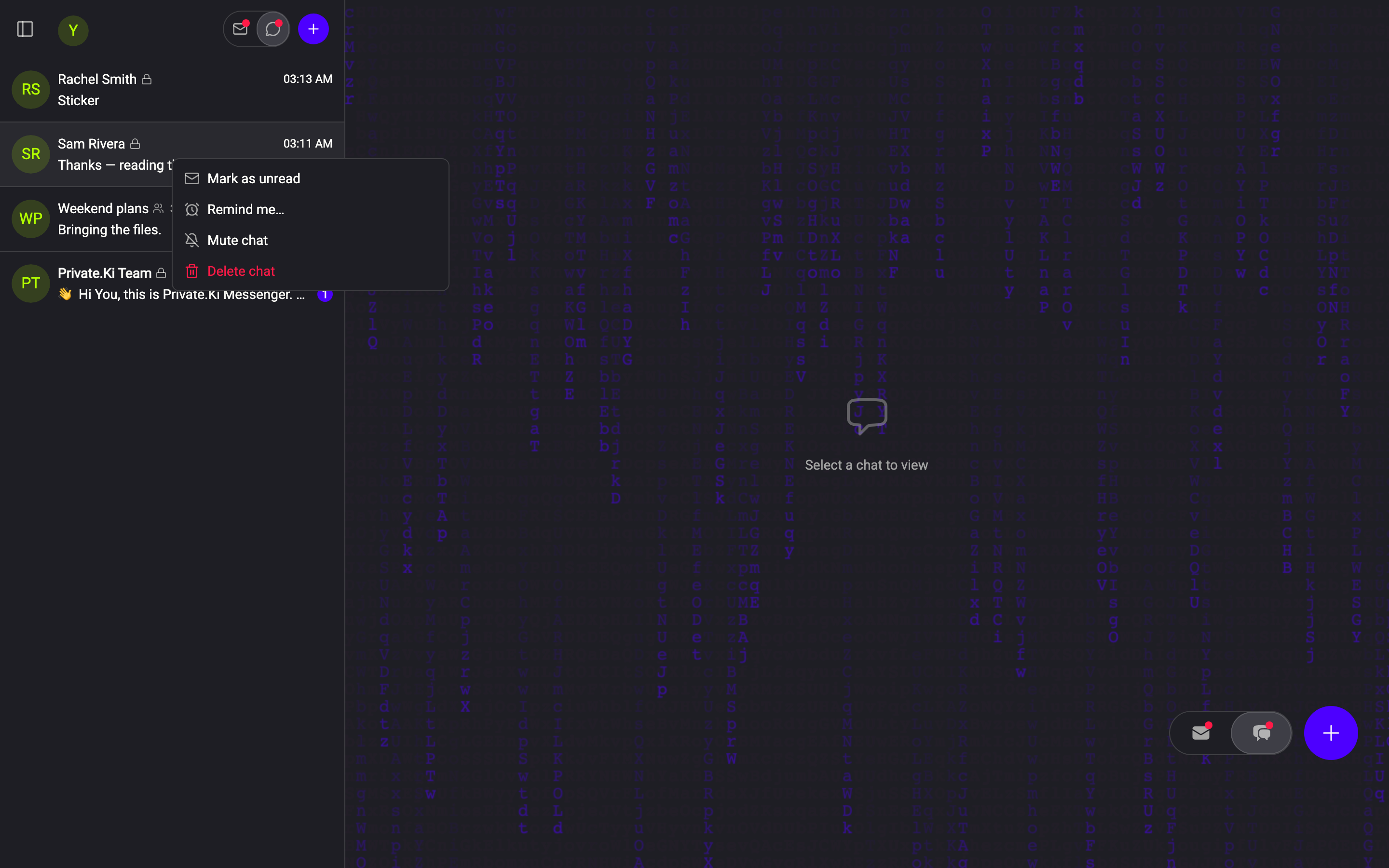
- Right-click the row in the chat list (long-press on a phone) and choose Mute chat.
The row's own menu: Mute chat, beside Mark as read and Delete chat.Web & desktop - The row now carries the crossed-out bell in front of the time. The same menu reads Unmute chat from then on.
You can also do it from inside the conversation: open the chat, then the ⋮ menu or the person's profile, where the action is Mute / Unmute.
What muting does and does not do:
- It is per conversation and per account, not per device. The setting is stored with your account, so every device you use agrees about it — and our server withholds its own push notifications for that chat rather than sending one your device has to discard.
- The row still behaves normally. A muted conversation still counts unread messages, still shows its badge, and still jumps to the top of the list on a new message. The bell glyph is the one thing that says it does so quietly.
- Nothing is sent to the other person. Muting is invisible to them.
The row's menu also holds Mark as read / Mark as unread, Pin to top / Unpin, Delete chat, and — in the web app and the Android app — Remind me… for putting a conversation back at the top of your list at a chosen time. Pin to top is listed on both plans; on the free plan pressing it opens the Plus panel instead of pinning. In the Android app there is one more entry, Secure chat, which puts a fingerprint prompt and a blurred preview in front of that conversation.
On the phone the three views live in the ☰ drawer at the top left. The list itself is a single column; a long-press opens the same menu as a right-click on the desktop, and Delete chat in it gives you six seconds to undo. Swiping a row no longer deletes it — since October 2026 a sideways drag anywhere on the list switches between Email and Chats instead.
Common questions
Why does a group row say "You:" but a one-to-one row does not?
In a one-to-one chat the sender is obvious from the row. In a group the preview names whoever wrote last so you can tell at a glance.
Someone deleted our chat on their side — will it disappear from my list?
No. Deleting a chat removes that person's copy only. Your row stays until you delete yours.
I muted a chat but my phone still buzzed.
Check that the mute took (the crossed-out bell on the row) and that the device has picked up the change — it is stored with your account and applies everywhere, but a device that was offline learns of it when it reconnects. Notifications for your other chats are unaffected; to silence everything, use the phone's own notification settings — see Push notifications.