Manage a group: name, members, admin, leave
Everything in Group info — add and remove people, rename, set the timer, hand the group to someone else, and what happens when the admin or a member leaves.
Everything about a group is managed from one screen, Group info. What you can do there depends on who you are: the admin — the person who created the group — can change anything; a member can read the settings and leave.
Open Group info
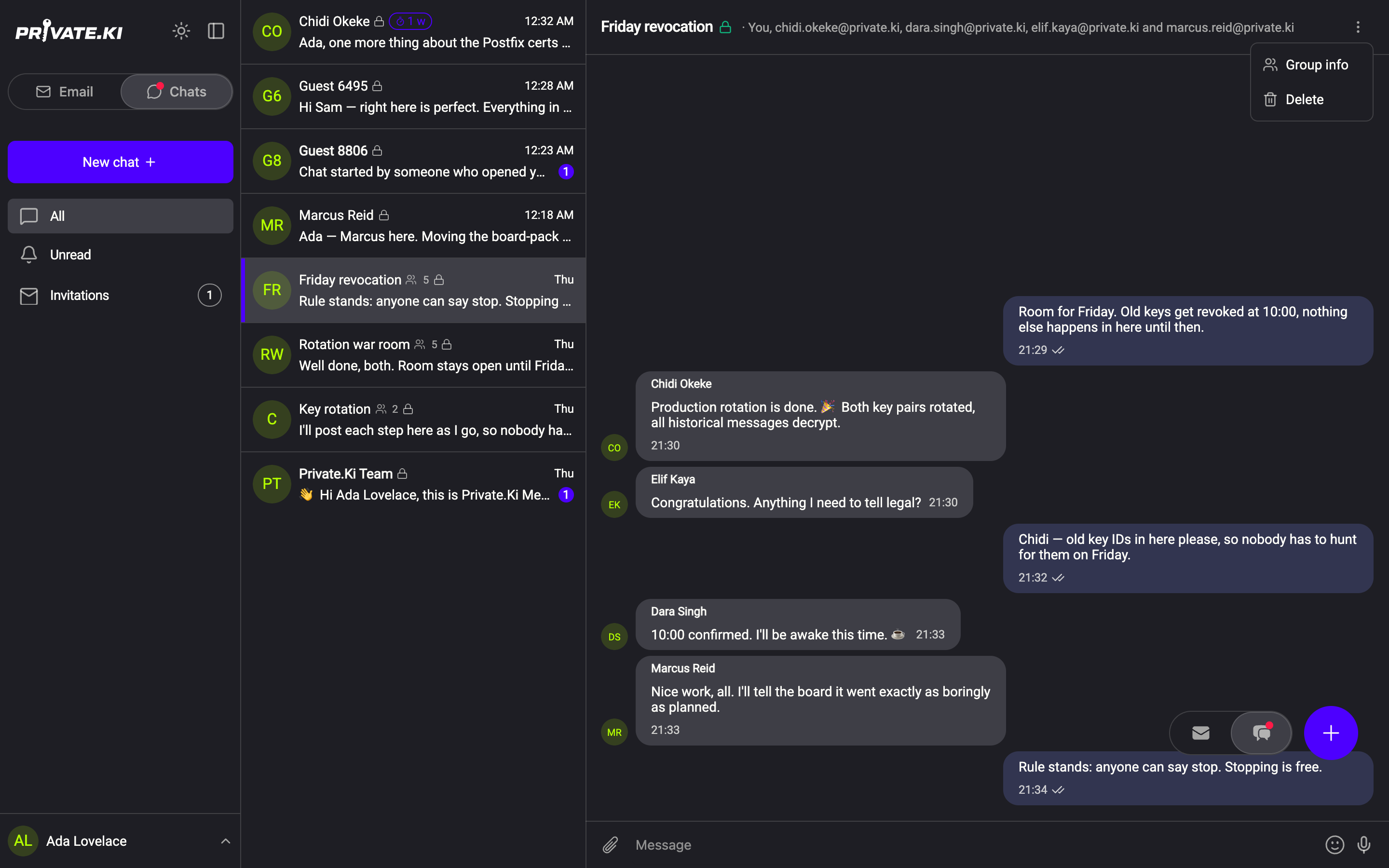
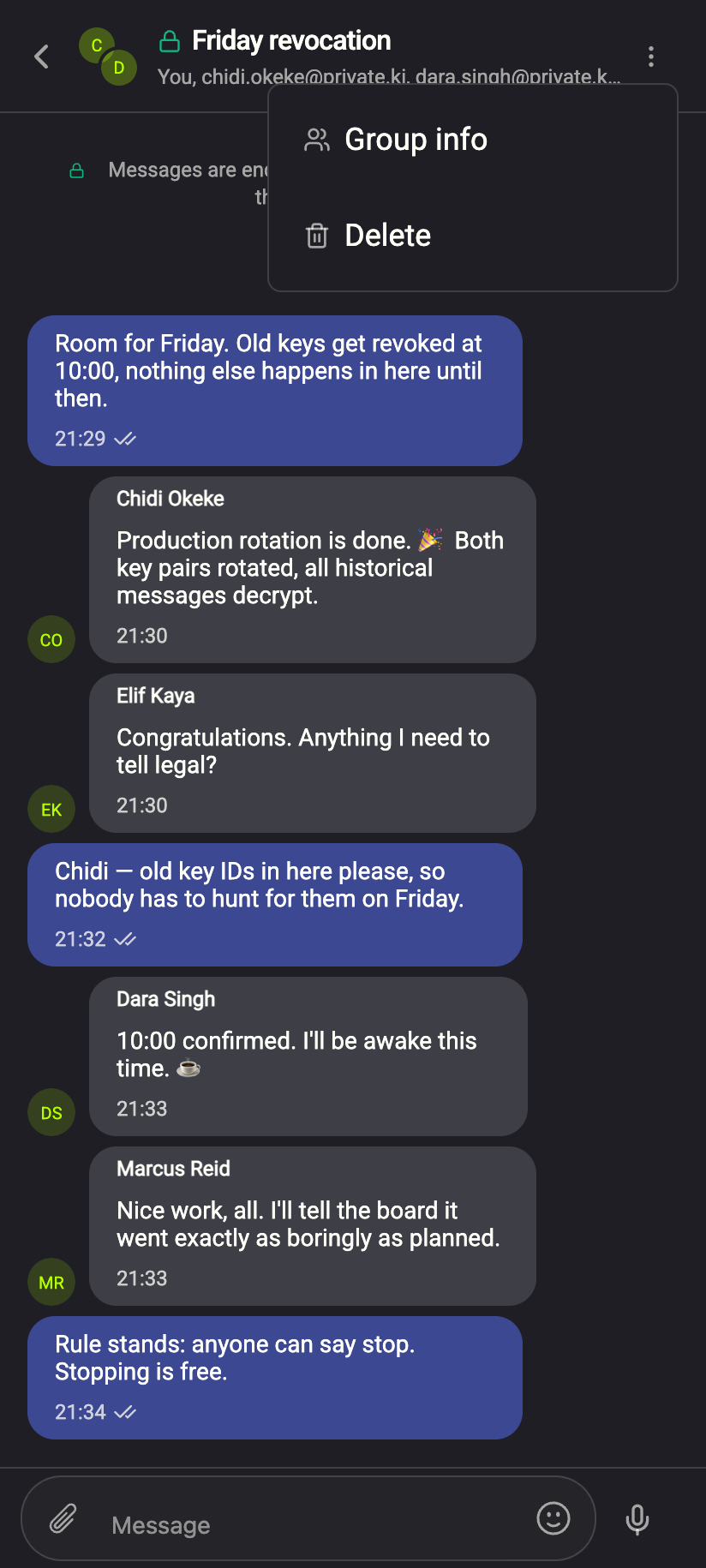
Open the group, click the ⋮ menu at the top right and choose Group info. It is the same on a phone; the ⋮ menu is the only way in.
 123123
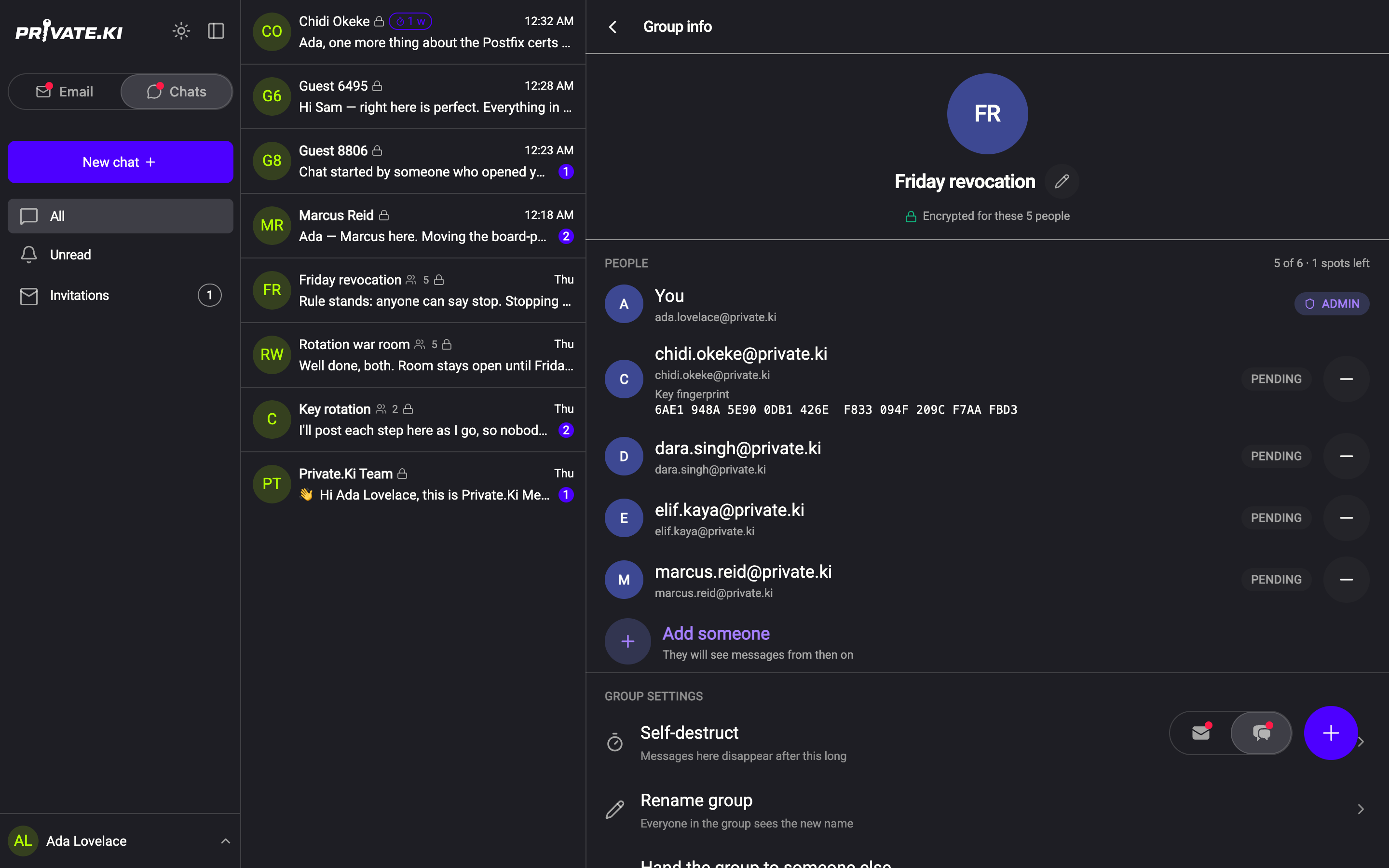
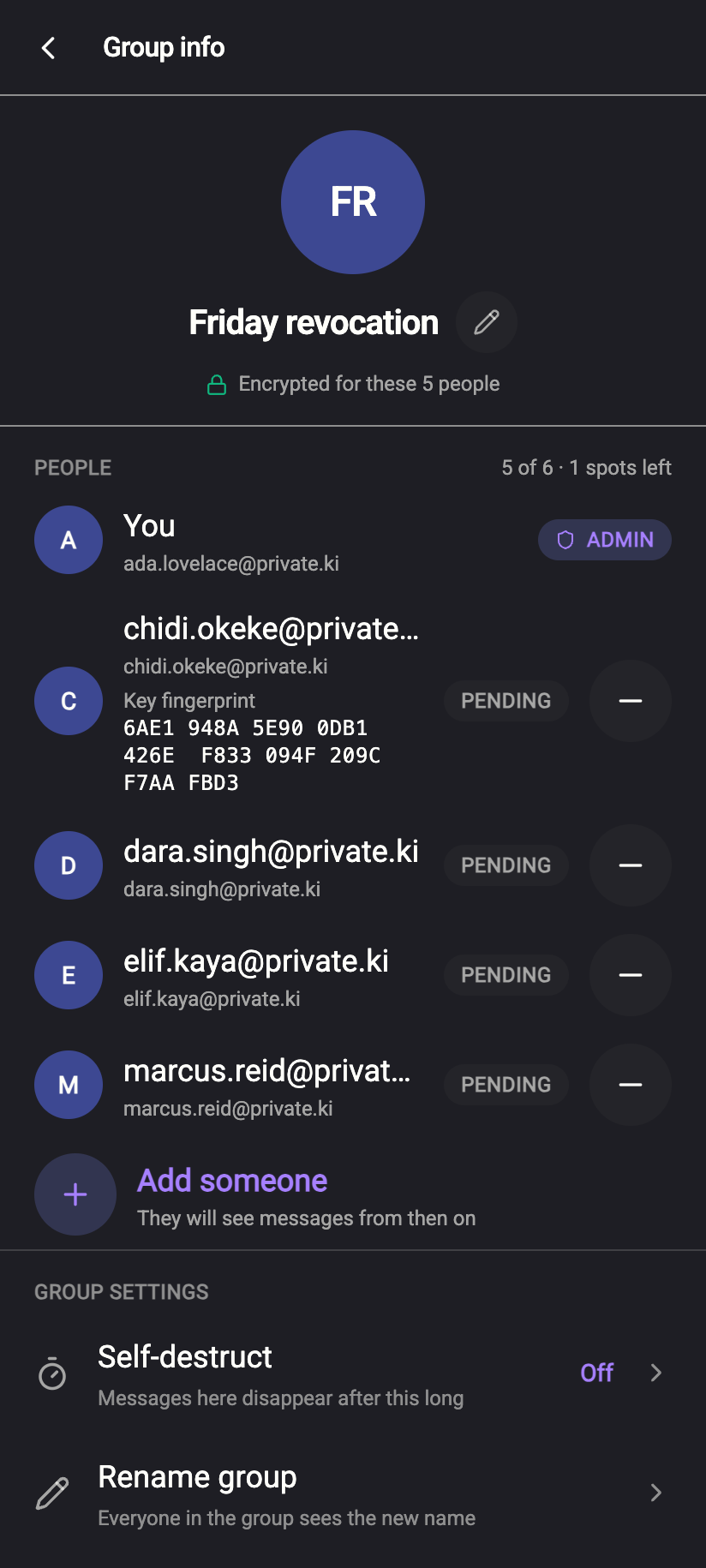
The screen has three parts: the name and avatar at the top with the line Encrypted for these N people; People, with a summary of who is in and how much room is left — 1 spot left, or no spots left when the group is full; and Group settings.
 1234567812345678
People
Each row is one member. Tags on the right mean:
- ADMIN — the one person who can change the group.
- YOU — your own row.
- PENDING — this person has not yet written anything in the group. Their device has the group and the messages; the tag only says they have not taken part. It is not a delivery or read receipt.
Add someone (admin)
- Click Add someone under the list. Its subtitle tells you the state of play: They will see messages from then on, No spots left, or Only the person who made the group can add people if you are not the admin.
- Pick an address. The heading of the Add someone panel, They won't see earlier messages, is the rule: someone added now sees messages from now, nothing before.
- Confirm. They appear in the list tagged PENDING until they write.
If the address is not on Private.Ki, the same panel says X can't be added yet and offers Invite X in a one-to-one chat or Copy an invite link to send by email — see Invite someone who isn't on Private.Ki. If there is no room left, Add someone is greyed out with No spots left, and the panel headed This group is full offers Remove someone to make room or Start a second group instead.
Remove someone (admin)
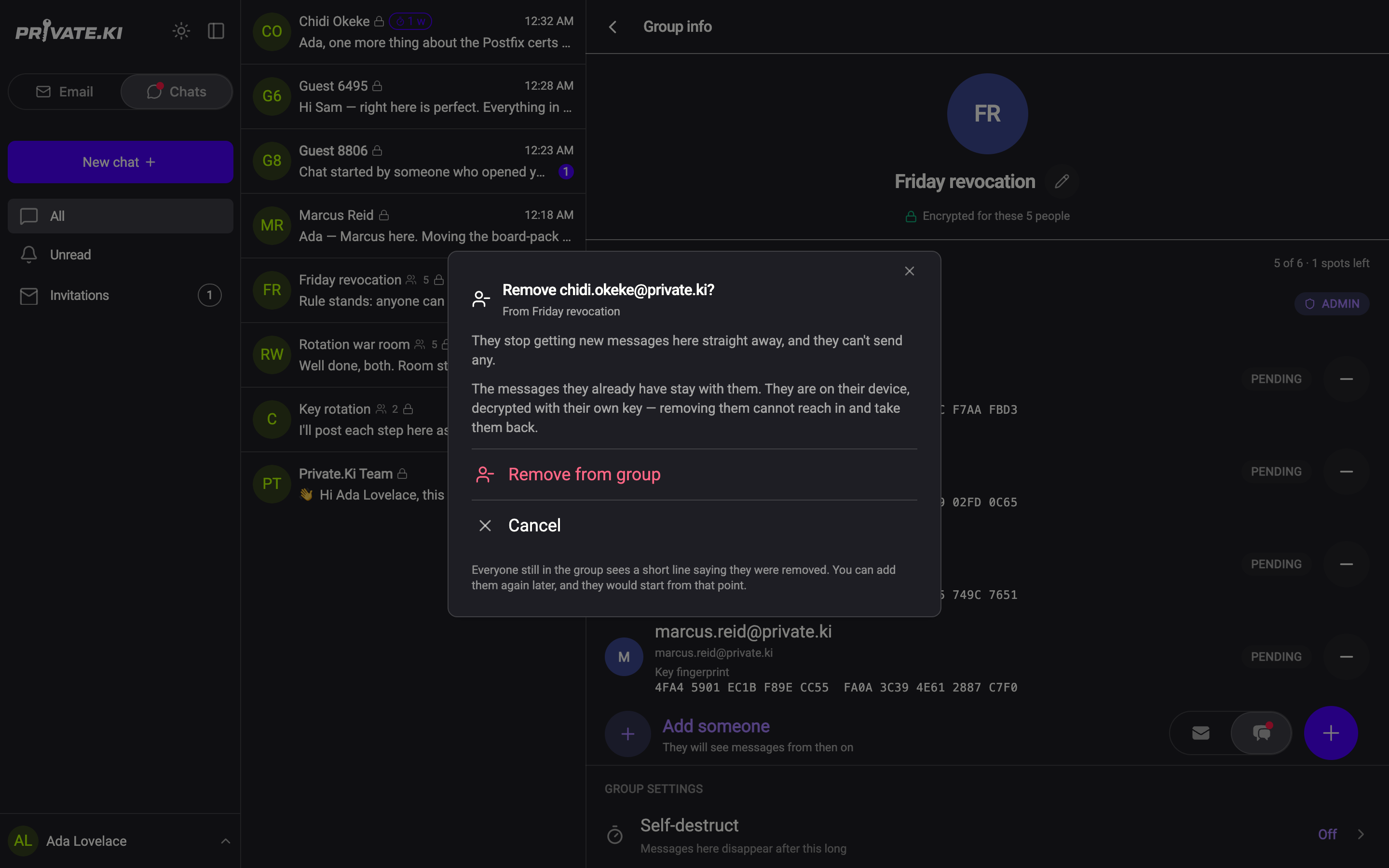
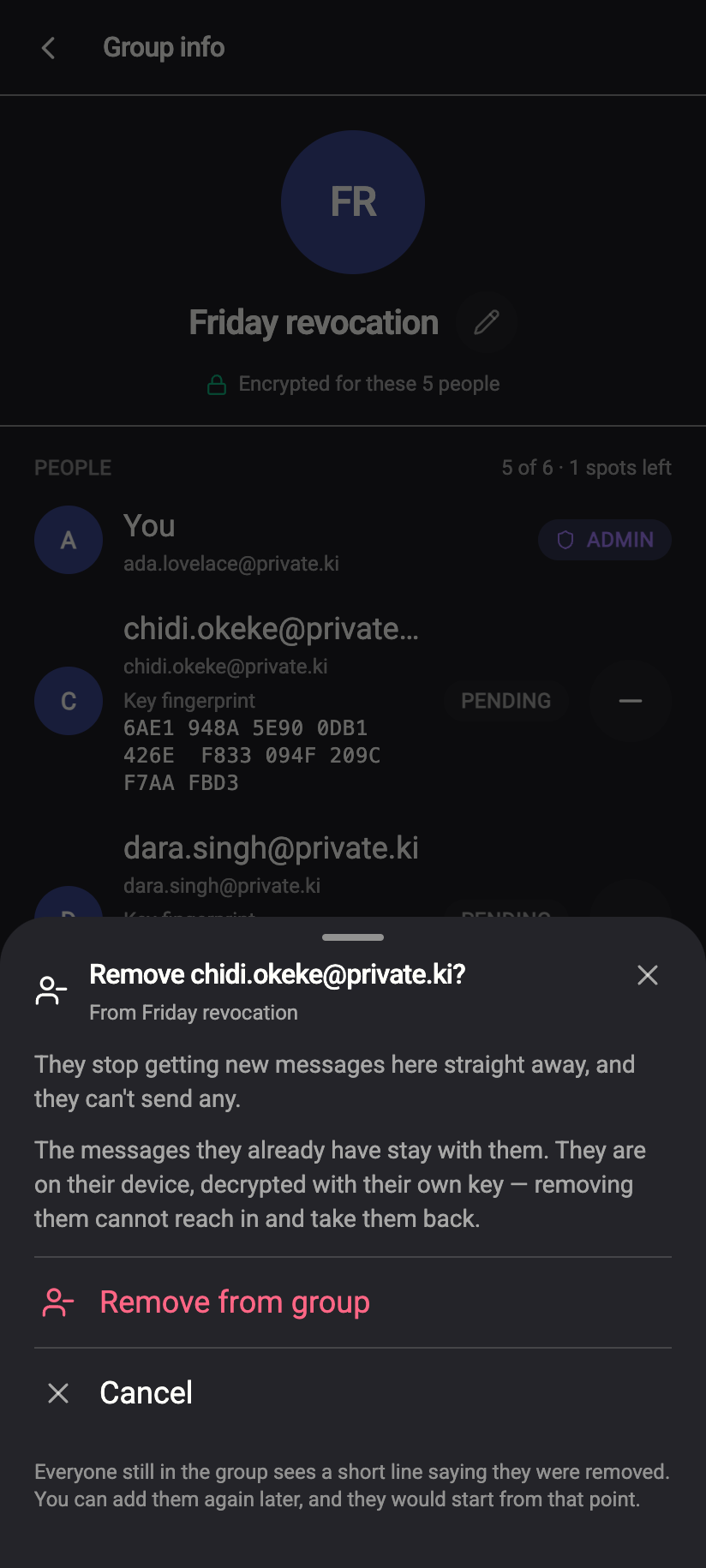
Click the − button at the right of their row, then confirm with Remove from group in the Remove X? panel.
 1212
1212From that moment nothing new is encrypted for them, so they cannot read anything sent afterwards. But the messages they already have stay with them: there is no way to reach into another device and take back what was delivered. Treat removal as closing the door, not as unsending.
Group settings
Self-destruct (admin) — one timer for the whole group, the same After sent durations as a one-to-one chat. Members see the current value with Set by
Rename group (admin) — opens a panel with the current name; up to 40 characters; Save name. Members see the row as Group name with the value, and Only
Hand the group to someone else (admin) — pick a member, confirm with Hand over to X. This is one way: you become an ordinary member, they become the admin, and only they could hand it back.
Privacy — the same three sentences everyone in the group can read: what is kept private, what is visible to us, and that the group key never rotates. See Group chats.
Leave group — at the bottom, for everyone.
Leaving
As a member
Click Leave group and confirm. The panel that opens says the part that matters — Getting back in is not up to you: only the admin can add you again, and you would start from that moment without the earlier messages. Your copy of the conversation is removed from your list.
As the admin
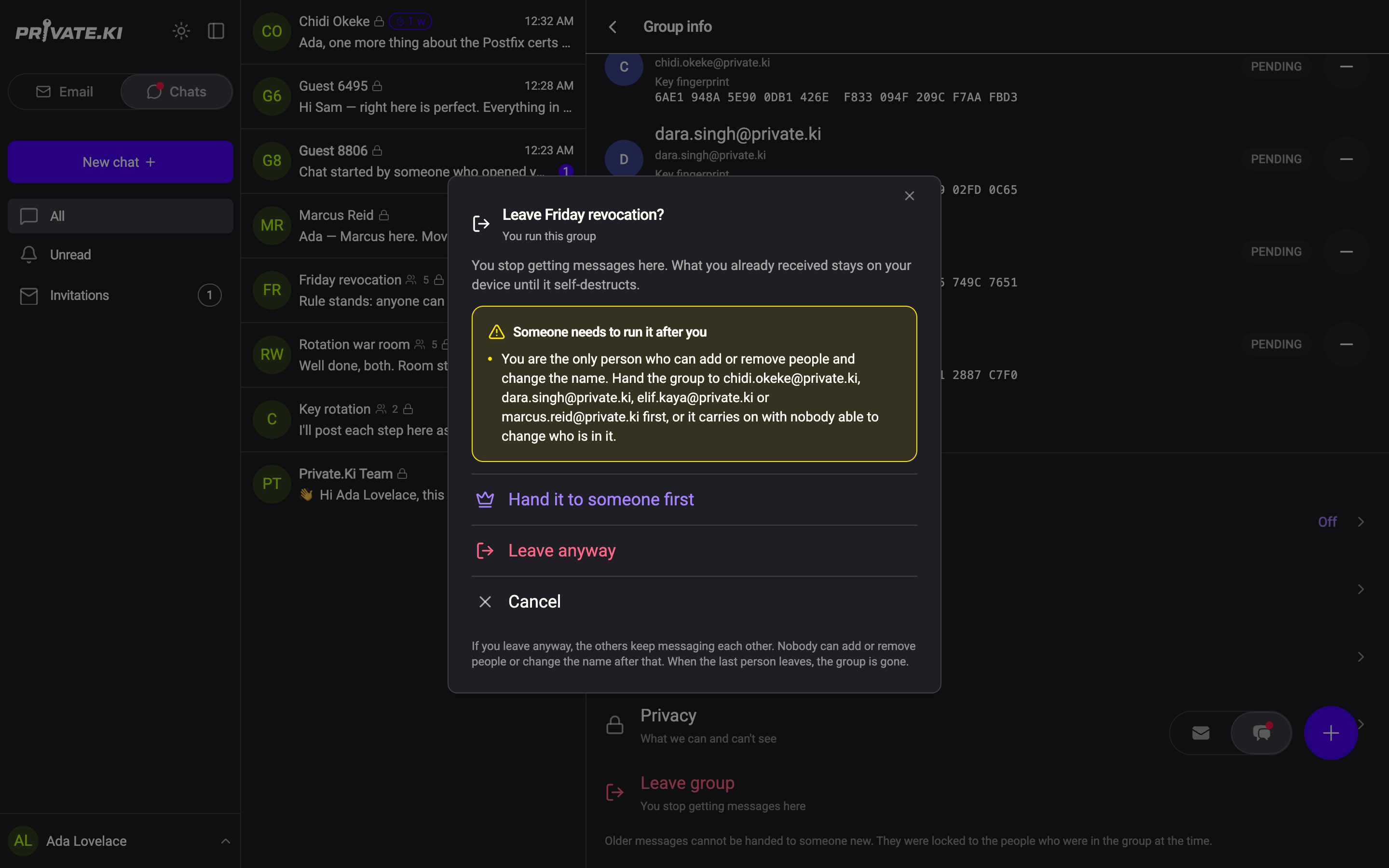
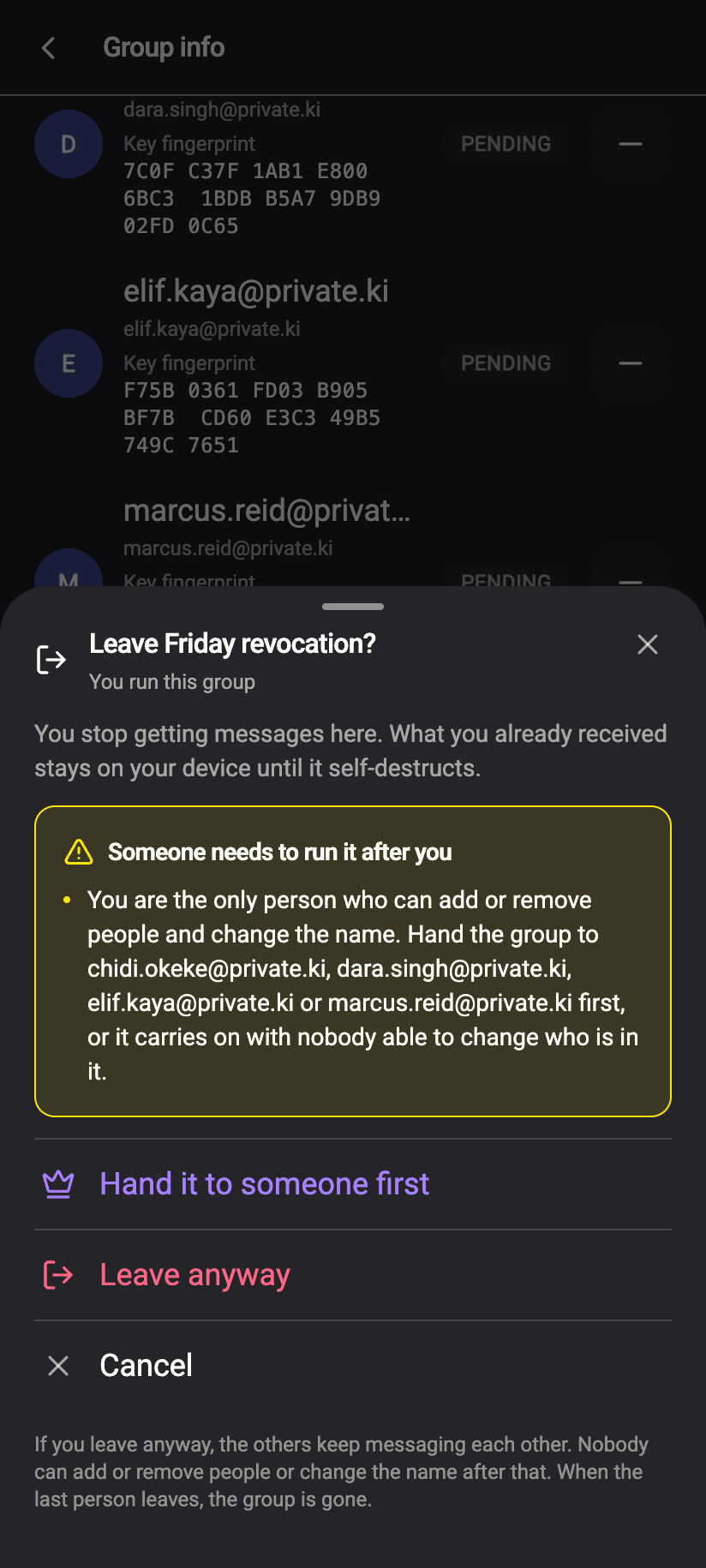
The panel is different: it is headed Someone needs to run it after you. You get two choices.
- Hand it to someone first — takes you to the hand-over picker. Do this if the group should carry on.
- Leave anyway — you leave and the group is frozen: nobody can add or remove people, rename it or change the timer, ever again. Messages still send, and they still disappear on the timer. Members see This group is frozen at the top of Group info, and the only action left is to leave. When the last person leaves, the group is gone.
 12341234
Delete in the ⋮ menu removes your copy of the messages but does not take you out of the group — the others still see you in the list and keep encrypting for you. Use Leave group. See Delete a chat.
Common questions
Can there be two admins?
No. One person runs the group. To change who, use Hand the group to someone else.
Someone was removed — do they know?
Their device stops receiving new messages for the group. Nothing is sent to them announcing the removal.
I renamed the group but a member still sees the old name
Try writing a message after renaming; the new name travels with the group's next update. If it still does not change for them, it is a known issue — see Contact support.