How secure is Private.Ki?
The protections built in — end-to-end PGP, OPAQUE sign-in, key-bound tokens, keys made on your device, two-factor — and what no email service can prevent.
Private.Ki is built so that the people running the service cannot read what you write. That is a design property, not a promise: the keys that open your mail and chats are created on your device, and the server only ever stores ciphertext.
What protects your messages
End-to-end PGP encryption. Every email and chat message between Private.Ki users is encrypted on your device with the recipient's public key before it leaves. The server stores the encrypted text and can neither read it nor produce a readable copy for anyone else. Attachments and voice messages travel inside the same encrypted message. See What is encrypted, and where.
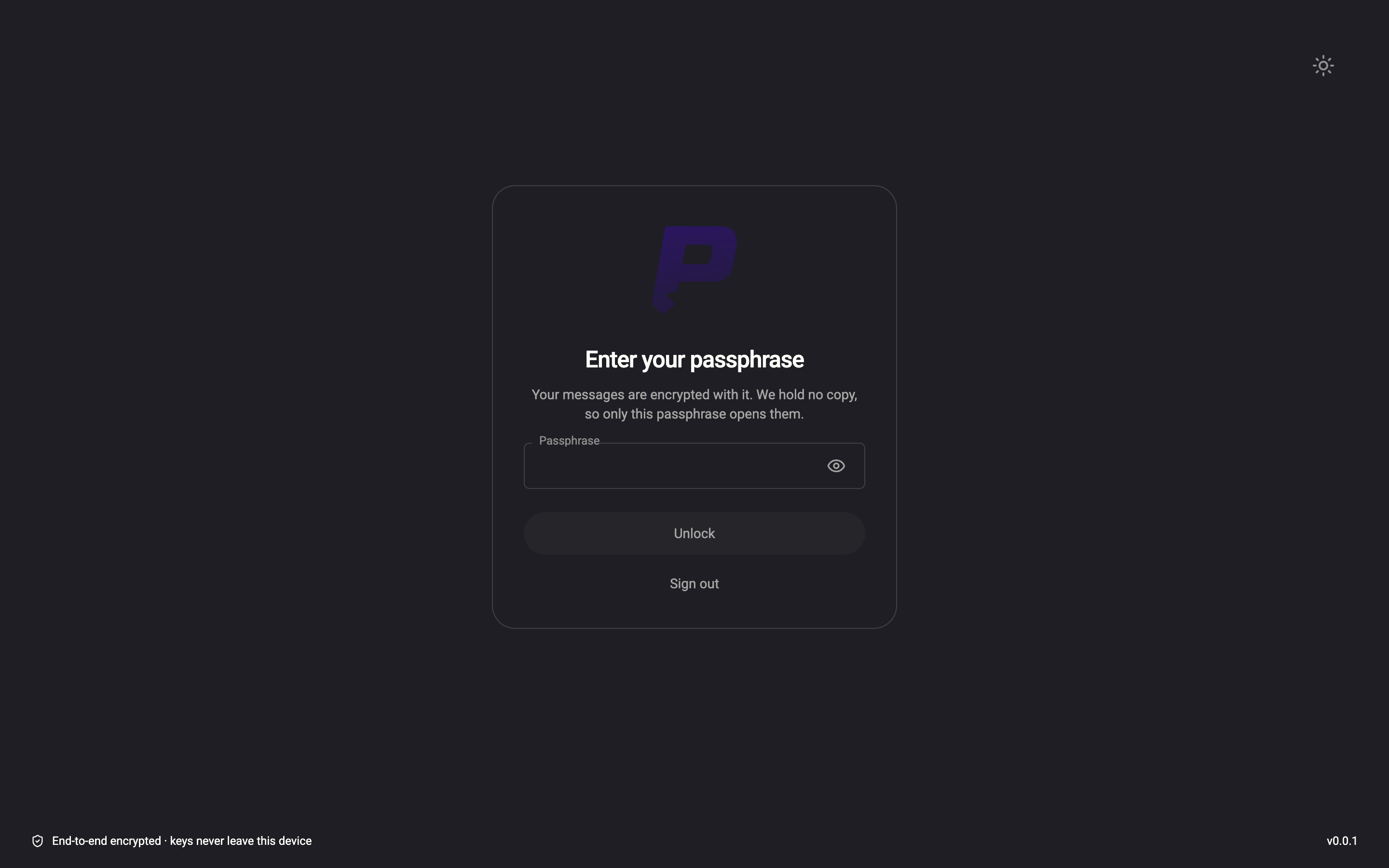
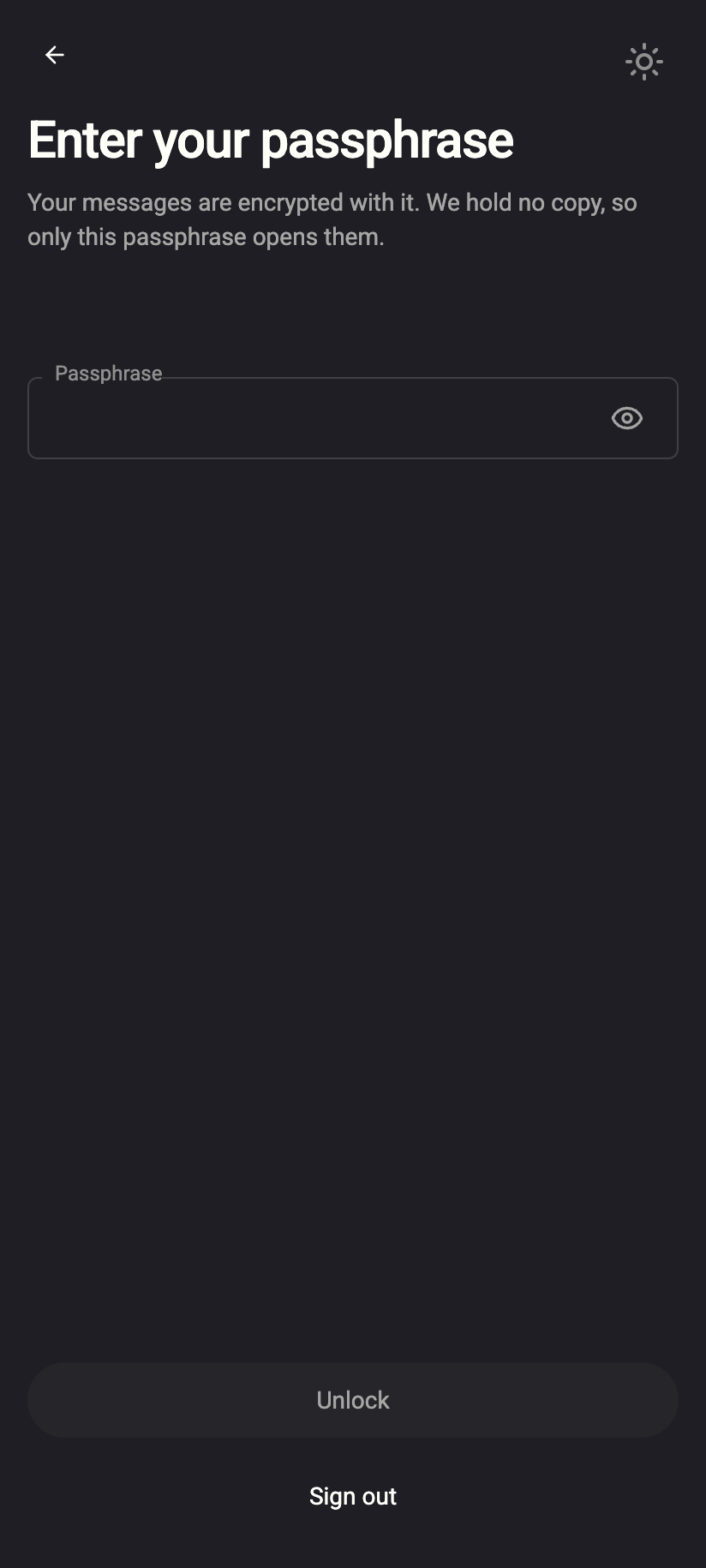
Keys generated on your device. Your PGP key pair is created in the app when you sign up, never on the server. The private key is stored on our server only in encrypted form, locked with your passphrase — or, in Password only mode, with a key derived on your device from your password. The server has neither.
 1212
1212Encrypted metadata. The subject line, recipient list and Message-ID of every stored message are encrypted on your device too, as is the sender line and your stored signatures and recipient history. Threads are grouped by keyed hashes that only your own key material can produce.
OPAQUE sign-in. Your password is never sent to the server, not even hashed. Private.Ki uses the OPAQUE protocol, in which the server holds a registration record that cannot be used to recover or brute-force the password offline. See What is OPAQUE?.
Key-bound tokens (DPoP). After sign-in, every request is signed with an ECDSA P-256 key that exists only on your device. A stolen access token is useless without that key. Access tokens last 30 minutes, refresh tokens 90 days, and every refresh rotates the token; you can end any session from Active sessions.
Two-factor authentication. A six-digit TOTP code from any authenticator app can be required after your password. The secret is stored encrypted at rest on the server. See Set up two-factor authentication.
Tracking protection in mail. Remote images are blocked by default, and tracking pixels, tracking URLs and remote fonts are stripped when you open an email. See Tracking protection.
Protected transport and signed DNS. The connections that carry mail to and from the rest of the internet use TLS 1.2 or better, our mail server's key is pinned in DNS so it cannot be impersonated, and our DNS answers are signed. These do not protect message content — encryption does that — but they close the paths around it. See Server and transport security.
What it does not protect against
If the device you read your mail on is compromised, everything you can see, an attacker can see. No server-side design changes that.
- A weak password or passphrase. OPAQUE prevents offline guessing against our server, but it cannot stop someone guessing a short, reused password on the sign-in form within the rate limits, and nothing can protect a private key locked with a passphrase that appears in a word list. Use the generated six-word passphrase, or a long unique password. See Protect your passphrase.
- The other end of the conversation. Email to people outside Private.Ki is only end-to-end encrypted if you have their public key. Otherwise it leaves our server as ordinary email, readable by their provider. Mail arriving from outside is encrypted to your key when it reaches our server — protected from then on, but readable at the moment of arrival. See Encrypted email with external contacts.
- Metadata. The server has to know who a message is addressed to in order to deliver it, when it was sent and how large it is. It sees the IP address of a connection while that connection is open, but does not log it — the app keeps no access or connection logs. The complete list is in What our server can and cannot see. Use Tor or a VPN if your IP address matters to you.
- Lost passphrases. Because we hold no copy, we cannot reset a passphrase. A password can be reset through a recovery address; a forgotten passphrase means the encrypted mail stays encrypted.
- Screenshots and forwarding. Unsend, destroy and self-destruct remove messages from the app on both sides; they cannot remove a photo of the screen.
What our server sees
Cannot see
- Message bodies, attachments, voice messages, chat texts
- Subject lines and recipient lists of stored messages
- Your password, your passphrase, or your private key in usable form
- A log of your IP address or connections — none is kept
Can see
- Your username, public key and account settings
- Who you send to, when, and how large each message is
Common questions
Can support read my mail if I ask them to?
No. Support can see your username, whether two-factor and a recovery address are set, and account status. They cannot decrypt anything, so they also cannot restore mail you have deleted or recover a passphrase. See Contact support.
Is the mobile app as secure as the web app?
Yes — same encryption, same keys on the device. On the phone you can add a PIN and Face ID or fingerprint unlock on top. See PIN and biometric unlock.