Use Private.Ki with a VPN
A VPN needs no setup on our side — connect it and use Private.Ki as usual. What it hides, what it does not, and the one thing to expect on a crowded VPN server.
A VPN routes all of your device's traffic through an encrypted tunnel to a server run by the VPN provider, so websites — including Private.Ki — see the VPN server's IP address instead of yours. Private.Ki does not block VPNs and needs no configuration to work with one. Turn the VPN on, open the app, sign in.
What a VPN adds
Your emails and chats are already end-to-end encrypted, and every connection to our server is already HTTPS. A VPN does not change either. What it changes is who can see the connection:
- The app sees the VPN server's address, not your home or office IP — and logs neither. The app keeps no access or connection logs, VPN or not.
- Your local network — a café Wi-Fi, an employer, a hotel, your ISP — sees an encrypted tunnel to the VPN provider, not a connection to
private.ki. - The VPN provider sees that you connected to
private.ki. That is the trade: you move trust from your local network to the VPN company. Choose one whose logging policy you have read.
A VPN also gets around networks that block Private.Ki or block WebSockets, which the app needs for real-time updates.
Set up
There is nothing to set up in Private.Ki.
- Connect the VPN on your device (or router).
- Open
https://app.privateki.net, or the Private.Ki app, and sign in as usual. - That is all. Everything — mail, chats, attachments, pairing a phone by QR — works the same.
What to expect
Rate limits on shared servers. Our server limits requests per IP address. A popular VPN server puts many people behind one address, so on a busy one you can occasionally see Too many requests on sign-up, the username check, password recovery, device pairing or the sign-in handshake, even though you made one request. Wait a minute, or switch to a different VPN server. Once you are signed in and using the app normally you are very unlikely to hit a limit. See Rate limits.
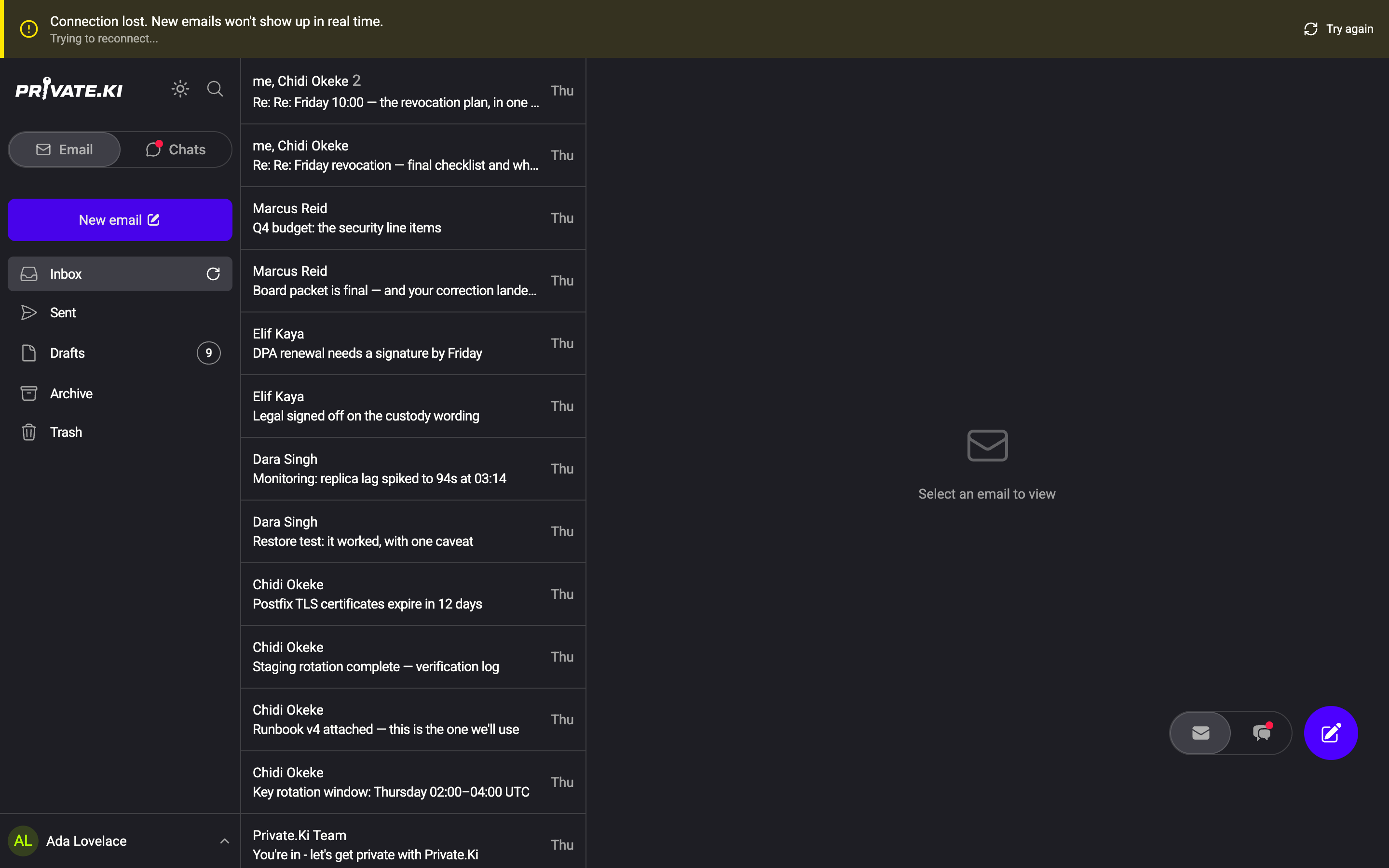
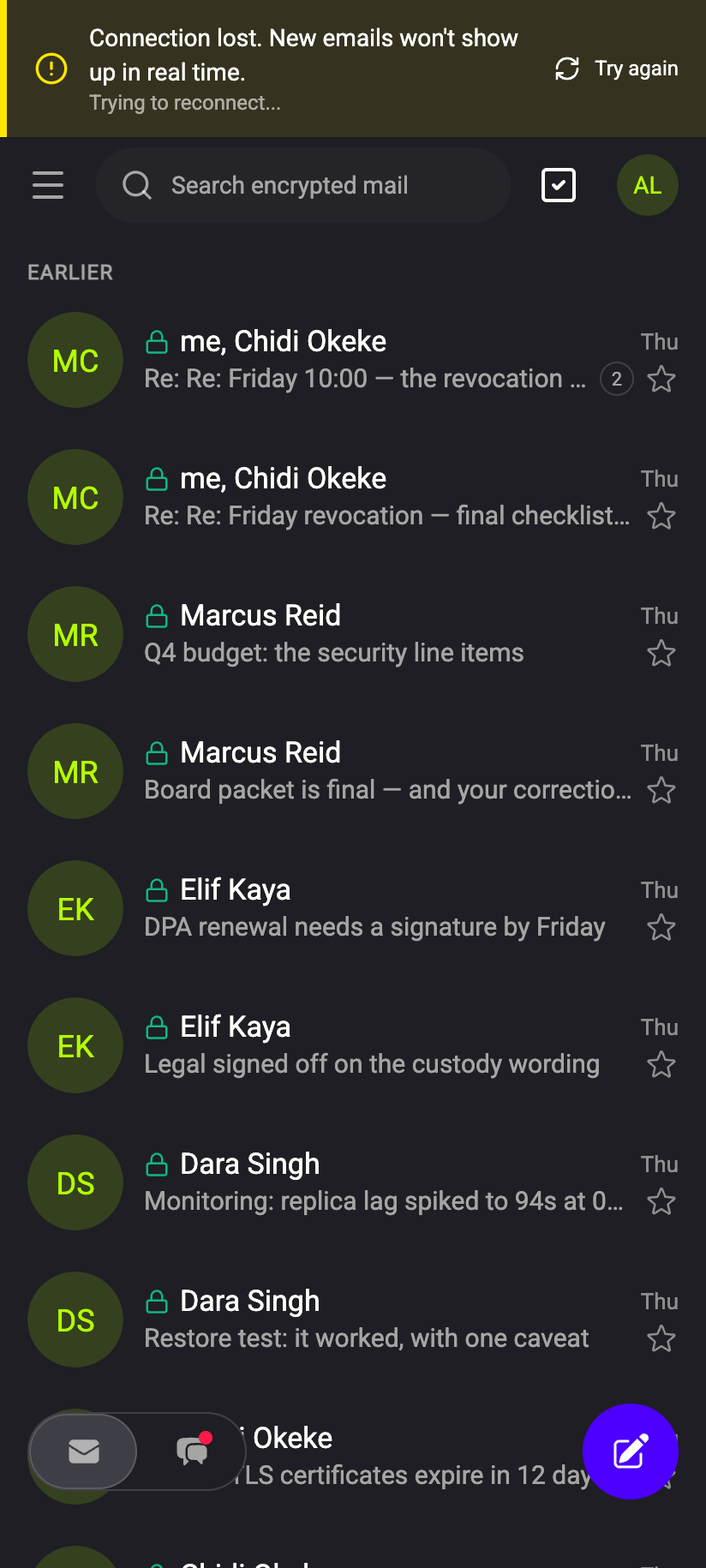
Reconnects when the VPN reconnects. When the VPN drops and comes back — switching Wi-Fi to mobile data, waking a laptop — Private.Ki's live connection drops too. It reconnects on its own within a few seconds. If your VPN has a kill switch that blocks all traffic while the tunnel is down, the app will show Connection lost after 15 seconds and, if the tunnel stays down for 30 minutes, lock itself. See Offline, reconnecting and the 30-minute auto-lock.
 123123
Your session is not tied to an IP. Changing VPN servers, or turning the VPN on or off mid-session, does not sign you out. The token that authorises each request is bound to your device's key, not to your address.
Clock skew. Some VPN apps on some systems interfere with time sync. If Private.Ki tells you your clock is out of sync, set the device clock to automatic; the sign-in tokens depend on accurate time.
VPN or Tor?
| VPN | Tor | |
|---|---|---|
| Hides your IP from Private.Ki | Yes | Yes |
| Hides that you use Private.Ki from your network | Yes | Yes |
Who can still see you connect to private.ki |
The VPN provider | Nobody in particular — each hop sees only the next |
| Speed | Close to normal | Noticeably slower |
| Set-up | One app, always on | Tor Browser, Standard or Safer level |
For everyday use, a reputable VPN is a good balance. For anonymity from everyone, including us, use Tor — see Use Private.Ki over Tor. Using both at once is possible.
What our server sees
Cannot see
- Your real IP address — only the VPN server's, and that is not logged either
- Your mail or chats — same as always
Can see
- Your username and what you do in the app, exactly as without a VPN
- That many users share the same address, which is why the per-address rate limit sometimes fires
Common questions
Does a VPN make my messages more encrypted?
No. They are encrypted end to end on your device before they leave it. The VPN adds a tunnel around the connection, which hides the connection from your local network. It does not touch the message.
The app says "Connection lost" whenever I switch networks
Expected. The VPN re-establishes its tunnel, then Private.Ki reconnects. If the banner does not go away, click Try again or check that the VPN itself is connected.
Do I need to allow Private.Ki through the VPN's split tunnelling?
No. The app works inside or outside the tunnel. If you split-tunnel Private.Ki out of the VPN, our server sees your real address again.
Can I use a VPN on my phone with the app?
Yes. System-wide VPNs on iOS and Android cover the Private.Ki app and the web app alike.